Your dashboard says a 52% open rate. Your calendar says two meetings. Both numbers are real, and only one of them pays the bills.
Most outbound teams track what is easy to count, not what matters. Opens get reported. Replies get skimmed. Then a rep sends a fourth follow-up to a prospect who answered on Tuesday.
Here is the short answer. To track email opens and replies in automated outreach sequences, send through a platform that logs opens with a tracking pixel and detects replies at the inbox level, then attach both to each prospect's CRM record. Treat replies as the main signal and opens as a rough hint. Stop the sequence when a reply lands.
SalesTarget.ai keeps sending, reply handling, and CRM tracking in one workspace. This guide shows how to set that up.
Email Tracking Challenges in Automated B2B Outreach
The hardest part is that tracking data lives in too many places. Emails go out from one tool, replies land in a dozen inboxes, and deals sit in a CRM nobody updates. Reports drift away from reality.
Then the noise starts. Security scanners and privacy features create opens no human made. Out-of-office replies get counted as interest. A colleague answers from a different address, and the sequence keeps firing at the original contact.
Teams that stitch a data tool, a sending tool, and a separate CRM together feel this most, since every handoff drops a field or a timestamp.
Email Tracking in Automated Outreach Sequences
Automated tracking relies on three signals: image loads for opens, link redirects for clicks, and mailbox reads for replies.
Email Open Tracking and Reply Detection
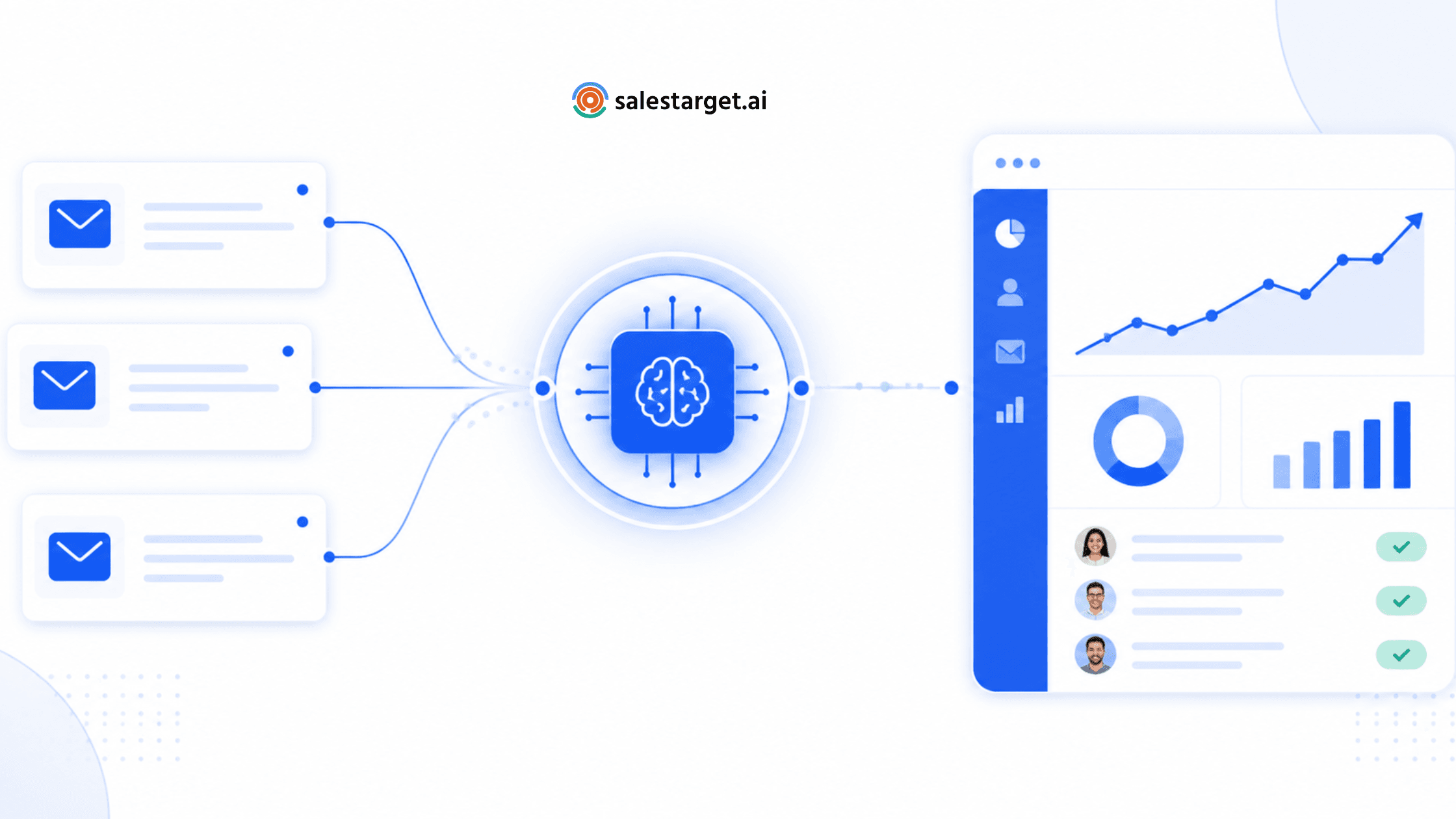
An open is logged when a hidden 1x1 image in the email loads. A reply is detected by reading the inbox thread, so it needs no image and is far more reliable. SalesTarget.ai's Unibox pulls every reply from every connected inbox into one view and sorts it by intent: Interested, Follow-Up, or Not a Fit.
Tracking Pixels, Link Tracking, and Email Activity Signals
Link tracking wraps each URL in a redirect so the click is counted before the visitor lands. Pixel and links together produce activity signals: open count, click count, and timing. One practitioner tip: keep the first email free of links and images, track the reply, and add tracked links from the second touch. Plain first emails can land better.
Email Privacy Features and Tracking Accuracy
Apple's Mail Privacy Protection loads images in the background, so a message can register as opened without being read. Omeda found unique open rates across its client programs rose from 15.2% to 29.0% within six months of rollout. Corporate security gateways add a second layer. A click on every link in the same second is a scanner, not a buyer.
Key Metrics for Measuring Outreach Performance
Four metrics decide whether a sequence works: engagement signals, reply quality, list health, and revenue outcomes.
Email Open Rate and Click-Through Rate
Open rate shows direction, not truth. Use unique opens per delivered email and judge the trend inside one list, never across lists. Click-through rate (unique clicks divided by delivered) holds up better since a person has to act, though scanners can still inflate it.
Reply Rate and Positive Reply Rate
Reply rate is replies divided by delivered emails. Instantly's benchmark report puts the platform average at 3.43%, with 58% of replies coming from the first email. A weak opener cannot be rescued by follow-ups. Positive reply rate matters more: a benchmark roundup from Something Inc. estimates only about 14% of replies show genuine interest. Track referrals ("talk to my colleague") as their own bucket. They are pipeline too.
Bounce Rate and Email Deliverability
Bounce rate is the share of emails that never arrive. Most deliverability guidance treats 2% as the line. Above it, inbox placement drops for every email you send, including the good ones. SalesTarget.ai reports that 90% of emails in Email Outreach are validated before sending, which keeps this number under control.
Meetings Booked and Pipeline Contribution
Meetings booked per 1,000 delivered emails is the number leadership cares about. Trace each meeting back to its campaign, sequence step, and prospect. SalesTarget.ai reports 2.4X more meetings from the same leads when campaign leads and follow-ups live in its built-in CRM.
Steps to Track Opens and Replies in Automated Outreach Sequences
Six steps take you from the first send to a report you can act on.
Configure Email Tracking and Reply Notifications
Connect your inboxes, then run SPF, DKIM, and DMARC checks before the first send. Switch on open and click tracking per campaign, and turn on reply notifications for the lead owner. In SalesTarget.ai, AI warm-up and inbox rotation run in the background, so your tracking data reflects healthy sending.
Segment Prospects by Campaign and Outreach Stage
Run one campaign per persona and stage. A blended campaign hides everything, since a founder list and a RevOps list never reply alike. Build each segment in Lead Explorer, enrich and verify in the same click, and push contacts straight into a sequence with no CSV.
Monitor Opens, Clicks, Replies, and Bounces
Check in this order: bounces, replies, clicks, then opens. Bounces damage everything after them, so they come first. Replies need a human today. Opens come last since they are the noisiest signal. A sudden drop in opens across a whole mailbox is a deliverability alarm, not a copy problem.
Automate Follow-Ups Based on Prospect Responses
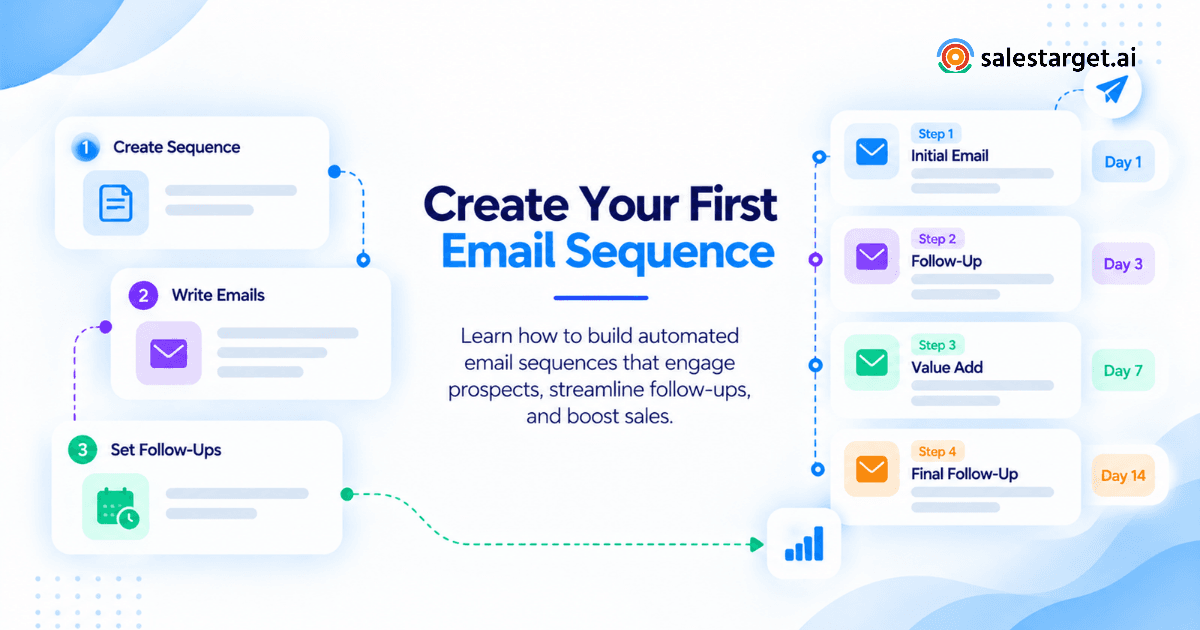
Build branches. No reply moves to step two. An Interested reply stops the sequence and creates a task. Not a Fit removes the contact. For multichannel flows, a LinkedIn touch can replace a third email, and LinkedIn automated outreach sequences can branch on replies, actions, or silence.
Sync Engagement Data With the Sales CRM
Campaign leads should land in the CRM automatically, every email should log to the lead timeline, and a follow-up task should appear when a lead replies. SalesTarget.ai's CRM does this and reports 91% follow-up completion, with setup in under a day. Start free and see replies and deals on one timeline.
Review Campaign Reports and Optimize Sequence Performance
Review weekly at campaign level and monthly at segment level. Compare cohorts of equal age, change one variable at a time, and give each test enough sends to mean something. Ask the AI Copilot which campaigns drive revenue instead of pulling the report by hand.
Essential Features of Email Outreach Tracking Tools
The right tool shows engagement fast, handles replies correctly, protects sender reputation, and reports back to the CRM.
Real-Time Email Engagement Tracking
Engagement should show up in minutes, not in a nightly export. A rep can act on a click or reply while the prospect still has you in mind. Look for per-recipient activity timelines, not only campaign totals.
Automated Reply Detection and Follow-Up Controls
The tool should read threads, separate human replies from auto-replies, and stop the sequence on its own. Test how it treats "out of office" and "please remove me" phrasing. Manual pause buttons fail at volume.
Deliverability Monitoring and Inbox Warm-Up
Automatic warm-up, inbox rotation, and authentication checks protect the sender reputation your tracking data depends on. SalesTarget.ai supports unlimited inboxes with AI warm-up, so adding sending capacity does not mean adding another tool.
Campaign Analytics and CRM Integration
Reports should tie opens, replies, and meetings to deals. A native CRM beats a sync, since syncs break quietly. SalesTarget.ai's dashboard shows email stats, open deals, meetings, and pending tasks together, and it connects with HubSpot, Salesforce, and Zoho.
Best Practices for Improving Email Tracking Accuracy
Accurate tracking comes from filtering noise, stopping at the right moment, and measuring the same way every time.
Separate Genuine Engagement From Automated Opens
Weight a click or reply far above an open. Flag opens that land within seconds of sending and clicks that hit every link at once. Repeat opens across several days say more than one open at 3 a.m.
Stop Follow-Ups After Replies and Opt-Outs
Every reply, positive or negative, ends the automated sequence. Read for natural-language opt-outs like "not now, take me off" and not only the unsubscribe link. Sorting replies into Interested, Follow-Up, and Not a Fit in Unibox turns this into a one-click task.
Maintain Clean Contact Lists and Verified Email Addresses
Bad addresses skew every metric: bounces rise, reply rate falls, and reputation drops. Read how an email verifier improves B2B email outreach and verify at the point of enrichment, not whenever the data was first scraped.
Track Positive Replies Alongside Opens and Clicks
Tag every reply as positive, negative, neutral, or referral, then track each share per campaign. A 6% reply rate full of "stop emailing me" is worse than 2% with real conversations.
Compare Campaign Results Using Consistent Metrics
Fix your definitions: delivered as the denominator, unique opens, replies counted within 14 days of the last step, auto-replies excluded. Write them down. One rep counting per sent and another per delivered will never agree.
Common Email Tracking Mistakes in B2B Sales
Four habits cause most of the confusion.
Relying on Open Rates as the Main Success Metric
Open rate is the easiest number to report and the easiest to distort. Teams that optimize subject lines against inflated opens end up testing Apple's pre-fetch, not their copy. Judge subject lines by replies.
Ignoring Negative Replies and Bounce Trends
Negative replies are early warnings. A jump in "not a fit" points to a targeting problem. Slow bounce creep points to list decay. Both show up weeks before meetings drop.
Sending Repeated Follow-Ups to Engaged Prospects
A prospect who clicked your pricing-adjacent link twice does not need step four on schedule. A rep should call or write by hand. Automation is for the silent, not for the interested.
Measuring Activity Without Connecting It to Sales Outcomes
Sends, opens, and clicks are activity. Meetings and pipeline are outcomes. If your report cannot show which sequence produced which deal, you are measuring effort.
Why Choose SalesTarget.ai
SalesTarget.ai is an all-in-one outbound platform: lead data, email and LinkedIn outreach, validation, a CRM, and an AI Copilot in one workspace. Tracking works better when nothing is stitched together.
Lead Explorer for Prospect Data and Enrichment
Lead Explorer searches 840M+ profiles and 146M+ businesses, with 4,000+ intent signals (SalesTarget.ai figures). Verified, enriched contacts at the start mean cleaner tracking later.
Email Outreach for Automated Sequences and Engagement Tracking
Email Outreach builds multi-step sequences from a plain-English audience description, warms inboxes automatically, checks SPF, DKIM, and DMARC, and sends every reply into Unibox sorted by intent.
LinkedIn Outreach for Coordinated Multichannel Prospecting
LinkedIn Outreach runs connection requests, DMs, and follow-ups with conditional branches and auto-pause safeguards. It shares one flow with email, so a reply on one channel is visible on the other.
Email Validator for Contact Verification and Bounce Reduction
Email Validator runs MX and SMTP checks, disposable-email detection, and risk scoring before you send, through a real-time API or bulk list cleaning.
Built-In CRM for Reply Management and Sales Activity
The built-in CRM logs every email and call to the lead timeline, creates follow-up tasks when leads reply, and includes an AI dialer that writes call notes for the rep.
AI Copilot for Sales Research and Outreach Support
The AI Copilot is free inside the platform. Ask which campaigns drive revenue, query deals, meetings, and tasks in plain language, or generate a full sequence in seconds.
Turning Email Engagement Data Into Better Sales Results
Engagement data only helps if it changes what a rep does next.
Prioritize Prospects Based on Meaningful Engagement
Rank signals: a reply first, repeat clicks second, opens across several days third, a single open last. Pair that ranking with intent signals from Lead Explorer, and put the top tier on a rep's task list the same day.
Improve Follow-Up Timing and Message Personalization
Find the step that earns replies. Since 58% of replies come from the first email, rewrite the opener before adding steps. Use click data to shape the next message around the topic the prospect actually opened.
Connect Outreach Metrics With Meetings and Pipeline Growth
Report per campaign: delivered, replies, positive replies, meetings, and pipeline created. Feed that into your sales pipeline reporting so leadership sees outcomes, not sends. Start free with SalesTarget.ai and see which campaigns create pipeline.
Conclusion: Improving B2B Outreach With Email Tracking
The 52% open rate and two meetings problem comes from tracking the wrong layer. Opens are noisy, replies are clean, and outcomes are what count. Track in that order, stop sequences the moment someone answers, and tie every signal to a deal.
That is hard to do with a data tool, a sender, and a CRM that barely talk. SalesTarget.ai puts lead data, verified contacts, email and LinkedIn sequences, Unibox replies, and the CRM in one workspace, so every open, reply, and meeting lands on the same timeline. Try SalesTarget.ai free and track outreach that leads to pipeline.