Your reps open three tabs before they send one email. A contact database in one window, a sequencing tool in another, a spreadsheet tracking who replied where. Half the leads bounce. The other half got a follow-up two weeks late because nobody flagged the reply. This is the daily grind for most outbound teams, and it's rarely a talent problem. It's a tooling problem.
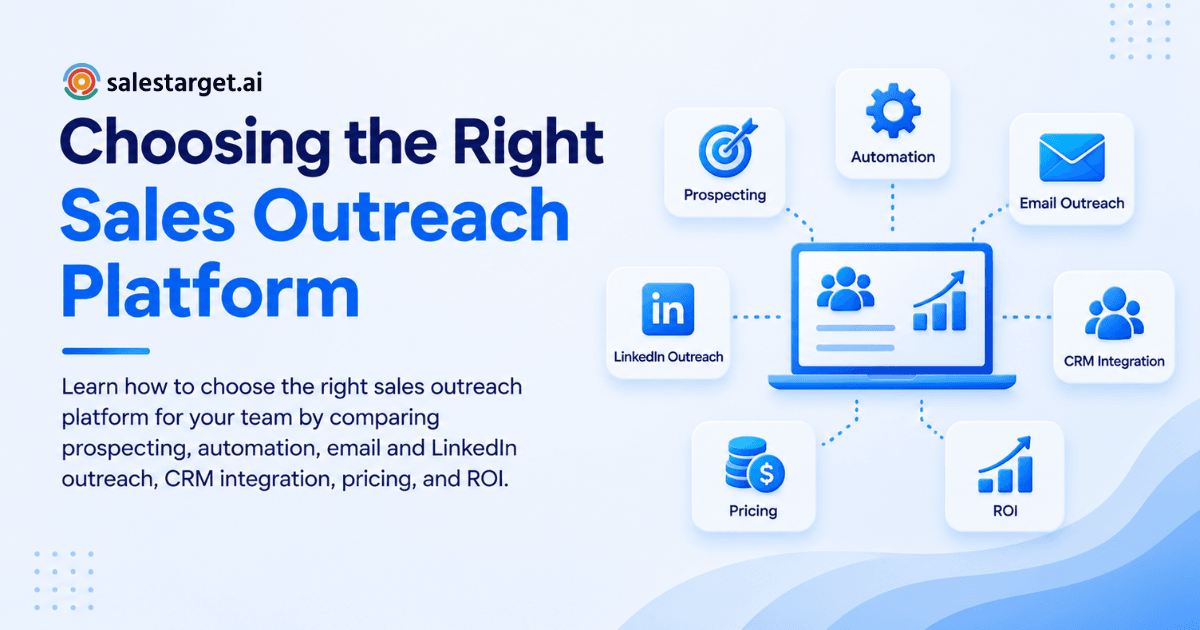
The right sales outreach platform is the one that matches your team's channel mix, deal size, and data needs, connects prospecting to CRM without manual exports, and protects your sender reputation while your reps send. Pick based on your actual workflow, not the longest feature list. The rest of this guide breaks down what to check before you commit.
Define Your Outbound Sales Goals and Team Requirements
Before comparing vendors, write down what "working" looks like: meetings booked per week, target reply rate, channels you plan to use. A five-person SDR team chasing SMB deals needs different volume and pricing than a three-person founder-led sales motion. Match the platform to the goal, not the other way around.
What to Look for in a Sales Outreach Platform
B2B Prospecting and Accurate Contact Data
A platform is only as good as the contacts inside it. Look for a live database with verified emails and phone numbers, filterable by role, industry, company size, and buying signals, rather than a static list that goes stale within months.
Email Outreach and Automated Sequences
Multi-step sequences with timed follow-ups take the guesswork out of when to reach back out. Check whether the platform builds sequences from a simple audience description or forces you to write every step by hand.
LinkedIn Outreach and Multichannel Campaigns
Email alone misses buyers who screen unfamiliar senders. LinkedIn connection requests, DMs, and engagement actions running alongside email give a rep two shots at the same prospect inside one coordinated cadence.
Lead Enrichment and Email Verification
Raw contact records need enrichment (phone, verified email, firmographic data) before a rep touches them. Verification at the point of send matters more than verification at the point of scrape, since data decays fast.
CRM Integration and Sales Activity Tracking
Every call, reply, and meeting should land on the lead's timeline without a rep copying it over by hand. If your outreach tool and your CRM live in separate systems, someone is doing that copying, and it's usually skipped.
Reporting and Outreach Performance Analytics
You need visibility into open rates, reply rates, and meetings booked by campaign, rep, and channel, not just a total send count. Reporting that stops at "emails sent" tells you activity, not results.
Key Features That Make Sales Outreach Software Effective
Lead Generation and Prospect Management
Sourcing and organizing prospects inside one workspace cuts the back-and-forth between a data provider and a separate outreach tool. A rep should be able to build a list and push it into a sequence in the same session.
Sales Automation and Follow-Up Sequences
Automated pacing and follow-up logic keep leads from falling through the cracks after the first send. Manual follow-up tracking in a spreadsheet breaks down fast once volume grows past a handful of reps.
Email Deliverability and Inbox Management
Inbox warm-up, sending limits, and authentication checks (SPF, DKIM, DMARC) protect your domain from landing in spam. A platform that ignores deliverability will eventually tank every campaign running through it, not just the risky ones.
Sales Communication Across Email and LinkedIn
A rep juggling separate inboxes for email and LinkedIn loses context between the two. A unified view of replies across channels, sorted by intent, saves the mental math of remembering who said what where.
Pipeline Management and CRM Synchronization
Leads that reply should move into a pipeline automatically, with a task created for the rep to follow up. Waiting on manual data entry between outreach and CRM slows down exactly the leads that are ready to talk.
AI-Powered Sales Assistance and Personalization
AI that drafts sequence copy, personalizes by role and industry, and flags at-risk deals frees reps to spend time on calls and negotiation. Generic "AI-powered" claims without a concrete use case are worth ignoring; ask what the AI actually does day to day.
How to Compare Sales Outreach Tools for Your Team
Compare Features Against Your Existing Sales Stack
List what you already use for data, email, LinkedIn, and CRM, then check which of those a new platform can absorb. A tool that only replaces one piece of your stack still leaves the connection problem in place.
Evaluate Automation and Manual Control
Full automation without override options can send messages a rep would have paused on. Look for automation with manual checkpoints, so reps stay in control of tone and timing on higher-value accounts.
Check Data Quality and Deliverability Capabilities
Ask how contacts get verified and how often the database refreshes. A platform with a large database and no verification step will hand your reps a bounce problem, not a pipeline.
Review Integrations and Workflow Compatibility
Calendar, meeting, and CRM integrations decide how much manual work survives after you switch tools. Check for native connections to what you already run, like Google Calendar, Slack, HubSpot, or Salesforce, before you sign anything.
Compare Pricing, User Limits, and Outreach Volume
Per-seat pricing, sending limits, and credit structures vary a lot between vendors. Model your actual team size and volume against each pricing tier before assuming a platform fits your budget.
Gartner research cited by industry analysts found that 90% of sales leaders plan to invest in sales engagement platforms, which puts pressure on teams still running outreach through disconnected point tools.
Sales Outreach Platform vs. Separate Sales Tools
The Cost of Managing Multiple Sales Tools
Running one tool for data, another for email, and a third for CRM means paying multiple bills and training reps on multiple interfaces. Each additional tool adds a login, a data export, and a place for information to go stale.
Data and Workflow Gaps Between Disconnected Platforms
Contacts found in a database tool rarely sync cleanly into a separate CRM without manual mapping. Those gaps show up as duplicate records, missed follow-ups, and reps re-researching leads someone already touched.
Benefits of Managing Prospecting, Outreach, and CRM in One Place
Finding, reaching, and tracking a lead in the same workspace removes the export-import cycle entirely. Deals move faster when the rep doesn't have to leave the platform to log the next step. Research on GTM tooling has pointed to context-switching between disconnected tools burning as much as 45 minutes per prospect, time that a connected platform gives back to actual selling.
How to Choose a Sales Outreach Platform for B2B Sales
Support for Targeted B2B Prospecting
Filtering by industry, seniority, department, and intent signals matters more for B2B than broad contact volume. A platform built for B2B should let you build a list around your ideal customer profile, not a generic audience.
Email and LinkedIn Outreach Capabilities
B2B buying committees respond to different channels depending on seniority and role. A platform running email and LinkedIn as one coordinated cadence, rather than two separate campaigns, reaches more of the buying group.
Lead Qualification and Enrichment
Not every contact matching your filters is a fit. Enrichment plus buying signals (funding rounds, hiring spikes, leadership changes) help a rep prioritize who to reach first instead of working a list top to bottom.
Follow-Up Automation and Pipeline Tracking
B2B cycles run long, and manual follow-up tracking loses leads over weeks and months. Automated cadences paired with pipeline stages keep a lead visible until it closes or gets disqualified.
Team Collaboration and Sales Reporting
Managers need visibility into what each rep is sending and what's landing, without pulling data from four separate tools. Shared reporting across the team turns individual activity into a coachable pattern.
Why Choose SalesTarget.ai
SalesTarget.ai puts B2B lead data, multichannel outreach, email validation, a built-in CRM, and an AI Copilot in one workspace, so a rep can find a buyer, reach them, and close the deal without switching platforms.
Find and Enrich B2B Prospects with Lead Explorer
Search in plain English or stack filters across industry, role, seniority, and company size against 840M+ verified professional profiles and 146M+ business entities. Lead Explorer enriches leads the moment you find them, pulling verified email, phone, and mobile in one click, with real-time buying signals layered on top.
Run Email and LinkedIn Outreach from One Platform
Auto-built sequences combine email and LinkedIn actions into a single cadence, with AI personalization adapting copy to each prospect's role and industry. Both channels run on a coordinated schedule instead of two disconnected campaigns competing for the same inbox.
Improve Deliverability with Email Validation and Inbox Warm-Up
Unlimited inboxes come with automatic AI warm-up and SPF, DKIM, and DMARC checks built in, and SalesTarget.ai validates around 90% of emails before they go out. That combination keeps bounce rates down and protects domain reputation over time.
Manage Conversations Through Unibox
Every reply across email lands in one inbox, sorted automatically by intent (Interested, Follow-Up, Not a Fit) and assigned to an owner. A rep opens one screen to see every conversation that needs a response, instead of scanning several inboxes for the ones that matter.
Track Opportunities in the Built-In CRM
Campaign leads land in the CRM automatically, with every email and call logged to the lead timeline and follow-up tasks created without a rep typing them in. Teams using it report 3.2X faster deal cycles and about 6 hours saved per rep each week.
Use AI Copilot for Everyday Sales Tasks
Chat with AI Copilot to pull leads from the database, draft a full sequence, check which campaigns are driving revenue, or create a task, all in plain language. It flags deals at risk and suggests the next move, leaving the actual relationship building and closing to the rep.
Teams comparing options often start with the best B2B AI sales outreach platforms before narrowing down to a single vendor, and a free trial is the fastest way to see the workflow firsthand.
Common Mistakes to Avoid When Selecting Sales Outreach Software
Choosing a Platform Based Only on the Number of Features
A long feature list looks impressive in a demo and goes unused six months later. Weigh each feature against whether your team will actually adopt it, not whether it sounds good on a comparison page.
Ignoring Contact Data Quality
A platform with weak data sends reps chasing dead emails and outdated job titles. Data quality decides whether the rest of the platform's automation ever reaches a real inbox.
Overlooking Email Deliverability
Sending volume without warm-up or authentication checks puts your entire domain at risk, not just one campaign. Once a domain lands on a blacklist, every future send from it suffers.
Using Separate Tools for Connected Sales Activities
Splitting prospecting, outreach, and CRM across different vendors reintroduces the manual work a platform is supposed to remove. Every handoff between tools is a place where data drops or a follow-up gets missed.
Failing to Measure the Platform Against Sales Outcomes
Activity metrics (emails sent, connections requested) don't tell you if the platform is producing revenue. Track meetings booked and deals closed against the platform, not just how much your reps are sending.
Building a Sales Outreach Stack That Scales With Your Team
Connect Prospecting, Enrichment, and Outreach
A scalable stack moves a lead from discovery to first touch without a manual export step in between. Adding reps should mean adding seats, not adding new tools to the workflow.
Create Consistent Follow-Up Workflows
Standardized cadences (timing, message count, channel mix) keep quality consistent as headcount grows. New reps ramp faster when the follow-up process is built into the platform instead of living in someone's head.
Keep Sales Conversations and Pipeline Data Connected
Replies, calls, and meetings need to land on the same lead record the pipeline tracks. Splitting conversation history from pipeline data makes it harder to spot which touches actually moved a deal forward.
Measure Outreach Activity Against Revenue Goals
Set targets for meetings booked and pipeline generated per rep, then check the platform's reporting against those numbers monthly. Growing the team without measuring outreach against revenue usually means scaling activity that isn't converting.
Final Checklist for Choosing the Right Sales Outreach Platform
Prospecting and data requirements
- Verified, filterable B2B contact database
- Real-time buying signals and firmographic filters
- Enrichment at the point of discovery, not after the fact
Outreach and automation requirements
- Multi-step sequences across email and LinkedIn
- AI personalization by role and industry
- Manual override options for higher-value accounts
CRM and reporting requirements
- Automatic lead capture from campaigns into CRM
- Activity logging without manual entry
- Reporting broken out by rep, channel, and campaign
Budget and scalability requirements
- Pricing that scales with team size, not just seats
- Sending limits that match your actual volume
- No forced upgrade just to add a channel
Team adoption and workflow requirements
- Setup time your team can realistically absorb
- Integrations with your calendar and existing CRM
- A workflow reps will use daily, not avoid
Conclusion: Choosing the Right Sales Outreach Platform for Your Team
The tabs, the exports, the late follow-ups: none of that is a rep problem. It's what happens when prospecting, outreach, and CRM live in separate tools with nothing connecting them. Fixing it starts with picking a platform built to run all three in one place, not stitching another point tool onto the stack.
SalesTarget.ai finds and enriches B2B leads, runs email and LinkedIn outreach on one coordinated cadence, validates emails before they send, and tracks every deal inside a built-in CRM, with an AI Copilot handling the busywork in between. For teams weighing options against what they already run, how a B2B sales platform helps sales teams generate more revenue is a good next read. When you're ready to see the workflow yourself, start free with SalesTarget.ai.