Most sales teams don't have a lead problem. They have a relevance problem. Reps spend hours building lists, only to discover half the contacts are outdated, the titles don't match, and there's no signal telling them who's actually in-market right now. A b2b lead finder exists to fix exactly that, and the better ones now lean on AI to do it well.
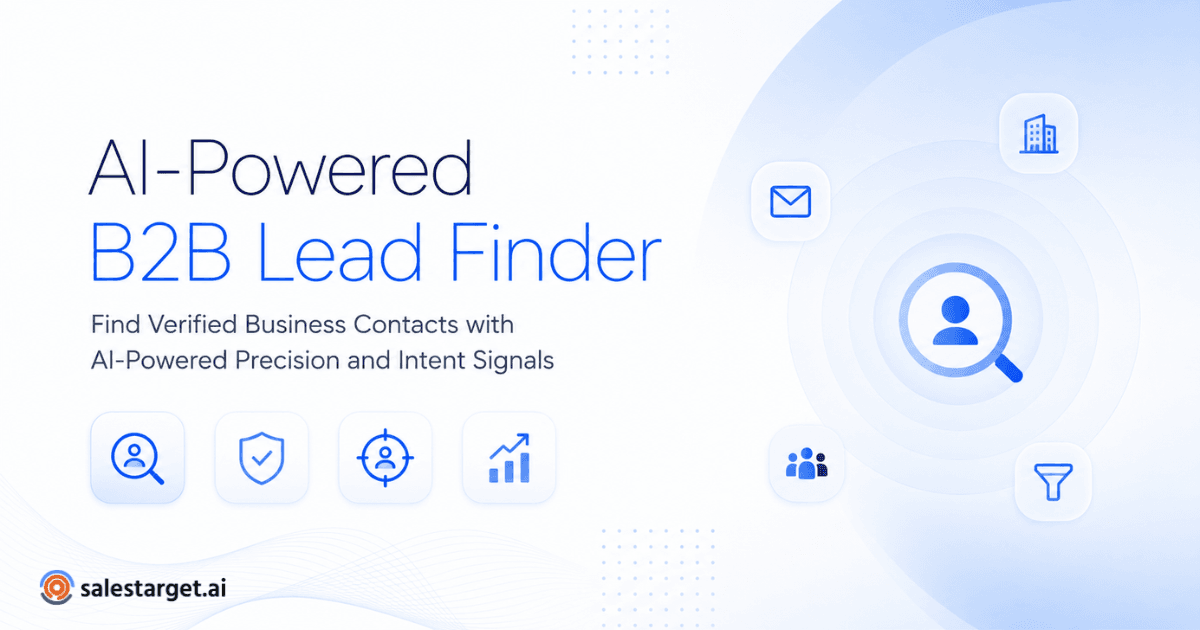
A B2B lead finder is an AI-powered tool that helps businesses identify verified companies and decision-makers based on industry, intent signals, company size, technology stack, job titles, and dozens of advanced filters.
If you've ever tried to build a prospect list by hand, you already know the pain. This guide breaks down how an AI B2B lead finder actually works, why it beats manual prospecting, and what to look for before you commit your team's time to one.
What Is a B2B Lead Finder?
At its core, a B2B lead finder is a search engine built specifically for go-to-market teams. Instead of indexing web pages, it indexes companies and the people who work at them — pulling firmographic data, org charts, and technographic signals into one searchable database.
What separates an ordinary contact list from an AI B2B lead finder is the layer of intelligence on top of the data. Rather than scrolling through thousands of static rows, you describe the buyer you want — company size, industry, funding stage, tech stack — and the system surfaces a matching list in seconds. Verified data sits underneath all of it, because a perfectly filtered list is worthless if the emails bounce.
Company search and contact search work together here: you narrow down the right organizations first, then drill into the specific people inside them — typically VPs, directors, or founders — who actually influence the buying decision. For a closer look at the mechanics, how to find verified B2B leads for sales walks through the process step by step.
Why Traditional Prospecting No Longer Works
Spreadsheets used to be the backbone of outbound sales. They still are at a lot of companies — and that's part of the problem. A spreadsheet doesn't know when a contact changes jobs, when a company gets acquired, or when a prospect starts actively researching a solution like yours. It just sits there, getting staler by the week.
Manually searching LinkedIn isn't much better. It's free, but slow — reps end up doing the enrichment work themselves: finding emails, verifying titles, copying everything into a CRM by hand. Multiply that by 50 or 100 prospects a week, and a rep is spending more time on data entry than on actual selling.
The downstream effect shows up in reply rates. Outdated contacts bounce. Mismatched titles get ignored. Sales teams aren't failing because their messaging is weak — they're failing because the list underneath the messaging was wrong from the start.
How AI Changes the Way You Find B2B Leads ?
AI doesn't just speed up the old process — it changes what's possible. A modern AI B2B lead finder can interpret a plain-language description of your ideal customer and translate it into structured filters automatically, something that used to take a data analyst hours to set up manually.
Enrichment happens in the background, too. As soon as a contact is added to your list, the system fills in missing fields — verified email, phone number, recent funding news — without anyone touching a keyboard. That's a meaningful shift from the old model, where enrichment was a separate, often paid, step bolted onto a static list.
Buying intent is the bigger unlock, though. Instead of guessing which companies might need your product, AI models track behavioral and firmographic signals — hiring surges, technology adoption, website activity — to flag accounts showing real signs of being in-market. Combine that with precise filtering, and you find B2B leads that are not just a fit on paper, but a fit on timing.
Essential Features Every AI B2B Lead Finder Should Have
Not every tool marketed as an "AI lead finder" delivers on that promise. Here's what actually separates the useful ones from the bloated ones.
Verified contact data
Emails and phone numbers should be checked for deliverability before they reach a rep's outreach sequence — anything less just shifts cleanup work downstream.
Intent signals
Look for tools that track buying signals in near real time — job changes, funding rounds, technology adoption — rather than relying on data that's months old.
ICP filtering
The ability to define your ideal customer profile precisely, instead of relying on broad industry categories, makes a measurable difference in reply rates. This is where using AI-powered ICP filtering instead of manual prospecting tends to outperform spreadsheet-based segmentation.
Technology filters
Knowing what's already in a prospect's tech stack helps you tailor messaging and avoid pitching tools that conflict with or duplicate something they already use.
Export to CRM
A lead finder that doesn't sync cleanly into your CRM just creates another manual step. Native integrations or simple exports save real time on the back end.
Real-time enrichment
Contact and company data should update automatically as it changes, not on a quarterly refresh cycle that's outdated by the time it ships.
AI recommendations
The best platforms suggest similar companies or contacts based on your existing pipeline, helping you expand a list without starting from scratch.
Together, these features turn a basic B2B contact database into a genuinely useful prospecting engine rather than a static export of names and titles.
Why a Reliable B2B Leads Database Matters ?
Data quality has a compounding effect on sales performance. A high bounce rate doesn't just waste a single email — it can damage domain reputation and hurt deliverability for every campaign that follows. One bad data source can quietly undermine months of outbound work.
Sales productivity is the other half of the equation. When reps trust the database in front of them, they spend their time writing better, personalized outreach instead of manually verifying whether a contact still works at the company.
Internal observation: Across thousands of prospect searches, sales teams often reduce manual list-building time by up to 70% when combining AI filtering with verified contact data. This is an illustrative figure based on internal analysis, not a third-party benchmark, but it reflects a pattern we consistently see when AI filtering replaces manual research.
A reliable B2B leads database also improves pipeline quality further downstream. Cleaner inputs at the top of the funnel mean conversations start with the right people at the right companies, which tends to shorten the path to a qualified opportunity.
How Lead Explorer Helps Sales Teams Prospect Smarter ?
This is where a tool like Lead Explorer fits into the picture. It's built around the principles outlined above: AI-assisted search that turns a plain description of your target buyer into a filtered list, contact data verified before it reaches your CRM, and intent signals layered on top so reps know which accounts to prioritize first.
Enrichment runs continuously in the background, so a list built today doesn't go stale by next quarter. Company filters let teams narrow by size, industry, or technology stack without needing a data analyst to set up the query, and exporting straight to a CRM means reps spend less time moving data between tools and more time reaching out.
None of this replaces good sales instincts or strong messaging — it just removes the friction that keeps reps from getting in front of the right people in the first place.
Common Mistakes When Choosing a B2B Lead Finder
A few patterns show up again and again when teams pick the wrong tool:
- Choosing the cheapest database without checking how often contact data is verified.
- Assuming an exported CSV is the same as a live, enriched dataset — most go stale within months.
- Picking a platform with no AI layer, leaving reps to do the filtering work by hand.
- Overlooking enrichment entirely, leading to lists full of generic contact details.
- Relying on filters too broad to matter, instead of precise ICP criteria.
- Ignoring buying-intent signals and treating every account as equally ready to buy.
Many of these gaps become obvious once you compare platforms side by side — the best B2B prospecting tools for outbound sales teams roundup is a useful starting point if you're evaluating more than one option.
Industry research backs this up. HubSpot's sales research has repeatedly tied data quality and personalization to higher reply rates, while Gartner's B2B buying research has noted how much of the buying journey now happens before a prospect talks to a sales rep — which is exactly why intent signals matter as much as contact accuracy.
The shift from manual prospecting to AI-powered lead finding isn't about replacing the rep — it's about removing the parts of the job that never required a human in the first place. Searching, filtering, verifying, and enriching are mechanical tasks. AI handles them faster and more consistently, freeing reps to focus on the part of sales that actually requires judgment: the conversation.
A good b2b lead finder won't fix a broken sales process on its own, but it will stop your team from losing hours to bad data and outdated lists. That alone is often the difference between a quarter that hits target and one that doesn't.
Stop wasting hours searching for contacts manually. Discover verified decision-makers, AI-powered prospecting, and intent-driven lead generation with Lead Explorer. Start building smarter prospect lists today.