Sales management software is a platform that helps B2B sales teams track leads, manage deals, monitor rep activity, and forecast revenue from a single workspace. The most important features to evaluate include pipeline management, activity tracking, reporting dashboards, workflow automation, and role-based views. For growing teams, these capabilities determine whether managers can maintain visibility and reps can stay productive as headcount and deal volume increase.
What Is Sales Management Software?
Sales management software is a category of tools designed to help sales leaders organize, monitor, and improve the performance of their teams. At its core, it provides a centralized system for tracking contacts, deals, activities, and outcomes across the entire sales cycle.
For B2B organizations, where sales cycles are longer and deal values higher, this kind of platform serves as the operational backbone. It replaces scattered spreadsheets, disconnected inboxes, and verbal status updates with structured, visible data that both reps and managers can act on.
Many sales management platforms overlap with CRM software, and some are built as CRM-first tools with management features layered in. The distinction matters less than the outcome: does the tool give your team a single source of truth for contacts, pipeline, and performance?
Why a Feature Checklist Matters Before You Buy
Choosing sales management software is a decision that affects your team's daily workflow for years. According to Salesforce's State of Sales report, sales reps spend roughly 60% of their time on non-selling tasks — from manual data entry to hunting for the right information. A poorly chosen tool makes that problem worse. A well-chosen one pulls it in the other direction.
The checklist below is organized around the capabilities that matter most to growing B2B teams. Use it to compare platforms side by side, whether you're evaluating your first sales CRM or migrating from a tool your team has outgrown.
The Sales Management Software Feature Checklist
1. Centralized Lead and Contact Management
Every sales management system should give your team a single, searchable database for leads, contacts, and accounts. Look for the ability to segment contacts by industry, deal stage, or custom tags. The platform should also prevent duplicate records - a persistent issue once multiple reps are adding contacts daily.
Without centralized lead management, reps waste time cross-referencing spreadsheets or, worse, reaching out to the same prospect twice. When evaluating this capability, pay attention to how easy it is to import existing data and whether the system can handle your current volume without slowing down.
2. Sales Pipeline and Deal Management
A clear, visual pipeline is one of the most valuable features of sales management software. Your team needs to see exactly which deals are active, what stage they're in, and what's expected to close this quarter.
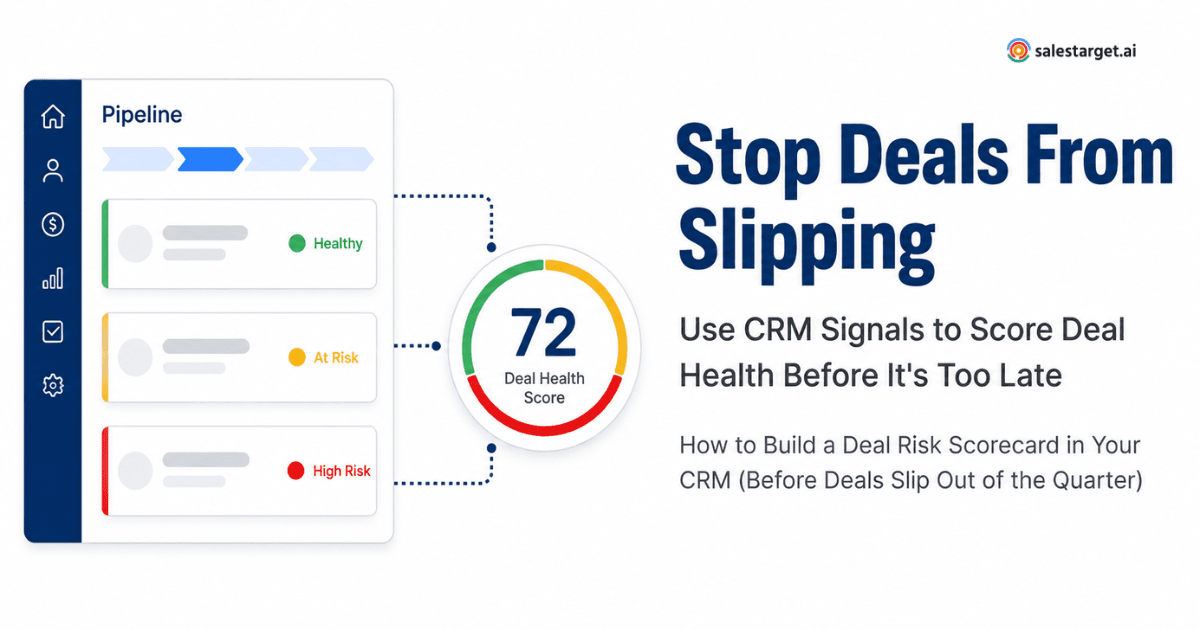
Check whether the platform supports custom deal stages, weighted forecasting, and drag-and-drop pipeline views. If your average deal cycle runs 60 to 90 days, you also want to see aging indicators — deals sitting idle in one stage for too long should be flagged automatically.
3. Task, Follow-Up, and Activity Tracking
Activity tracking answers one of the most common questions a sales manager faces: what did my reps actually do today? The software should log calls, emails, meetings, and follow-ups, ideally with minimal manual input from reps.
This is also where reducing CRM notification overload becomes important. Activity tracking should surface useful signals — like a high-value deal with no recent touchpoint — without flooding inboxes with irrelevant alerts.
4. Sales Team Visibility and Oversight
Growing teams need sales team oversight that scales. A manager overseeing four reps can rely on weekly one-on-ones. A manager overseeing twelve cannot.
Here's a useful way to think about it: if a manager spends 10 minutes manually reviewing each rep's activity every day across a team of 12, that's 120 minutes of daily oversight — two hours before any coaching actually happens. (This is an illustrative calculation, but the pattern is common.) The right sales performance software gives managers a dashboard that eliminates most of that manual review, showing rep activity, deal progress, and bottlenecks at a glance.
5. Reporting and Sales Performance Tracking
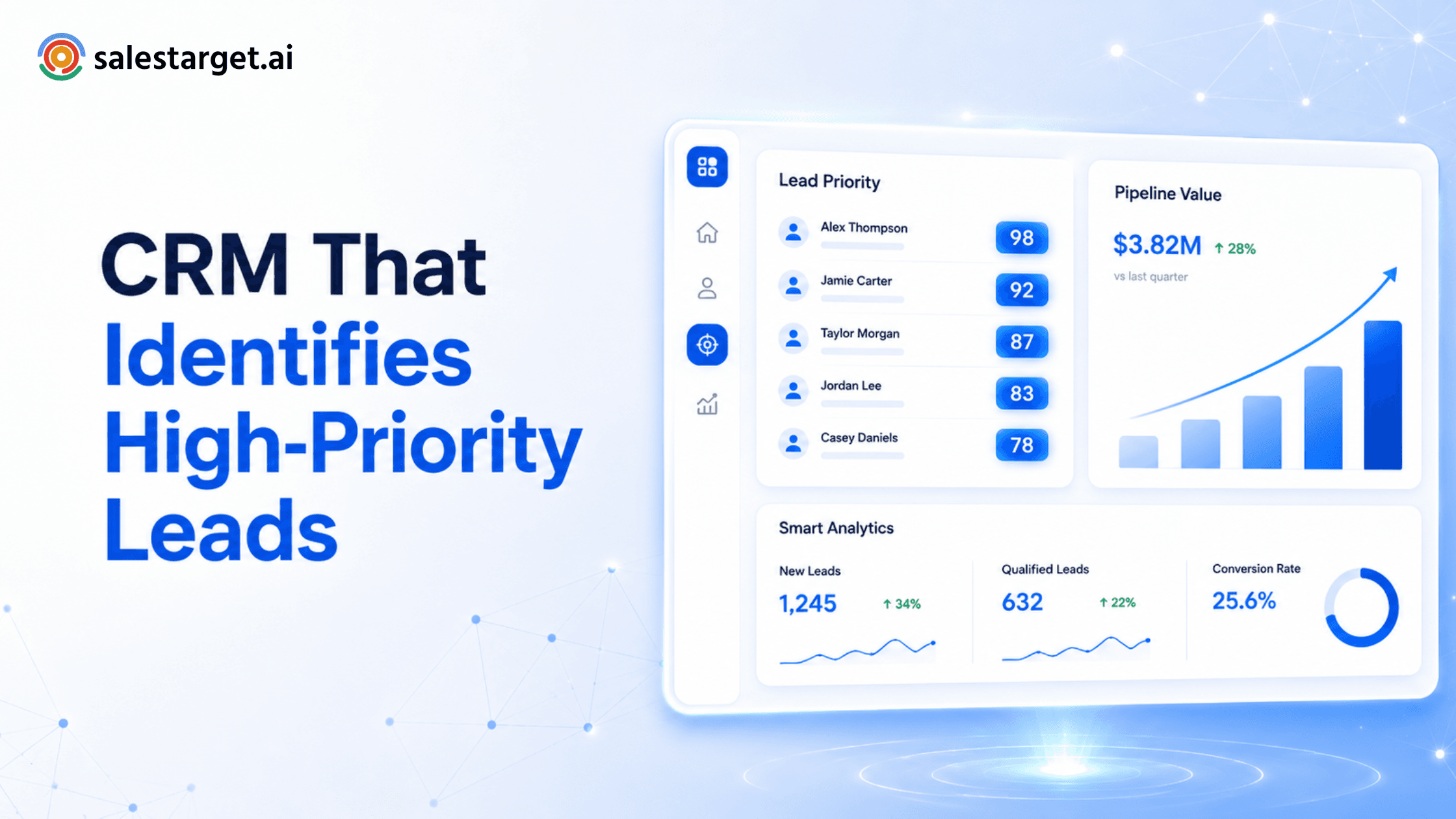
Reporting should go beyond basic deal counts. Look for configurable dashboards that track win rates, average deal size, cycle length, revenue by source, and rep-level performance. Sales forecasting features — especially those that weight pipeline by stage probability — are particularly valuable for growing B2B teams planning headcount or territory changes.
Also consider how reports are shared. Can a VP of Sales pull a monthly board report without exporting to a spreadsheet? Can a team lead share a filtered view with an individual rep during coaching?
6. Sales Automation
Automation in a sales management platform should reduce repetitive admin work without removing human judgment from the sales process. The most practical automations include lead assignment rules, follow-up reminders triggered by deal inactivity, and automatic stage updates when certain conditions are met.
What you want to avoid is a system where automations are so complex to configure that only an admin can set them up. Sales managers should be able to build simple workflow rules on their own.
7. Workflow Flexibility for Different Sales Roles
A growing B2B sales team rarely has a single workflow. SDRs qualifying inbound leads operate differently than AEs managing enterprise negotiations. The platform should support different CRM workflows for SDRs and AEs so each role has a view and process that matches their actual work.
This matters because forcing all reps into a single workflow leads to workarounds, messy data, and lower adoption. The best sales manager tools accommodate different sales motions within one platform.
8. CRM Usability and Adoption
Adoption is the single biggest risk when deploying sales management software. According to HubSpot's Sales Trends Report, sales teams consistently rank ease of use among their top criteria when evaluating tools. If reps find the interface confusing, they'll revert to spreadsheets and sticky notes within weeks.
Before committing, run a trial with actual reps — not just managers. Evaluate onboarding time, mobile usability, and how many clicks it takes to log a call or update a deal. If you're comparing platforms, choosing a CRM that sales reps will actually use is a decision worth getting right early.
9. Integrations and Data Accessibility
No sales tool operates in isolation. Your sales management system should integrate with email providers, calendar apps, marketing platforms, and communication tools your team already uses. Check for native integrations with your core stack and whether an open API exists for custom connections.
Data accessibility also means reps shouldn't need to switch tabs constantly. If a rep has to leave the CRM to check email threads or calendar availability, the tool is adding friction rather than removing it.
10. Scalability for Growing B2B Teams
Finally, consider what happens when your team doubles in size. Can you add users, territories, and custom fields without rebuilding your setup? A sales management platform built for small teams should still scale to 50 or 100 reps without requiring a migration to a different product.
Ask vendors about pricing at scale, how permissions and hierarchies work for larger teams, and whether reporting still performs well with higher data volumes.
Quick-Reference Checklist
Use this table as a side-by-side comparison when evaluating sales management software options:
| Feature Area | What to Check | Why It Matters |
|---|---|---|
| Lead & Contact Management | Centralized database, tagging, segmentation, search | Prevents duplicate outreach and lost contacts |
| Pipeline & Deal Tracking | Visual pipeline, custom stages, deal values, close dates | Shows exactly where revenue stands at any moment |
| Activity Tracking | Logged calls, emails, meetings, follow-up reminders | Holds reps accountable and surfaces coaching needs |
| Team Visibility & Oversight | Manager dashboards, rep scorecards, activity feeds | Lets managers coach proactively instead of reactively |
| Reporting & Forecasting | Win rates, cycle length, revenue forecasts, trend views | Turns raw CRM data into decisions |
| Automation | Auto-assign leads, trigger follow-ups, update deal stages | Cuts manual admin so reps spend more time selling |
| Role-Based Workflows | Separate views for SDRs, AEs, managers | Reflects how your team actually works |
| Usability & Adoption | Intuitive interface, minimal training, mobile access | Software only works if reps use it consistently |
| Integrations | Email, calendar, marketing tools, communication apps | Keeps data accurate without double entry |
| Scalability | Add users, territories, custom fields without rework | Supports growth without forced migration |
Putting the Checklist to Work
No single platform will score perfectly across every category. The goal of this checklist is to clarify which features are non-negotiable for your team, which are nice-to-have, and where a vendor's roadmap might fill gaps over time.
Start by identifying the three or four capabilities that would have the biggest immediate impact on your team's workflow. For most growing B2B sales organizations, those tend to be pipeline visibility, activity tracking, and reporting. Build your shortlist from there.
Ready to give your sales team a clearer view of every deal?
Explore SalesTarget.ai CRM and bring your contacts, pipeline, activities, and sales workflows into one workspace — built for B2B teams that need visibility without complexity.