You sent 200 connection requests last week. Forty people accepted. Two replied. Zero booked a meeting. Your LinkedIn outreach campaign is running, but your pipeline is not moving.
That is the gap most B2B sales teams live in: LinkedIn activity without pipeline movement. The fix is not more volume. It is a structured campaign that targets the right buyers, sends messages they care about, follows up with purpose, and hands qualified leads to your CRM.
This guide breaks down an eight-step LinkedIn outreach playbook: from defining your ideal customer profile and building prospect lists, through personalized messaging and sequenced follow-ups, to qualifying replies and tracking pipeline. Every step maps to how SalesTarget.ai's LinkedIn Outreach runs campaigns in practice, so you can apply it inside one connected platform instead of stitching together five different tools.
Why LinkedIn Outreach Campaigns Struggle to Generate Qualified B2B Leads
Most LinkedIn campaigns produce activity without producing pipeline. The problem is structural, not tactical.
The Gap Between Connection Acceptance and Qualified Sales Conversations
A 30% connection acceptance rate looks healthy on paper. But acceptance is not intent. Most people accept out of courtesy or curiosity. Without a qualification sequence that moves accepted connections toward a sales conversation, those new connections sit idle and never convert.
How Poor Prospect Targeting and Generic Messaging Affect Campaign Results
When your prospect list is built on job title alone, you message people with no budget authority or reason to respond. Pair that with a cookie-cutter message ("I noticed we share a mutual connection") and the result is predictable: single-digit reply rates.
Building a LinkedIn Outreach Strategy Around Pipeline Goals
A LinkedIn outreach strategy starts with a pipeline number, not a message template. Work backward: how many meetings do you need this month, what reply-to-meeting conversion rate do you see, and how many messages does that require? That math shapes your list size, sequence length, and daily send volume.
LinkedIn Outreach Campaign Framework: From Prospect Discovery to Sales Opportunities
The Core Components of a B2B LinkedIn Outreach Campaign
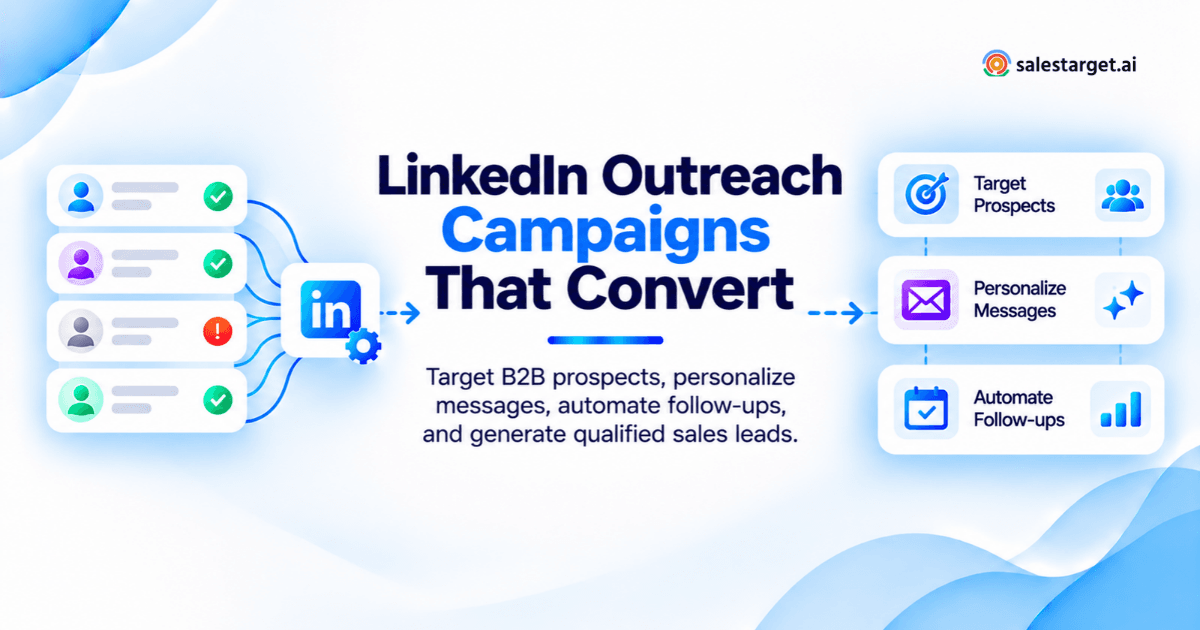
Every B2B LinkedIn outreach campaign has five components: a defined ICP, a targeted prospect list, personalized messaging, a multi-step follow-up sequence, and a qualification process that routes replies to the right next step.
How Connection Requests, Messages, Follow-Ups, and Qualification Work Together
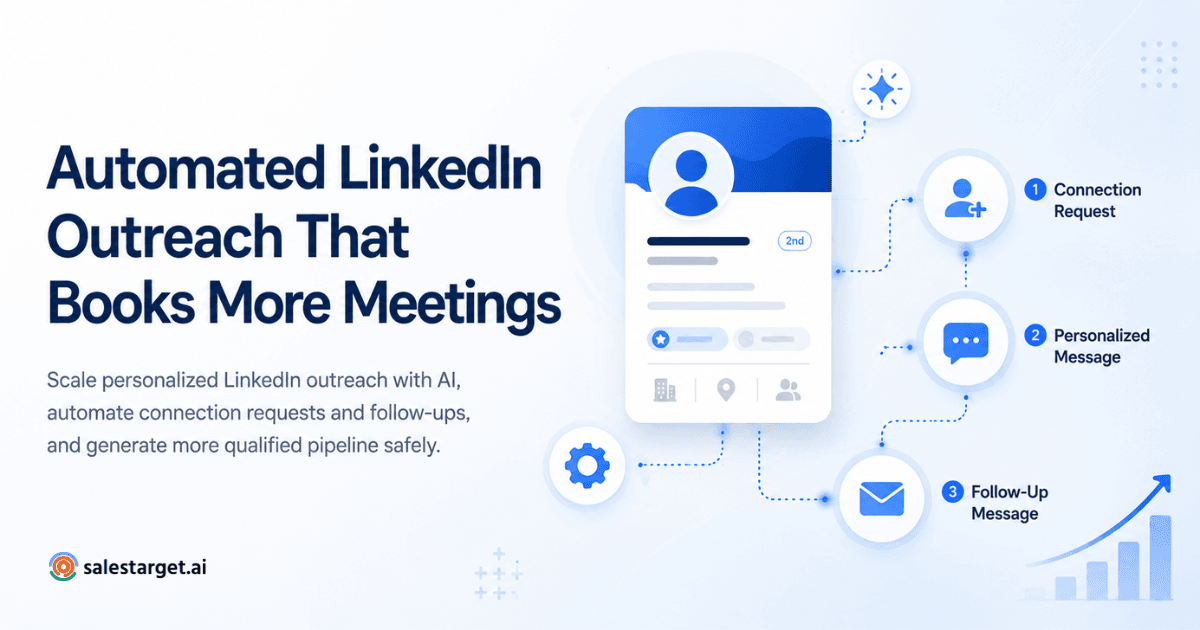
Connection requests open the door. Your first message after acceptance establishes relevance. Follow-ups surface timing. Qualification separates curiosity from real buying signals. These are stages in a single sequence, and each one should trigger the next based on prospect behavior.
Mapping the LinkedIn Outreach Funnel From First Contact to CRM Handoff
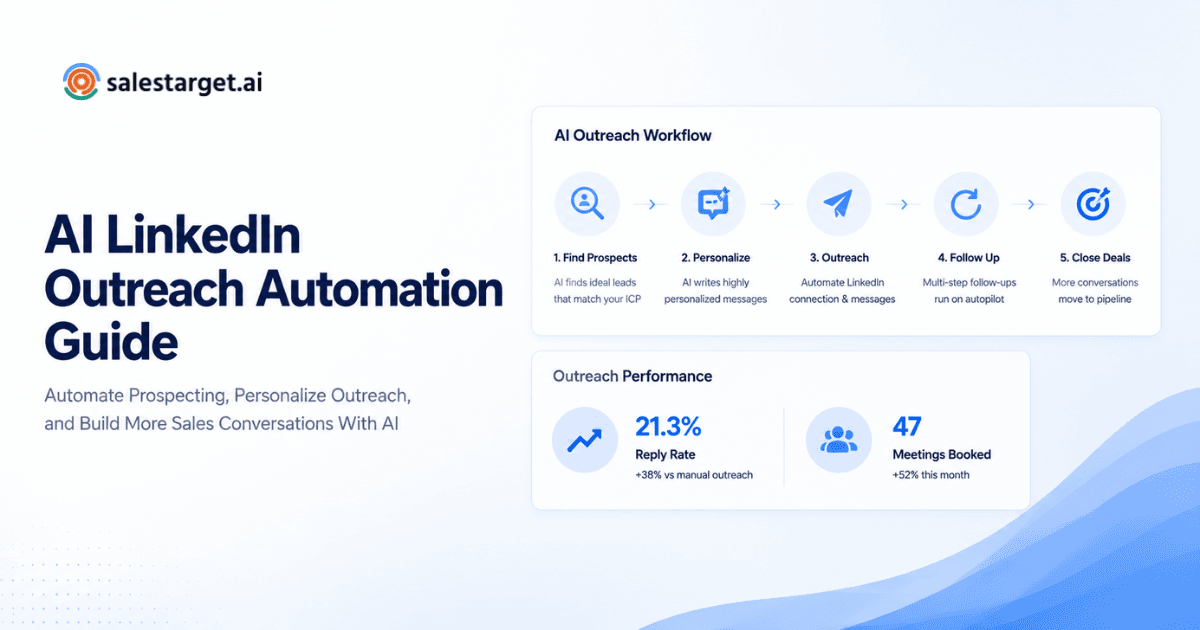
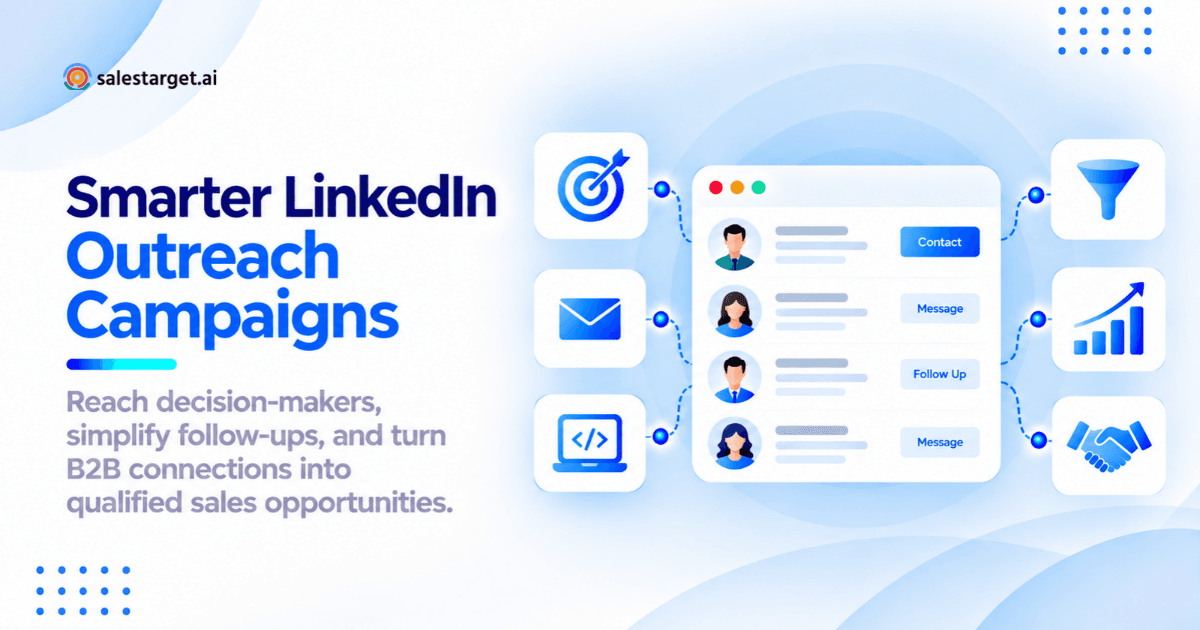
The funnel: prospect identified, connection request sent, request accepted, first message delivered, follow-up sequence running, reply qualified, meeting booked, opportunity created in CRM. In SalesTarget.ai, this entire flow lives inside one workspace. Leads move from Lead Explorer into a LinkedIn sequence, and qualified replies sync directly to the built-in CRM as deals. No exports, no tab-switching.
How to Create a LinkedIn Outreach Campaign: 8-Step B2B Sales Playbook
This is the hands-on section. Each step follows the order you would run a campaign inside SalesTarget.ai. (For a condensed version, see our guide on how to build a LinkedIn outreach campaign from scratch.)
Step 1: Define Campaign Goals, Ideal Customer Profile, and Target Accounts
Start with a number: "Book 15 qualified meetings this month from mid-market SaaS companies." Your ICP filters (industry, headcount, revenue range, tech stack, buyer role) flow directly from that goal. In SalesTarget.ai, the ICP Builder inside Lead Explorer saves these filters as a reusable profile, so every future campaign starts from the same baseline.
Step 2: Build a Targeted B2B Prospect List Using LinkedIn Sales Navigator and Lead Data
Sales Navigator gives you search filters. SalesTarget.ai gives you verified contact data behind those profiles. Lead Explorer searches across 840M+ professional profiles with filters for department, seniority, company revenue, and Bombora intent signals. One-click enrichment pulls verified email, phone, and mobile, so your list is outreach-ready without a separate tool.
Step 3: Segment Prospects by Role, Industry, Buying Signals, and Business Needs
A single prospect list treated as one audience will always underperform a segmented one. Split by role (VP Sales vs. SDR Manager), company stage (Series A vs. growth-stage), or intent signal (hiring SDRs vs. evaluating CRM tools). SalesTarget.ai's 4,000+ intent signals and business event filters (funding rounds, leadership changes, hiring spikes) make this segmentation possible at list building, not as a manual step afterward.
Step 4: Prepare Your LinkedIn Profile and Personalization Details
Your LinkedIn profile needs to answer one question for every visitor: "Why should I talk to this person?" Your headline should state the outcome you deliver, not your job title. Collect personalization data for each segment: recent company news, mutual connections, or pain points their role typically faces.
Step 5: Write Personalized Connection Requests and First Messages
The connection request has one job: get accepted. Keep it under 200 characters, reference something specific, and do not pitch. The first message after acceptance is where you earn a reply. Lead with a relevant observation, connect it to a problem you solve, and ask a low-friction question. SalesTarget.ai's AI Copilot drafts these at scale, personalizing by role, industry, and company size.
Step 6: Build a Multi-Step LinkedIn Outreach Sequence With Follow-Up Rules
A single message is not a campaign. Build a sequence of four to six touches over 14 to 21 days, spaced three to four days apart. Each message should add new value: a different angle, a data point, or a direct meeting ask. In SalesTarget.ai, conditional sequences branch based on whether the prospect replied, accepted, or took no action, so your follow-up path adjusts automatically.
Step 7: Launch a Small Campaign Test and Review Engagement
Do not launch to your full list on day one. Run 30 to 50 prospects through the sequence first. Track acceptance rate, reply rate, and reply tone. If acceptance is below 25% or replies are mostly "not interested," revisit targeting or messaging before scaling. SalesTarget.ai's campaign dashboard shows these metrics in real time.
Step 8: Qualify Replies, Schedule Meetings, and Track Opportunities in Your CRM
A reply is not a lead until it is qualified. Separate "thanks but no thanks" from "tell me more" from "let's book a call." For interested replies, respond within two hours. SalesTarget.ai logs every reply to the lead timeline, creates follow-up tasks automatically, and lets reps schedule directly from the contact record.
B2B Prospect Targeting Strategies for Better LinkedIn Outreach Results
Using ICP Filters to Identify Relevant Decision-Makers
Narrow your filters beyond job title. Layer in department, seniority level, company revenue band, employee count, and geography. The goal is a list where 80%+ of prospects would be a good fit for a sales conversation.
Finding Prospects Based on Hiring Activity, Company Growth, and Buying Signals
A company that just raised a Series B and hired three new SDRs is a better prospect than one that matches your firmographic filters but shows zero buying activity. SalesTarget.ai surfaces these signals (Bombora intent topics, funding events, hiring spikes) alongside contact data, so you prioritize in-market accounts.
Prioritizing High-Fit Accounts and Excluding Irrelevant Contacts
Build exclusion rules: no companies under 10 employees if you sell to mid-market, no prospects who changed roles in the last 30 days, no existing customers. Clean your list before outreach to protect reply rate and account health.
Creating Prospect Segments for Personalized Outreach Campaigns
Group prospects into three to five segments based on shared attributes. A VP of Sales at a 200-person SaaS company hears a different message than an SDR Manager at a 2,000-person enterprise. Segmentation is where personalization starts, not at the first-name token.
LinkedIn Outreach Message Templates That Start Relevant Sales Conversations
Personalized Connection Request Templates for B2B Decision-Makers
Keep requests under 200 characters. Reference a shared context: their recent post, a mutual connection, or a company milestone. Do not pitch.
Example: "Hi [Name], saw your team just expanded the SDR org. We work with similar teams on outbound pipeline. Would be great to connect."
First Message Templates for New LinkedIn Connections
After acceptance, send a message within 24 hours. Lead with relevance, not a product pitch.
Example: "[Name], thanks for connecting. I noticed [Company] is scaling outbound this quarter. A lot of teams at that stage hit a wall with reply rates once they pass 500 prospects/month. Curious if that's something you're seeing too?"
Value-Based Follow-Up Templates for Unresponsive Prospects
Follow-ups should add something new: a relevant observation or a question tied to their business.
Example: "Quick follow-up, [Name]. Saw [Company] posted two new BDR roles last week. Teams adding headcount at that pace tend to find their lead data and sequencing tools become the bottleneck before rep capacity does. Worth a quick chat?"
Meeting Request Templates for Interested B2B Buyers
When a prospect signals interest, move to a clear ask. Do not leave it open-ended.
Example: "Glad this resonated. I'd like to show you how we handle [specific problem they mentioned]. Do you have 20 minutes Thursday or Friday afternoon?"
Personalization Techniques That Go Beyond First Name and Company
The best personalization references something the prospect did or their company experienced: a recent hire, a funding round, a LinkedIn post they wrote. SalesTarget.ai's Lead Explorer surfaces business events and intent signals per contact, so reps personalize at scale without manual research.
Building a LinkedIn Outreach Sequence With Effective Follow-Ups
A Sample 14-Day LinkedIn Outreach Campaign Sequence
Day 1: Connection request with note. Day 2 (post-acceptance): First value message. Day 5: Follow-up with new angle. Day 9: Relevant insight or question. Day 12: Direct meeting request. Day 14: Soft close or breakup message. Adjust timing based on your first test batch.
Message Timing and Follow-Up Frequency Based on Prospect Engagement
Send during business hours in the prospect's timezone. Tuesday through Thursday, 8 AM to 11 AM, gets the highest reply rates. Space follow-ups by at least three days. SalesTarget.ai's smart scheduling sends within working-hour windows with human-like delays.
Response-Based Paths for Accepted, Pending, Interested, and Unresponsive Prospects
Accepted but no reply: continue the follow-up sequence. Replied with interest: pause automation, respond personally, route to CRM. Replied negatively: stop the sequence, mark as "not interested." Connection still pending after seven days: withdraw and re-target later or try email.
Stop Conditions, Negative Replies, and CRM Status Updates
Stop the sequence when: prospect replies (any reply), prospect asks to be removed, you hit the max number of touches, or the prospect books a meeting. In SalesTarget.ai, these stop conditions trigger CRM status updates automatically.
LinkedIn Outreach Campaign Examples for Different B2B Sales Goals
SaaS Founder Campaign Targeting Early-Stage and Mid-Market Buyers
A SaaS founder selling to other startups runs a focused campaign: 100 prospects per week, tight ICP (Series A to B, 20 to 200 employees), highly personal messages referencing founder-to-founder pain points. Low volume, high conversion.
SDR and BDR Campaign Targeting Sales and Revenue Leaders
SDRs run higher-volume campaigns with more standardized messaging. Segment by vertical, personalize the opening line by company event, and let the sequence handle follow-ups. SalesTarget.ai's AI Copilot generates full personalized sequences in seconds, freeing reps to focus on live conversations.
Account-Based LinkedIn Outreach for High-Value B2B Prospects
For enterprise targets, run multi-threaded campaigns: reach two to three stakeholders at the same account with different angles. Message the VP of Sales about pipeline velocity, the RevOps lead about data quality, the CRO about forecast accuracy. Coordinate timing so messages land in the same week.
Lead Generation Agency Campaign for Multiple Client Segments
Agencies need strict list separation, distinct messaging per client, and consolidated reporting. SalesTarget.ai's workspace model keeps client campaigns isolated and gives the agency a single performance view across all accounts.
Combining LinkedIn and Email Outreach for Multichannel Lead Generation
Choosing LinkedIn or Email Based on Prospect Context and Campaign Goals
LinkedIn works best for senior decision-makers who ignore cold email. Email works best for volume plays and mid-level contacts. Use both when the account is high-value.
Coordinating LinkedIn Messages and Email Follow-Ups Without Duplicate Outreach
The biggest risk in multichannel outreach is sending a LinkedIn message and an email about the same thing on the same day. SalesTarget.ai runs LinkedIn and email outreach in one coordinated flow, so prospects never get duplicate messages.
Using Email Verification and Contact Data to Support Multichannel Campaigns
Verify every address before adding email to your sequence. SalesTarget.ai's Email Validator runs MX/SMTP checks and disposable-email detection, cutting bounce rates and protecting your sender domain. Verification happens at enrichment, not weeks later when data has gone stale.
Managing Replies and Sales Conversations Across Channels
When a prospect replies on LinkedIn and then follows up by email, you need one thread. SalesTarget.ai's Unibox pulls every reply into a single view sorted by intent (Interested, Follow-Up, Not a Fit), so reps never miss a response.
LinkedIn Outreach Automation: Workflow Controls, Account Rules, and Human Review
Managing Prospect Lists, Message Drafts, and Campaign Follow-Up Tasks
Automation handles scheduling sends, triggering follow-ups, and updating CRM records. But message content and prospect selection still need human judgment. The best workflow automates sequence mechanics but keeps a human in the loop on reply handling.
LinkedIn's Restrictions on Unauthorized Third-Party Automation
LinkedIn's terms of service prohibit unauthorized automation tools. Any tool you use should operate within LinkedIn's published rate limits and include auto-pause safeguards. SalesTarget.ai's LinkedIn Outreach module includes built-in rate limits, warm-up sequences, and account protection features to keep your account safe.
Reviewing Personalized Messages and Prospect Responses Before Taking Action
Review messages before they go out, even with AI-generated drafts. Check that personalization references are accurate. On the reply side, read every response before triggering a next step. Automation should never send a meeting request to someone who just said "not interested."
Evaluating LinkedIn Outreach Tools for Data Quality, Reporting, and CRM Connectivity
When comparing tools, ask three questions. Where does the contact data come from and how fresh is it? Can I see performance by segment and sequence step? Do replies flow into my CRM automatically? SalesTarget.ai answers all three: 840M+ profiles with real-time enrichment, segment-level reporting, and a built-in CRM that logs everything without manual entry.
Measuring LinkedIn Outreach Campaign Performance and B2B Pipeline Growth
Connection Acceptance Rate, Reply Rate, and Positive Reply Rate
Track three numbers weekly. Connection acceptance rate (target: 25 to 40%). Reply rate (target: 10 to 20% of accepted connections). Positive reply rate (target: 40 to 60% of all replies). Acceptance issues point to targeting, reply issues point to messaging, and negative replies point to relevance.
Measuring Qualified Meetings, Sales Opportunities, and Campaign Conversion Rates
Pipeline metrics matter more than activity metrics. Track meetings booked per 100 connection requests, opportunities created per campaign, and revenue influenced by LinkedIn outreach. These tell you whether your campaign generates business, not just engagement.
Comparing LinkedIn Outreach Benchmarks With Your Own Campaign Results
Industry benchmarks give you a starting point, but your own historical data is more useful. Compare this month's campaign to last month's. Compare Segment A to Segment B. Internal benchmarks account for your specific ICP and sales cycle in ways that generic benchmarks cannot.
Tracking Campaign Performance by Audience Segment and Message Sequence
Break performance down by segment and by sequence step. Which segment has the highest positive reply rate? Which follow-up generates the most meetings? SalesTarget.ai's campaign dashboard surfaces these breakdowns without a separate analytics tool.
LinkedIn Outreach Campaign Optimization: Common Problems and Practical Fixes
Improving Low Connection Acceptance Rates Through Better Targeting
If acceptance is below 20%, your list is the problem. Tighten ICP filters, exclude irrelevant roles, and verify prospects are still active on LinkedIn. A smaller, better-targeted list outperforms a large, generic one every time.
Fixing Low Response Rates With Stronger Message Personalization
Low reply rates almost always mean your message feels generic. Reference a company event, a prospect's LinkedIn post, or a technology they use. If you cannot find a personalization hook, the prospect may not be a good fit.
Reducing Missed Opportunities With Better Follow-Up Management
Most meetings are booked on the third or fourth touch. If your sequence stops after two messages, you are leaving meetings on the table. Build a minimum four-touch sequence.
Converting Positive Replies Into Qualified Sales Meetings
A positive reply is not a meeting. Respond within two hours, propose a specific time, and confirm with a calendar invite. Reps who respond within the first hour convert positive replies at nearly double the rate of those who wait a day.
Running A/B Tests on Prospect Segments, Opening Messages, and Follow-Up Timing
Test one variable at a time. Split a segment into two groups, change the opening line, and compare reply rates after 50+ sends per variation. SalesTarget.ai's AI Copilot generates A/B variations automatically, so setting up tests takes seconds.
Why Choose SalesTarget.ai for LinkedIn Outreach Campaigns?
Find Relevant B2B Decision-Makers With Lead Explorer
Search 840M+ verified profiles with 50+ filters and 4,000+ intent signals. Enrich and verify contacts in one click. Lists are outreach-ready from the start.
Manage LinkedIn and Email Outreach in a Connected Sales Workspace
Run LinkedIn sequences and email campaigns from one platform. Context carries across channels, so reps work from a single view.
Support Email Deliverability With Contact Verification
Verify every email before it enters a sequence. MX/SMTP checks, disposable-email detection, and risk scoring keep your domain off blacklists.
Track Leads, Follow-Ups, and Sales Opportunities With the Built-In CRM
Campaign leads land in the CRM automatically. Every message and call is logged. Follow-up tasks are created when a lead replies or a meeting ends. No manual entry, no lost leads.
Use AI Copilot to Draft Campaign Sequences and Analyze Outreach Results
Generate full personalized sequences, query campaign performance in plain language, and get recommendations on which deals need attention. Strategy stays human. The grunt work does not.
Conclusion: Build LinkedIn Outreach Campaigns That Generate Qualified Sales Opportunities
The difference between a LinkedIn outreach campaign that fills your calendar and one that fills your activity log comes down to structure. Target the right buyers with real intent signals. Write messages that reference something specific to each prospect. Build sequences that follow up with purpose and stop when the conversation starts. Qualify every reply and route interested buyers straight into your pipeline.
SalesTarget.ai puts this entire workflow in one place: prospect discovery, contact verification, LinkedIn and email sequencing, AI-assisted personalization, and a CRM that tracks every touchpoint from first message to closed deal. No more stitching together five tools and losing leads in the gaps.
Start building your first LinkedIn outreach campaign with SalesTarget.ai.