Your SDR sends fifty connection requests on Monday morning. By Friday, three people accepted and nobody replied. The week disappears into copy-pasting the same note, checking who viewed a profile, and hoping someone bites back. That's most B2B teams on LinkedIn when there's no system behind the outreach.
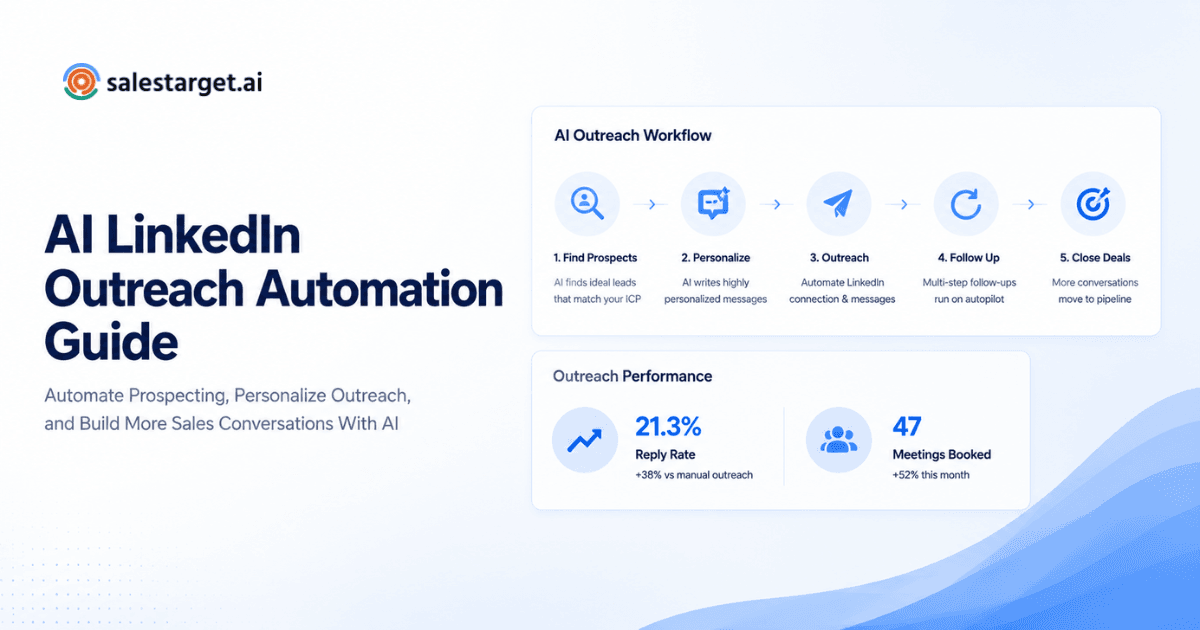
LinkedIn outreach automation strategies are the methods sales teams use to plan, personalize, and scale connection requests and follow-ups with software instead of manual clicking. Automation handles the repeatable parts (sending requests, queuing follow-ups, tracking replies) so reps spend time on conversations that turn into meetings, not busywork. The strategies below cover list building, personalization, sequencing, intent data, and measurement, the pieces that separate a channel that books meetings from one that just burns connection requests.
Most posts on this topic repeat the same five tips and call it a playbook. This one goes deeper into the research before a message gets sent, the branching logic behind a real sequence, and the mistakes that quietly drag down reply rates.
What Are LinkedIn Outreach Automation Strategies and How Do They Help B2B Sales Teams?
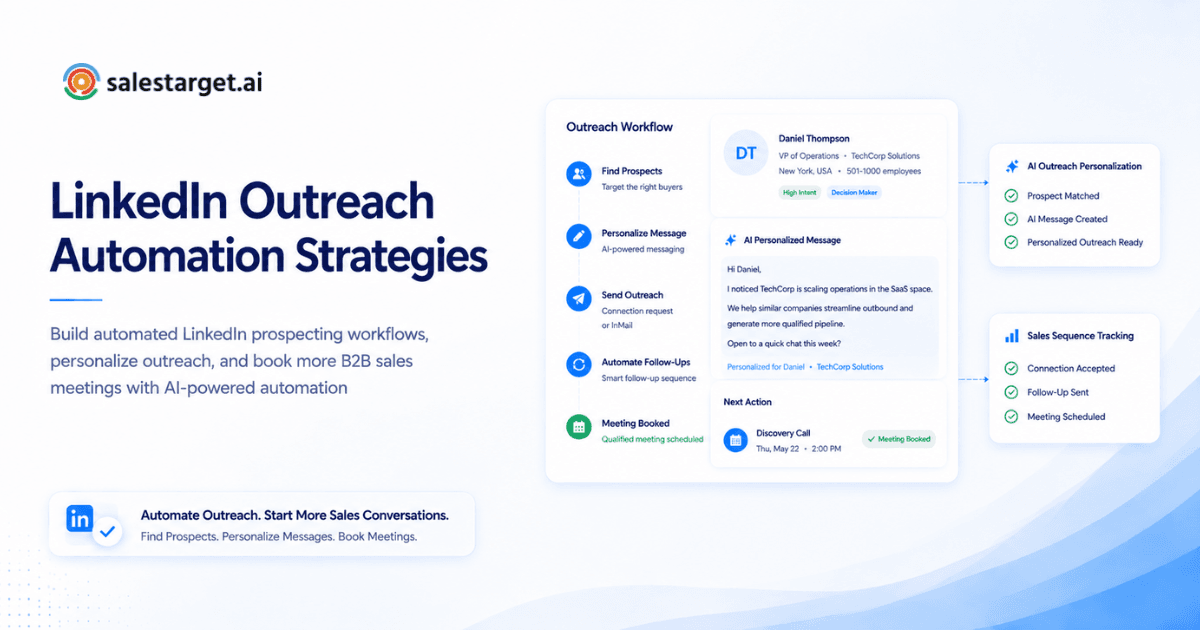
LinkedIn outreach automation strategies combine software, data, and message sequencing to turn manual prospecting into a repeatable process that runs without a rep clicking send on every action. At the core, automation handles three jobs. It sends requests and messages on schedule, tracks who opened, replied, or went quiet, and triggers the next step based on what each prospect does. A rep doing this by hand checks a spreadsheet, copies a name, writes a note, and repeats that motion fifty times a day. A sequence does the same work across hundreds of prospects and flags only the replies that need a human.
The payoff shows up in time saved and consistency. A rep buried in other tasks might skip a follow-up on day four. A sequence doesn't. That gap, more than any single tactic on this list, separates teams filling pipeline from teams sending messages into the void.
LinkedIn Outreach Automation Strategies B2B Sales Teams Can Use to Get Better Results
Strategy 1: Build a Targeted Prospect List Before Starting Outreach
A clean, targeted list matters more than any message template. A great note sent to the wrong person still gets ignored or, worse, reported.
Start from your win history. Pull the firmographic data of accounts that closed in the past year and reverse-engineer your filters from that, not a guess at who "feels right." A common mistake is pulling a list once and reusing it for months. Profiles change fast, and a list accurate in January can be 20 to 30% stale by Q2, a quiet reason a sequence that used to convert stops working. Enrichment built into the search step cuts down on this drift.
Strategy 2: Define ICP and Buyer Segments for Better Prospect Targeting
A narrow, well-defined ICP beats a broad one almost every time. A message that speaks to one buyer reads as relevant. One written to fit everyone reads as generic to all of them.
Break your ICP into two or three segments based on what changes the buying motion, things like company size, vertical, or the trigger event that puts someone in-market. A 50-person founder buys differently than a director at a 2,000-person company, even with matching firmographics, and segments should change touch count too. Smaller accounts respond to a shorter sequence, larger ones need more proof points. Teams that skip this run one identical flow across every segment and wonder why conversion varies.
Strategy 3: Personalize LinkedIn Messages Using AI and Prospect Data
Real personalization goes past swapping in a first name. It references something specific to a person's role, company, or recent activity, and AI is what makes doing that at scale possible.
The strongest signals to pull from aren't demographic, they're behavioral. A prospect who posted about hiring, changed jobs in the last 60 days, or commented on a competitor's content is sitting on a more relevant opening line than anything pulled from a title alone. AI tools can scan a profile and recent activity and draft a first line that references one of these signals, the difference between a note that reads like a template and one that reads like a person actually looked. LinkedIn Outreach builds this into each step of a sequence.
Strategy 4: Create Multi-Step Automated LinkedIn Outreach Sequences
A single message rarely closes a meeting on its own. A sequence built from a connection request, a value-driven follow-up, a soft check-in, and a final break-up message gives a prospect several low-pressure chances to respond.
The part most teams get wrong isn't the number of steps, it's the branching logic between them. A prospect who likes a post should get a different message than one who's gone silent for two weeks. Conditional sequencing, where the next action depends on what the prospect did rather than a fixed date, keeps messages relevant instead of repeating the same pitch. Pair that with timezone-aware scheduling and human-like delays. A burst of identical actions within seconds is one of the clearer patterns LinkedIn's systems flag.
Strategy 5: Combine LinkedIn Outreach With Email Follow-Up Campaigns
LinkedIn alone leaves reply rate on the table. Buyers move across channels before they talk to a rep, and Gartner's B2B buying research has found buyers complete a large share of their purchase path through independent research before a sales conversation starts. A prospect ignoring LinkedIn might open an email the same week, and the reverse holds just as much.
A practical sequence alternates channels instead of running them with no coordination. Connection request on LinkedIn, a value-add email two days later if there's no reply, a comment or follow-up a few days after that. Running both from one platform means a reply on either side updates the same record, so a rep never follows up on a channel the prospect already answered on. That's hard to build with separate tools that don't share data, one reason teams running LinkedIn and email from a single workspace see cleaner timing.
Strategy 6: Use Buyer Intent Signals to Prioritize High-Value Prospects
Not every prospect on a list is ready at the same time, and intent signals tell you who's worth reaching first.
Intent data falls into two buckets. Topic-level intent (employees researching content tied to your category) flags accounts moving toward a decision before they've told anyone. Event-level intent (a funding round, leadership change, hiring spike) flags a moment when outreach lands better than a month earlier or later. Prioritizing by these signals instead of working a list top to bottom gets more replies from fewer messages. Lead Explorer layers Bombora intent topics and business events into prospect search, so a rep can filter for accounts in-market.
Strategy 7: Create Different Outreach Flows for Different Buyer Personas
A VP of Sales and an SDR at the same company need different messages, different proof points, and a different number of touches before either one replies.
Persona-based flows should differ in more than tone. A senior buyer responds better to fewer, substantial touches built around outcomes and risk. A hands-on operator engages more with shorter messages and a faster cadence. One detail most guides skip is that the same title can need a different flow by industry, since a VP of Sales at a SaaS company and one at a manufacturing firm run on different timelines and language, so cloning one flow flattens the nuance personas were meant to capture.
Strategy 8: Improve Follow-Ups With Automated Conversation Tracking
A reply that sits unanswered for three days is one of the most common ways a warm lead goes cold, and it has nothing to do with the quality of the original message.
Automated conversation tracking pulls every reply, whether through a connection note, an InMail, or a comment, into one place a rep can act on fast. The bigger benefit shows up as a team scales past a handful of reps. Without a shared activity log, two reps can message the same prospect from different sequences in the same week, which reads as disorganized. Tasks created the moment a reply lands keep response time short as headcount grows.
Strategy 9: Test Different Messages and Optimize Campaign Performance
Connection acceptance rate is the easiest number to track and the least useful on its own. A high acceptance rate with no replies just means people are ignoring you politely instead of declining outright.
Test one variable at a time. Run the same sequence with two opening lines, or one opener with two calls to action, and compare reply rate and meeting-booked rate, not acceptance rate. Most teams stop testing after the first message and never touch the follow-ups, but message two and three are the ones where reply rate tends to drop hardest. A sequence pulling 30% of its replies from the third or fourth touch isn't unusual.
Strategy 10: Use AI-Powered LinkedIn Outreach to Reduce Manual Prospecting Work
The manual version, research a profile, draft a note, queue a follow-up, log the activity, can eat two or three hours a day for a busy rep. AI-powered outreach compresses most of that into minutes of setup.
AI can summarize a profile and recent posts into a usable personalization hook, draft message variants for a whole list, and adjust send timing to when a prospect tends to be active. None of that replaces a rep's judgment on which replies matter. It clears the repetitive groundwork off a rep's plate so the hours they spend go toward conversations, not data entry. A conversational layer like AI Copilot lets a rep ask in plain language which campaigns need attention, instead of digging through a dashboard.
Key Features to Look for in LinkedIn Automation Tools
Accurate prospect data and contact enrichment
Automation built on bad data just runs bad outreach faster. Look for a tool that verifies contacts the moment a lead is found, not from a database that's gone stale. Pulling from 50-plus data sources catches the job changes and bounces a static list misses.
AI-powered message personalization and sequence automation
The tool should draft a personalized opener from a profile, not just merge in a first name. Sequence logic should branch on what a prospect does (reply, profile view, no response) rather than firing the same steps on a fixed timer.
Multi-channel outreach combining LinkedIn and email
Separate tools mean checking two inboxes manually and risking duplicate touches. A platform running both from one place, syncing replies into a single record, stops a prospect from getting two messages the same day on two channels.
CRM tracking for managing leads and sales activities
Outreach without a CRM behind it loses the thread the moment a prospect replies. Calls, emails, and LinkedIn touches should land on the lead's timeline automatically, with follow-up tasks generated without a rep remembering. SalesTarget.ai's CRM builds this in alongside outreach, and that's why teams running it report faster deal cycles than teams stitching a separate CRM on top.
Why Choose SalesTarget.ai?
Find and enrich prospects with Lead Explorer
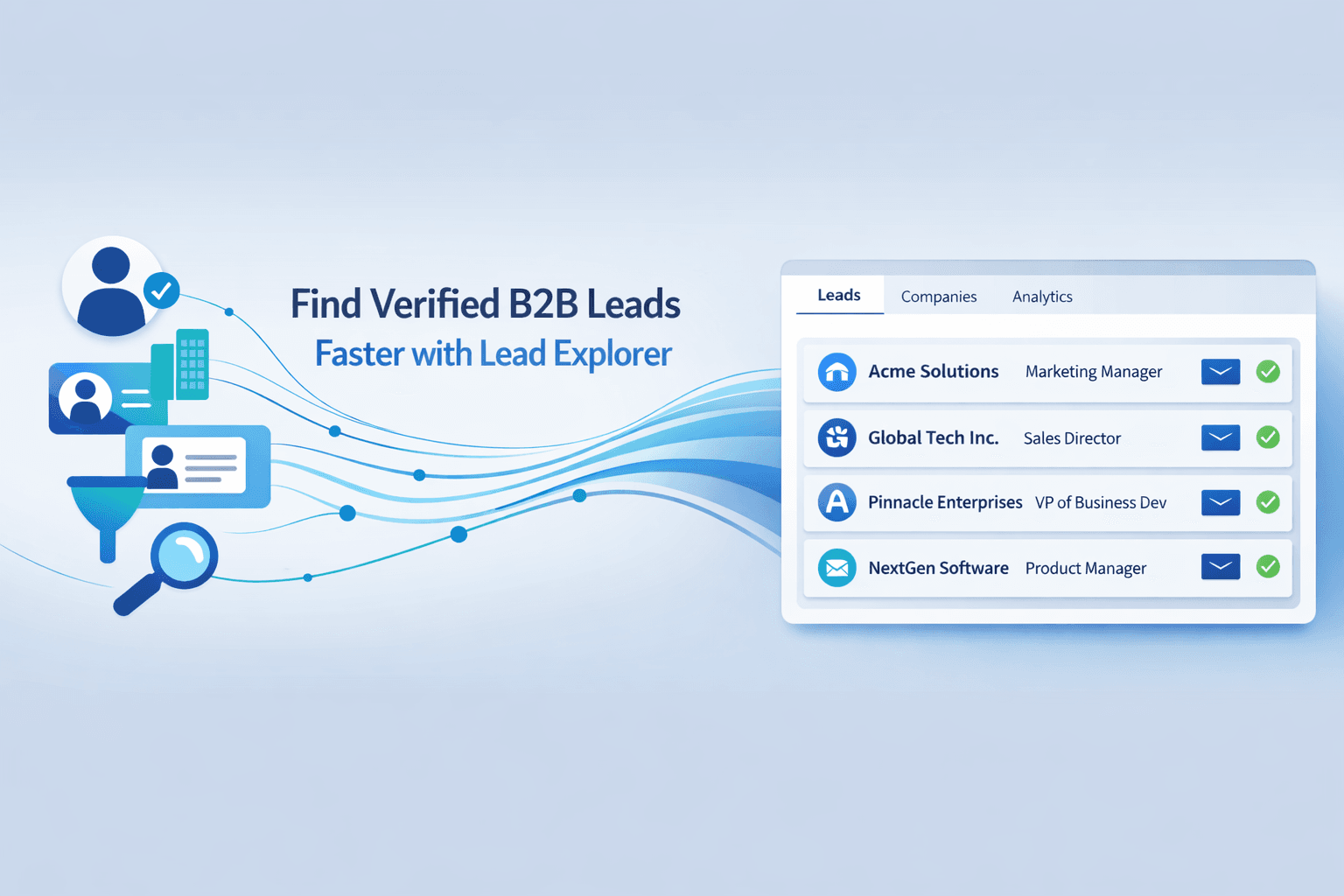
Lead Explorer searches more than 840 million verified profiles and 146 million business entities, with filters for industry, role, seniority, company size, revenue, location, and tech stack, or a plain-English search. One-click enrichment unlocks verified professional email, personal email, and phone in one step.
Run LinkedIn Outreach and email sequences from one platform
LinkedIn Outreach automates connection requests, DMs, follow-ups, and engagement actions with AI personalization adapted to each profile and industry. Conditional sequences branch on replies and actions, with timezone-aware scheduling and human-like delays. Paired with Email Outreach, which auto-builds sequences from a plain-English audience description, a team runs both channels from one workspace.
Improve email quality with Email Validator and deliverability checks
Bad email data sinks deliverability fast, and a LinkedIn sequence that hands off to email needs that email to land. Email Validator checks MX and SMTP records, flags disposable addresses, and scores risk before a message goes out, with bulk list cleaning too.
Manage conversations, calls, and deals inside a built-in CRM
The CRM covers lead management, deal pipeline, tasks, activity tracking, and reporting, with every email and call logged to the lead's timeline and tasks created automatically. A built-in AI dialer captures call notes to that same timeline, and the CRM connects with Google Calendar, Calendly, Slack, Zapier, HubSpot, Salesforce, and Zoho.
Use AI Copilot for sales research and daily workflow support
AI Copilot works as a conversational layer across the platform. Ask it to find leads, generate a sequence, pull campaign revenue, or query CRM data in plain language, and it flags at-risk deals and suggests next steps. Want to streamline your LinkedIn prospecting?
Try it free and launch your first sequence in just a few minutes.
Common LinkedIn Outreach Automation Mistakes Sales Teams Should Avoid
Automating outreach without proper audience research
Automation scales whatever you point it at, including a bad list. Turning on a sequence before defining a real ICP just sends the wrong message to the wrong person faster and at higher volume. Fix the targeting first, then automate.
Sending the same message to every prospect
One generic template across a whole list reads as exactly what it is. A reply rate that looks fine in aggregate can hide a gap between segments, where one persona barely responds and another carries the campaign. Splitting flows by segment, even with small changes to the opener, tends to lift the weaker group.
Ignoring follow-up timing and conversation management
A reply sitting unread for days, or a follow-up sent on a fixed schedule regardless of what the prospect already did, quietly kills momentum a campaign worked hard to build. Conversation tracking and automatic task creation close this gap.
Measuring connection volume instead of qualified sales outcomes
Connections sent and acceptance rate feel like progress, but neither predicts pipeline. Replies, meetings booked, and deals from LinkedIn-sourced leads are the numbers that tell a team whether the channel works. A campaign with a low acceptance rate and a high meeting-booked rate is doing its job better than the reverse, regardless of which one looks worse on a dashboard.
Wrapping Up: Use LinkedIn Outreach Automation Strategies to Create More Sales Opportunities
The SDR sending fifty requests and getting three replies isn't failing at LinkedIn outreach. They're missing the system around it, the targeted list, the segmented messaging, the branching sequence, the intent prioritization, and the tracking that turns a reply into a booked meeting.
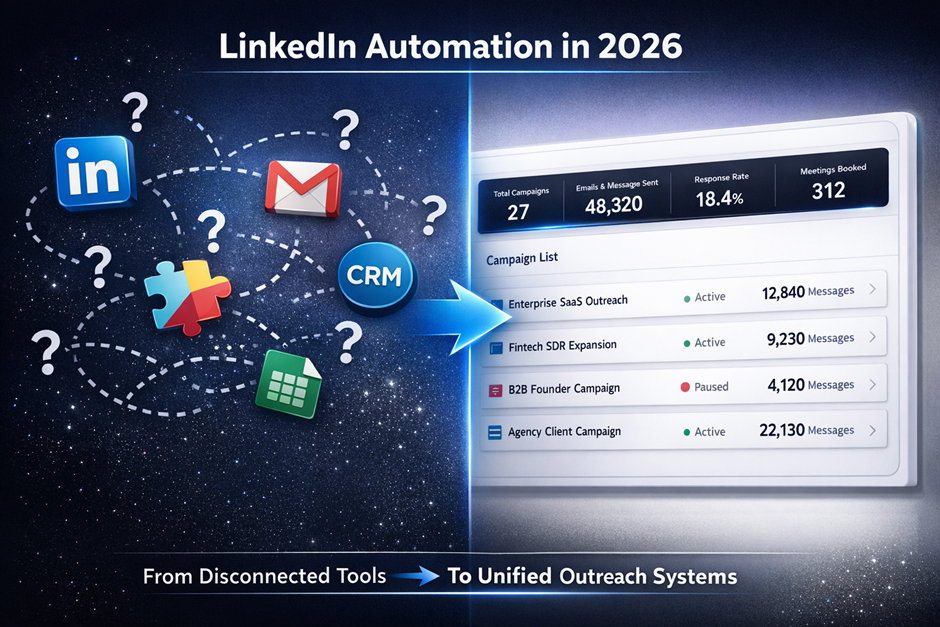
SalesTarget.ai builds that system into one workspace instead of five disconnected tools. Find and enrich the right prospects with Lead Explorer, reach them with personalized LinkedIn and email sequences, verify every address before it sends, and track every reply, call, and deal in a CRM built for outbound teams. Built for outbound teams, our platform lets you run fully automated LinkedIn and email sequences from one place.