TL;DR
- LinkedIn capped Open InMail sends to under 100 per month in late 2025 — down from a practical limit of roughly 800.
- Extra InMail credits jumped from $3 to $21 each in October 2025. The cheap overflow option is gone.
- InMail reply rates run 10–25%, but an unanswered send permanently costs the credit — no refund on silence.
- Connection requests are free and uncapped, with 30%+ acceptance when the note references a real signal.
- Use InMail for a short list of time-sensitive, no-connection-path targets. Use connection requests for everything else.
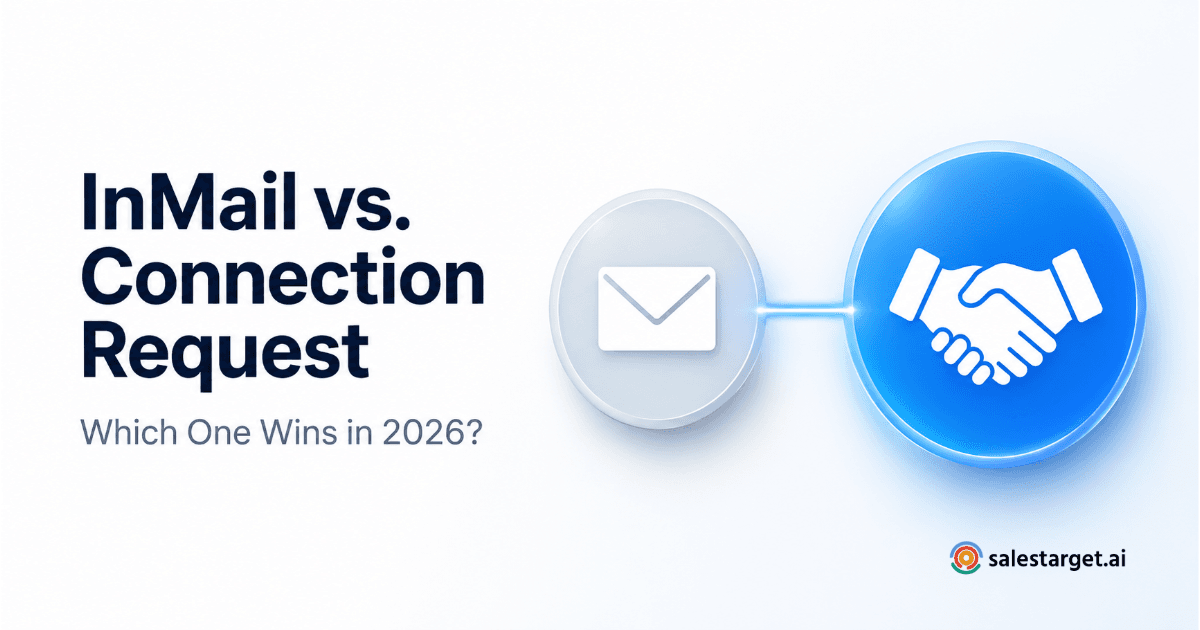
LinkedIn just made InMail a lot more expensive to get wrong. Extra credits jumped from $3 to $21 apiece in October 2025, and Open InMail volume dropped to under 100 sends a month — an 87% cut from where it sat before. Meanwhile, a well-written connection request still costs nothing and still works. So before your next campaign, it's worth knowing exactly which one earns the send.
Most reps default to whichever one is faster to click, not whichever one actually fits the situation. That's an easy habit to fall into, and it's an expensive one now that InMail has a real cost attached to getting it wrong. The two channels aren't interchangeable — they solve different problems, and picking the wrong one either wastes a credit or wastes a week waiting on an acceptance that was never coming.
How InMail and Connection Requests Actually Work
A connection request is a free ask to join someone's network. You can attach a short note, but you can't send a full message until they accept. Once they do, you're messaging a 1st-degree connection like anyone else on the platform — no credits, no caps, no plan requirement beyond a free LinkedIn account.
InMail skips that step entirely. It lets you message any LinkedIn member directly — 2nd or 3rd-degree, no mutual connection needed — but every send draws from a monthly credit allowance tied to your plan. LinkedIn refunds the credit if the recipient accepts, declines, or replies within 90 days. If they never respond, the credit is gone for good.
That refund mechanic matters more than most reps realize. A sloppy, unpersonalized InMail doesn't just get ignored — it burns a credit you can't get back.
The 2025–26 InMail Cap Change (And Why It Matters)
Two changes reshaped InMail economics over the past year. First, LinkedIn tightened Open InMail — the free channel for messaging Premium members with Open Profiles enabled — down to under 100 sends per month per account, from a practical ceiling of roughly 800. That's an 87% drop in a channel a lot of outbound teams were quietly using as bulk volume.
Second, the price of purchasing extra credits on top of your plan's monthly allowance rose from $3 to $21 per credit in October 2025 — a 700% increase. LinkedIn's stated reasoning is to push senders toward quality over volume. The practical effect is that padding your outreach with bought credits now costs real money, not pocket change.
📊 Monthly InMail credits by plan
- Premium Career: 5 credits/month
- Premium Business: 15 credits/month
- Sales Navigator Core: 50 credits/month
- Recruiter Lite: 30 credits/month
- Recruiter Corporate: up to 150 credits/month
Neither change touches these bundled monthly allowances directly — what disappeared is the cheap overflow valve teams used once they ran out. If InMail is central to your outbound motion, targeting quality now matters more than it did two years ago, because the safety net of simply buying more credits when you run dry effectively no longer exists at a sane price.
The practical shift: teams that used InMail as a bulk-sending channel need to rebuild that volume around connection requests instead, and reserve their now-scarcer InMail credits for the accounts where a connection request genuinely won't work in time.

When InMail Wins
InMail earns its credit in three specific situations:
- Time-sensitive outreach. A prospect posted about a new initiative this week, or a leadership change just opened a short evaluation window. Waiting on a connection request to get accepted loses the moment.
- High-value, no-path targets. The contact is worth the outreach, but you have zero mutual connections and no realistic way to get introduced. InMail is the only direct line you have.
- Senior and executive contacts. Buyers who rarely accept cold connection requests will sometimes read and reply to a sharp, specific InMail — especially from a sender with a complete profile who viewed theirs first.
Reply rates for InMail run 10–25% depending on targeting and personalization, with LinkedIn's own benchmark data showing 18–25% across most industries. That's a real number worth a credit — but only when the target and timing justify it.
When Connection Requests Win
For nearly everything else, a connection request wins on cost and ceiling. It's free, it's uncapped, and a personalized note referencing a specific signal — a hiring spike, a role change, a shared group — sees 30%+ acceptance rates. There's no credit math to run and no risk of spending your monthly allowance on a contact who never replies.
We've broken down the mechanics of a connection request versus a regular post-connection LinkedIn message in more depth elsewhere — the short version is that once someone accepts, you're messaging like any other 1st-degree contact, with no per-send cost.
Connection requests are also the right default for volume. If you're working a list of 200+ prospects, InMail's credit ceiling makes it mathematically impossible to cover the whole list. Connection requests don't have that ceiling.
InMail vs Connection Request, at a Glance
Put side by side, the tradeoff comes down to cost and ceiling versus speed and reach. Here's how the two stack up on the factors that actually decide which one to send.
| Factor | InMail | Connection Request |
|---|---|---|
| Cost | Uses a paid credit; extra credits ~$21 each | Free on any LinkedIn account |
| Monthly cap | Plan-based limit; Open InMail capped under 100/month | No cap |
| Requires a connection? | No — reaches 2nd/3rd-degree directly | Yes — must accept before you message freely |
| Typical reply / acceptance rate | 10–25% | 30%+ with a personalized note |
| Best for | Time-sensitive, high-value, no-path targets | Relationship building, higher-volume outreach |
| Credit lost if ignored? | Yes — no reply, no refund | N/A — no credit system |
How to Decide Which One to Send
- Check for a mutual connection or shared group first. If one exists, a warm-referenced connection request beats a cold InMail every time.
- Ask whether this needs a reply this week. If yes, and there's no connection path, spend the credit on InMail.
- Check your remaining credits before you commit. If you're already near your monthly cap, save what's left for your top 3–5 accounts, not your next 30.
- View the prospect's profile and follow their company page before sending either one. Acceptance and reply rates are both measurably higher when you do.
- Write the note or message around one specific signal — a hire, a launch, something they posted — not a template. That's what separates a 25% reply rate from a 3% one, on either channel.
Where InMail Fits Alongside a SalesTarget Connection Sequence
SalesTarget's LinkedIn Outreach automates the volume channel — connection requests and the follow-up messages that come after someone accepts — inside a coordinated sequence alongside your email touchpoints. That's deliberately not InMail. InMail is a manual, pay-per-send decision that belongs with a human making a judgment call on a specific account, not a bulk-automation channel, especially with Open InMail now capped under 100 sends a month.
In practice, the two work well side by side. Let an automated LinkedIn connection sequence handle the bulk of your list — request, accept, personalized follow-up, repeat — while you manually reserve InMail for the handful of high-value accounts each week where timing or a missing connection path makes it the only realistic option. The automation covers reach. InMail, used sparingly, covers urgency.
A practical split most teams land on: run 90%+ of a target list through an automated connection-and-message sequence, and pull out only the accounts that fail the "can this wait for an acceptance?" test for a manual InMail send. That keeps credit spend low and reserves it for situations where it actually changes the outcome.
Mistakes to Avoid
Using Open InMail as a bulk channel
Mistake
Under-100-a-month caps mean treating Open InMail as your primary volume play no longer works. Save it for accounts you've already qualified as worth a credit.
Sending a templated InMail
Mistake
An unanswered InMail permanently costs the credit — there's no refund on silence. Every send should reference one specific, real signal about that account. This is also where AI-personalized LinkedIn messaging earns its keep — it's the difference between a 3% and a 25% reply rate.
Spamming connection requests with no note
Mistake
A blank connection request reads as a numbers game, and acceptance rates drop accordingly. It also raises the risk of your account getting flagged for low-quality outreach. One line referencing something real about the person or company is enough.
Match the channel to the moment: automate the volume, and save InMail credits for the accounts that genuinely need a reply this week.
Stop guessing which LinkedIn channel to use.
Automate connection requests and follow-ups with SalesTarget — save InMail for the accounts that need it most.
✓ 50 credits ✓ 7-day trial ✓ No credit card required