Before purchasing a LinkedIn Automation Tool, B2B sales leaders should evaluate platform safety and LinkedIn compliance, AI-driven personalization depth, campaign automation flexibility, CRM integrations, inbox management, lead segmentation capabilities, analytics quality, multi-channel outreach options, scalability, and pricing transparency. This checklist covers every criterion so you can compare vendors with confidence and avoid costly mistakes.
Why B2B Sales Leaders Need a Modern LinkedIn Automation Tool ?
The outbound landscape has shifted. Between 2022 and 2025, the average B2B buyer started receiving roughly 3x more cold outreach across email and LinkedIn—according to Gartner research—making generic "spray-and-pray" sequences nearly worthless. If your SDR team still sends identical connection requests to hundreds of prospects weekly, you're burning quota hours and risking account restrictions.
A purpose-built LinkedIn automation platform solves several problems at once. It lets reps personalize messages using AI signals—job changes, mutual connections, recent posts—without spending 20 minutes per prospect. It layers LinkedIn touches into multi-channel cadences alongside email, calls, and ads. And it gives RevOps leaders a single dashboard to measure reply rates, meeting conversions, and pipeline influence. If you're still exploring how to automate LinkedIn outreach safely, the ROI case is straightforward: teams using structured LinkedIn automation report 2–4x higher response rates compared to manual prospecting (illustrative benchmark based on aggregated vendor case studies; individual results vary).
The question isn't whether you need automation—it's how to choose the right tool without getting burned.
The Complete LinkedIn Automation Tool Buyer's Checklist
Use the criteria below as your LinkedIn tool checklist when evaluating vendors. Each section maps to a capability area that directly affects pipeline outcomes.
1. Safety & Compliance
This is non-negotiable. Any safe LinkedIn software must operate within LinkedIn's published usage limits, mimic human behavior patterns, and offer cloud-based execution so your personal IP isn't flagged. Ask vendors whether they use dedicated residential proxies, randomize daily action limits, and warm up new accounts gradually. A single account restriction can stall an entire quarter's pipeline.
2. AI Personalization
Look beyond simple merge tags. The best LinkedIn automation platforms analyze a prospect's headline, recent activity, and company news to generate openers that read like a human wrote them. Ask for live examples—not marketing screenshots—of AI-generated variants.
3. Campaign Automation
Your outreach platform should support branching sequences: if a prospect accepts but doesn't reply, the tool should trigger a follow-up or InMail after a configurable delay. Look for conditional logic, A/B testing, and the ability to modify live campaigns without losing data.
4. Inbox Management
Once prospects reply, a disorganized inbox kills deals. Evaluate whether the platform centralizes LinkedIn conversations, lets you tag and prioritize threads, and surfaces hot leads so reps don't miss buying signals.
5. Lead Segmentation
Strong segmentation means filtering by industry, seniority, geography, tech stack, or custom attributes. The tool should build dynamic lists that update as new prospects match your ICP—not static CSV uploads that go stale in days.
6. CRM Integrations
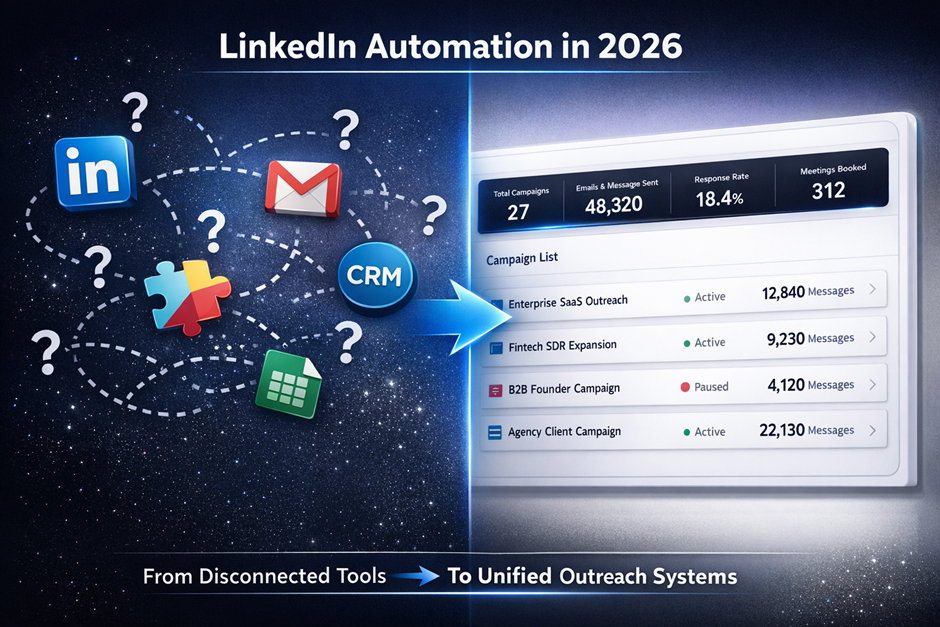
A LinkedIn outreach platform that doesn't sync with your CRM creates a data island. Verify native integrations with Salesforce, HubSpot, Pipedrive, or whichever system your team lives in. Two-way sync is essential: new contacts, message activity, and reply statuses should flow into CRM records without manual entry. LinkedIn automation strategies for SDR teams often fail when CRM data stays disconnected from outreach activity.
7. Analytics & Reporting
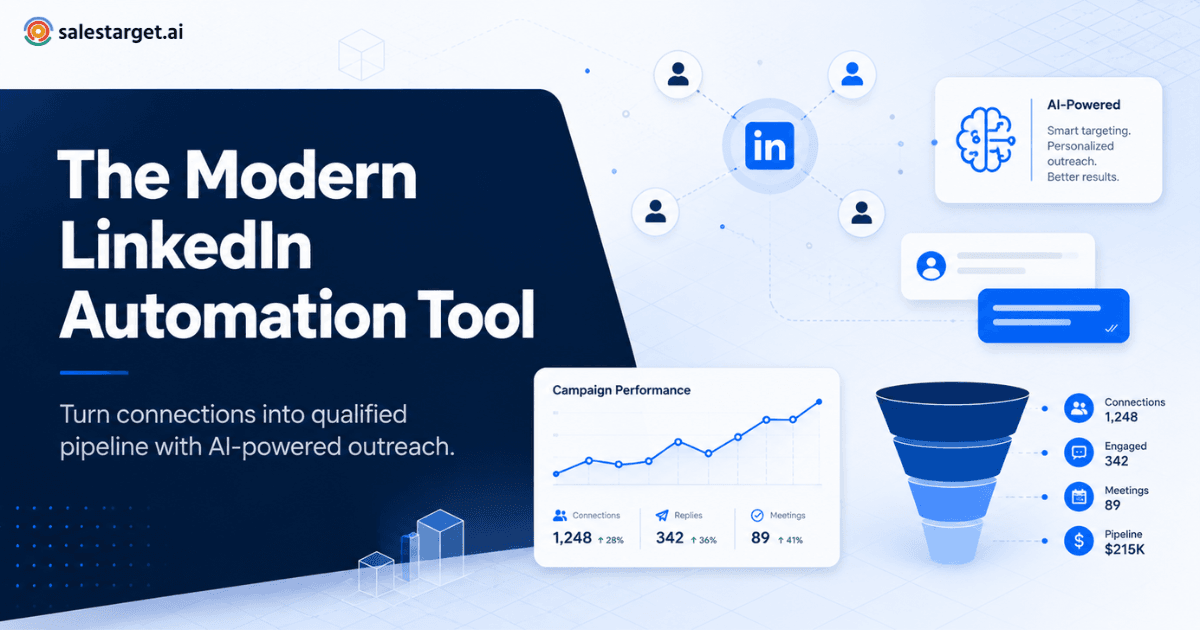
Revenue leaders need more than vanity metrics. Look for dashboards that track connection-request acceptance rates, reply rates, positive-reply rates, meetings booked, and pipeline value generated. Bonus: team-level reporting that lets managers compare rep performance and identify coaching opportunities.
8. Multi-Channel Outreach
LinkedIn alone is rarely enough. The strongest platforms weave LinkedIn actions into email and calling workflows so prospects receive coordinated touches—without reps toggling between five tools.
9. Scalability
Think beyond your current team size. Can the tool handle 5 seats today and 50 seats next quarter? Does pricing scale linearly, or do per-seat costs drop at higher tiers? Ask about API access, team management features, and role-based permissions for sales managers versus individual contributors.
10. Pricing Transparency
Hidden fees erode trust and wreck budgets. Insist on clear, published pricing that explains what each tier includes. Watch for add-on charges for integrations, premium support, or extra message credits that inflate your actual cost well beyond the sticker price.
LinkedIn Automation Evaluation Matrix
| Criterion | Vendor A | Vendor B | Vendor C |
|---|---|---|---|
| Safety & Compliance | /5 | /5 | /5 |
| AI Personalization | /5 | /5 | /5 |
| Campaign Automation | /5 | /5 | /5 |
| Inbox Management | /5 | /5 | /5 |
| Lead Segmentation | /5 | /5 | /5 |
| CRM Integrations | /5 | /5 | /5 |
| Analytics & Reporting | /5 | /5 | /5 |
| Multi-Channel Outreach | /5 | /5 | /5 |
| Scalability | /5 | /5 | /5 |
| Pricing Transparency | /5 | /5 | /5 |
| TOTAL SCORE | /50 | /50 | /50 |
Common Mistakes When Choosing LinkedIn Automation
Even experienced sales directors stumble during the LinkedIn automation evaluation process. Here are the pitfalls that cost teams the most time and money:
- Buying on price alone. The cheapest tool often lacks compliance safeguards, leaving your reps' accounts exposed. A restricted LinkedIn profile costs far more than the monthly savings.
- Ignoring compliance entirely. If a platform doesn't explain exactly how it stays within LinkedIn's Terms of Service, treat that silence as a red flag.
- Settling for basic templates. Without AI-assisted personalization, your outreach reads like every other automated message in the prospect's inbox—and gets ignored.
- Skipping analytics. You can't improve what you don't measure. Platforms without granular reporting leave managers guessing which sequences actually drive meetings.
- Overlooking integrations. If LinkedIn data doesn't flow into your CRM and reporting stack, your team doubles up on manual entry—exactly the busywork automation should eliminate.
How SalesTarget.ai Meets the Checklist
When we mapped the checklist above against available platforms, SalesTarget.ai's LinkedIn Outreach consistently checked the boxes that matter most to revenue teams:
- Safety-first architecture: cloud-based execution with dedicated IPs, human-like action randomization, and configurable daily limits that respect LinkedIn's guidelines.
- AI personalization engine: generates context-aware openers based on prospect activity, job changes, and shared connections—no more copy-paste templates.
- Flexible campaign builder: branching sequences with A/B testing, conditional triggers, and real-time editing of live campaigns.
- Unified inbox: centralizes LinkedIn messages, tags conversations by status, and surfaces hot leads automatically.
- Multi-channel workflows: coordinates LinkedIn actions with email sequences so prospects experience a seamless cadence across channels.
- Transparent pricing: published plans with no hidden add-ons for integrations or premium support.
Ready to see it in action? Launch Your LinkedIn Campaign
Final Buying Considerations
Choosing LinkedIn automation software is a decision that affects pipeline velocity, rep productivity, and brand reputation on the platform where your buyers spend their professional time. According to LinkedIn's own business blog, over 80% of B2B leads sourced through social media come from LinkedIn—which makes the stakes of choosing the wrong tool uncomfortably high.
Before signing, run every finalist through the ten-point checklist above. Score them in the evaluation matrix. Pressure-test safety claims during a live demo—not a slide deck. Ask for references from companies at your stage and team size. And confirm the platform grows with you.
The right LinkedIn automation platform doesn't just save time. It compounds results: better targeting, sharper messaging, cleaner data, and ultimately, more qualified pipeline for the revenue goals your leadership team is counting on.
Quick-Reference Buyer Checklist
- ☐ Operates within LinkedIn's published usage limits
- ☐ Uses cloud-based execution with dedicated proxies
- ☐ Offers AI-driven message personalization beyond merge tags
- ☐ Supports branching sequences with conditional logic
- ☐ Centralizes inbox with tagging and lead prioritization
- ☐ Provides dynamic lead segmentation by ICP attributes
- ☐ Integrates natively with your CRM (two-way sync)
- ☐ Reports on reply rates, meetings booked, and pipeline value
- ☐ Coordinates LinkedIn with email and other channels
- ☐ Scales to your projected team size without hidden fees