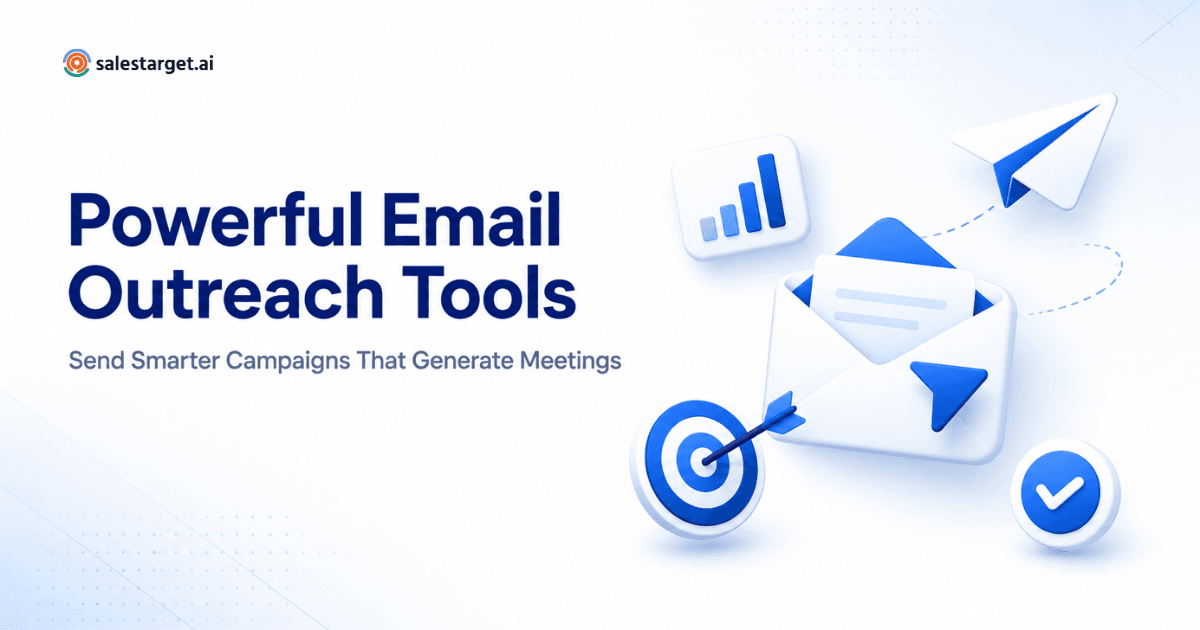
Email outreach tools are software platforms that help B2B sales teams run cold email campaigns at scale, handling sending, personalization, follow-ups, and deliverability. Founders, RevOps leads, and SDR managers use them to reach prospects consistently without burning primary inboxes. When evaluating, buyers should look at inbox rotation, warmup, reply detection, CRM sync, and honest deliverability reporting. Price matters less than sender infrastructure and support quality.
| Question | Answer |
|---|---|
| What are email outreach tools? | Software that automates cold email sending, sequencing, personalization, and reply tracking for B2B sales teams. |
| Who needs them? | Founders, SDR managers, RevOps teams, and sales leaders running outbound at scale. |
| What should buyers evaluate first? | Deliverability, warmup, CRM integration, reply classification, and pricing model. |
| Do they replace CRMs? | No. They sit alongside CRMs and push sending activity and reply outcomes into them. |
What Are Email Outreach Tools?
Email outreach tools are the sending, sequencing, and tracking layer of a modern B2B sales stack. They automate cold email campaigns by writing sequences, spinning up sender addresses, throttling volume, catching replies, and pushing activity into the CRM. Marketing automation platforms are not built for this. They are built for opted-in newsletters. Outreach tools are built for one-to-one prospecting at scale.
The distinction matters when buying. A team pushing 3,000 cold emails a week through a marketing platform hits deliverability walls fast, then blames the copy when the real problem is sender reputation.
Why Modern Sales Teams Need Email Outreach Software ?
Manual prospecting stops scaling around 30 accounts per rep per week. Beyond that, teams either hire more SDRs or add email outreach software to handle the mechanical parts — pulling contacts, sending sequences, spacing follow-ups, and logging touches. The math usually favors software.
There is also a deliverability angle. Cold sending from a primary domain damages your team's ability to send meeting invites and customer emails. Purpose-built platforms isolate outbound traffic on secondary domains with independent reputation. That single design choice is why teams do not just use Gmail with a scheduler — see how one SaaS team improved outreach performance after switching stacks.
Core Features Every Email Outreach Platform Should Include
The categories that separate serious platforms from lightweight schedulers:
- Inbox rotation. Automatic distribution across multiple sending mailboxes to protect reputation and stay under provider limits.
- Warmup. Automated conversation with a trusted mailbox network to build sender history before real campaigns begin.
- Personalization. Variable fields, snippets, and AI-generated first lines pulled from a prospect's LinkedIn or website.
- AI assistance. Subject line variants, tone rewrites, and reply classification — useful, but only when the underlying data is clean.
- Analytics. Open rates, reply rates, meetings booked, and bounce reasons, broken out by sender and sequence.
- Deliverability tooling. Spam word detection, link warnings, SPF/DKIM/DMARC checks, and inbox placement tests. Google Workspace's sender guidelines set the standards platforms should meet.
- CRM sync. Bidirectional flow with Salesforce, HubSpot, or Pipedrive so activities and reply outcomes stay attached to the right contact.
- Multichannel support. LinkedIn steps, calling task creation, and SMS as follow-up branches inside the same sequence.
How to Evaluate an Outbound Email Stack ?
A workable buyer checklist I use with new clients:
- Does the platform show real inbox placement data, not just open rates?
- Can it warm up new mailboxes before a campaign, and for how long?
- How does it handle bounces — pause the sender, throttle the sequence, or ignore them?
- Is the pricing tied to seats, sends, or contacts? Each model favors different team shapes.
- Are there native connectors for your CRM, or webhook-only integrations?
- Can non-technical users build sequences, or does everything require a RevOps ticket?
- What does the support model look like when a domain gets blocklisted?
If the vendor cannot answer question three or seven clearly, that is usually the tell. For agencies running multiple clients, this cold email system for SaaS agencies breaks down how the stack changes at scale.
Email Tool Selection Criteria for Founders and RevOps
Beyond features, five criteria decide which platform survives contact with reality:
- Scalability. Can you go from two mailboxes to two hundred without switching vendors? Mid-quarter migration is painful.
- Compliance. GDPR consent tracking, unsubscribe handling, and jurisdiction rules matter more than founders expect. HubSpot's email compliance guidance is a fair baseline.
- Integrations. Native connectors beat webhooks in daily use. Check that meetings, replies, and unsubscribes all flow bidirectionally.
- Reporting. Reply quality matters more than open rate. Ask whether the platform separates positive replies from auto-responders and out-of-office messages.
- Pricing and onboarding. Per-seat pricing rewards small teams. Per-contact pricing punishes list expansion. Match the model to your motion, and confirm how long it takes to get from signature to first campaign.
If you want to test these criteria against a live platform without committing to annual pricing, Start Free Trial and run a real sequence in the first week.
Common Mistakes Buyers Make
Three patterns show up repeatedly:
Buying on features, not deliverability. Every vendor demos beautifully. Ask for placement data from the past 60 days across their customer base — the good ones will share it.
Underestimating warmup time. New mailboxes need two to four weeks of warmup before real sending. Buyers who skip this see reply rates collapse in week one. Following email warmup best practices is not optional.
Treating outreach software as a strategy replacement. The tool sends the emails. It does not decide who to send to, what to say, or when to stop. Teams that skip ICP work end up with expensive spam machines.
Expert insight: Teams book more meetings by sending fewer emails to tighter lists. Every high-performing outbound organization I have worked with over the last two years reduced weekly send volume between month two and month four while meetings booked went up. The lever is segmentation and message relevance, not throughput.
How SalesTarget AI Helps Teams Scale Outreach
SalesTarget AI is built around a simple observation: most outbound programs fail on deliverability and targeting, not tooling. The platform handles inbox rotation, native warmup, AI-generated personalization tied to real prospect signals, and CRM sync with the standard providers. Reply classification separates genuine interest from noise so SDRs work the right conversations first.
For founders and RevOps teams, the appeal is a shorter setup window and fewer vendor handoffs. You can Start Free Trial and run a real campaign inside a week. Results depend on list quality and message-market fit — the software removes friction, but strategy still belongs to the team.
Picking the right email outreach tools comes down to matching platform capability to team stage. Founders need onboarding speed and honest deliverability. RevOps leaders need integrations and reporting. Sales leaders need reply quality data. Buy for the constraints you will actually hit, not the feature list. When you are ready to test one against your own campaigns, Start Free Trial and let the results decide.