If your pipeline lives across three spreadsheets, a shared inbox, and whatever your top rep remembers off the top of their head, you already know the cost. Deals stall because nobody followed up. Forecasts miss because nobody trusts the numbers. And every new hire spends their first month asking "wait, where do I find that?"
That's the exact problem CRM tools for sales management were built to solve. The right platform turns scattered activity into one shared source of truth, so reps spend their time selling instead of hunting for context.
This guide breaks down what separates a real sales CRM from a glorified contact list, walks through the platforms sales teams actually use, and gives you a practical rollout plan you can follow without hiring a consultant.
What Do CRM Tools for Sales Management Actually Do?
A CRM tool for sales management centralizes every touchpoint a prospect has with your company, calls, emails, meetings, deal stage changes, into one record. Instead of a rep manually logging what happened, the system captures it automatically and gives managers a live view of the entire pipeline.
The goal isn't storage. It's removing friction from the buying process. When reps spend less time on data entry and more time in actual conversations, revenue moves faster. That's the whole case for CRM software for B2B sales: less admin, more selling.
Core Features to Look For in a Sales CRM
Not every CRM earns the name. Before you shortlist vendors, check for these five capabilities.
Lead Scoring That Actually Predicts Conversion
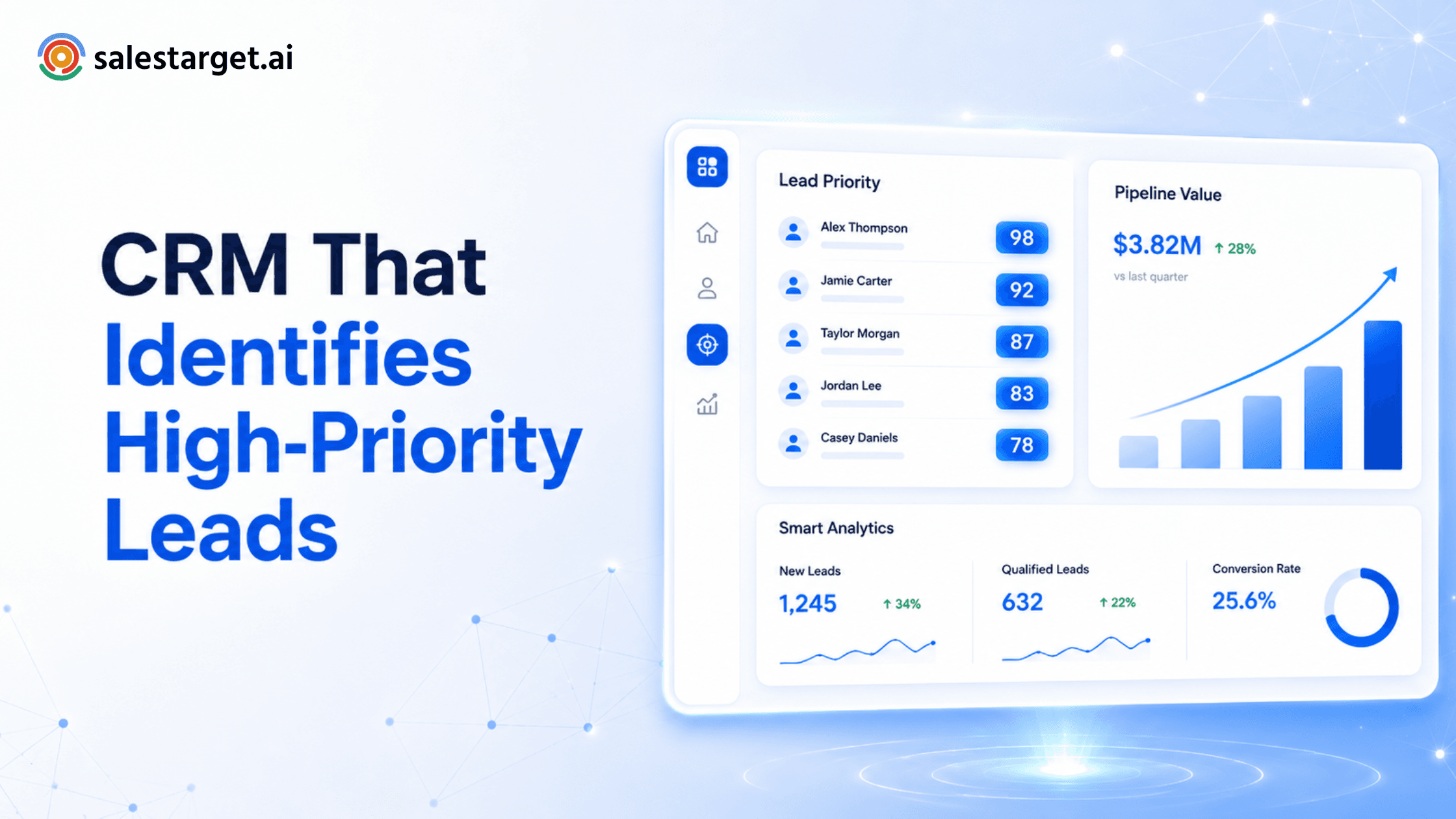
A good scoring model combines behavioral signals (website visits, email opens, content downloads) with demographic weighting (job title, company size, industry). The best systems layer in historical win and loss data so the score reflects what has actually converted for your business, not a generic template.
Pipeline Visibility for the Whole Team
Every rep and manager should be able to see, at a glance, exactly where each deal sits and what's supposed to happen next. Drag-and-drop Kanban boards make this intuitive: a deal moves from Qualified to Proposal Sent to Closed Won, and everyone can see it happen in real time.
Reporting That Managers Actually Use
Dashboards should answer questions fast: which reps are behind pace, where deals are stalling, how long the average sales cycle runs. If your team needs a spreadsheet export to answer those questions, the reporting isn't doing its job.
Forecasting Built on Pipeline Velocity
Modern forecasting tools combine historical close rates, deal age, and rep-level win rates to project revenue with more accuracy than a gut-feel number pulled together the night before the board meeting.
Mobile Access for Reps in the Field
Sales doesn't happen exclusively at a desk. Reps need to update a deal stage from the parking lot after a client meeting, not three hours later when they're back at their laptop.
Cloud-Based or On-Premise: Which Fits Your Team?
On-premise CRMs give you full control over infrastructure and security, but they come with real costs: dedicated IT staff, upfront hardware spend, and a slower path to enabling remote work.
Cloud-based CRM software has become the default for a reason. Deployment is fast, updates happen automatically, and reps can log in from anywhere without an IT ticket. For most B2B sales teams, especially ones running distributed or hybrid teams, cloud-based is the practical choice.
A Quick Look at the Major Sales CRM Platforms
Here's a fast, honest snapshot of where the well-known platforms fit, so you know what you're actually comparing.
SalesTarget.ai
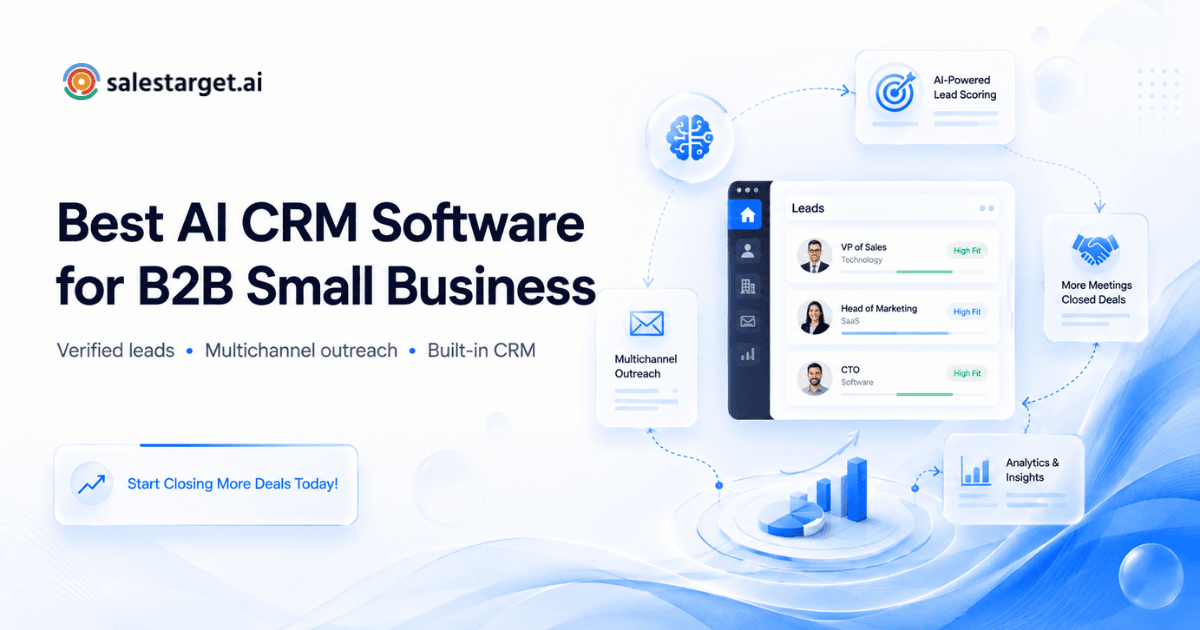
SalesTarget.ai takes a different starting point from the rest of this list. Rather than being a CRM you bolt other tools onto, it's built around one workspace: 840M+ verified profiles and real-time intent data feed straight into email, LinkedIn, and phone outreach, and everything gets tracked, nurtured, and closed inside the same CRM, so nothing has to be stitched together across separate tools.
Salesforce Sales Cloud
Salesforce Sales Cloud is the enterprise standard: deeply customizable, backed by a massive app marketplace, and capable of handling complex sales cycles at scale. The tradeoff is implementation complexity and a price tag that climbs as you add users and features.
HubSpot Sales Hub
HubSpot Sales Hub is built for teams that want tight alignment between marketing and sales. Its free tier is genuinely useful for startups, though the advanced automation and reporting sit behind paid tiers.
Pipedrive
Pipedrive strips things down to visual pipeline management and daily activity tracking. It's easy to learn and affordable, but it lacks deep marketing automation or enterprise-grade customization.
Zoho CRM
Zoho CRM pulls email, chat, and telephony into one record at a competitive price point, particularly appealing if you're already using other Zoho products.
Freshsales
Freshsales bundles built-in calling and AI-assisted lead scoring into a clean interface, a solid fit for fast-growing teams that want communication tools baked in rather than bolted on.
Monday Sales CRM
Monday Sales CRM leans on a highly visual, flexible board system, useful for teams that want to pass a closed deal straight into a project management workflow.
Most of these platforms solve part of the problem well. Where teams get stuck is stitching a CRM to a separate prospecting tool, a separate email platform, and a separate LinkedIn outreach tool, then hoping the data stays in sync. If you want a broader breakdown of how these platforms stack up on that front, this comparison of the best B2B sales platforms goes deeper into the tradeoffs.
Automating Lead Management Workflows
Software only helps if your team isn't buried in manual admin. Automated lead workflows remove that bottleneck by triggering actions based on prospect behavior instead of relying on a rep to remember.
A typical automated workflow looks like this once a lead fills out a form:
- The system creates a contact record instantly.
- It checks whether the company already exists in your database.
- It scores the lead as hot or cold based on your criteria.
- It routes the lead to the right rep by territory or industry.
- It fires a personalized follow-up email within minutes.
- It creates a task reminding the rep to call within 24 hours.
That entire sequence runs without a human touching it, which is exactly why response time improves and leads stop slipping through the cracks. Multichannel outreach tools built for this, like email outreach automation paired with LinkedIn outreach sequencing, let you run the same logic across both channels instead of managing email and LinkedIn as two disconnected efforts.
Connecting Lead Generation Data to Your CRM
A common failure point: marketing and sales run on separate systems, and the data never quite lines up. Sales has no idea what a prospect clicked in last week's newsletter. Marketing has no idea a rep already closed the deal.
When prospecting data flows directly into the CRM instead of getting exported and re-imported, reps get behavioral context automatically, which links a prospect clicked, which pages they visited, whether they're already mid-conversation with a rep. That context turns a cold call into a warm one.
This only works if the data entering your CRM is clean. A prospecting tool with built-in email and lead validation that checks deliverability before a contact ever lands in your pipeline saves reps from chasing bounced emails and stale records. For teams pulling leads from multiple sources, this guide on managing leads from multiple sources in one CRM covers the mechanics of keeping that data consistent.
How to Implement a CRM for Your Sales Team
Picking the software is the easy part. Getting your team to actually use it is where most rollouts fail. Follow this order.
Map your sales process first
Before importing a single contact, define what counts as a Lead, an MQL, and an SQL, and lay out the exact stages of your pipeline. A CRM can't fix a broken process. It can only digitize the one you already have.
Clean your data before migration
Duplicate records, inconsistent phone formats, and dead contacts create bad habits from day one. Audit and standardize before you import anything.
Customize deal stages and dashboards
Set up custom fields specific to your industry and build dashboards around the KPIs your managers actually check every week.
Roll out in phases, not all at once
Start with a small pilot group of tech-savvy reps, let them surface issues, and use them as internal champions when you expand to the full team. Frame training around what makes reps' lives easier, not just what helps managers track them.
Enforce a single source of truth
If a deal isn't logged in the CRM, it doesn't count for commission or forecasting. This one cultural rule does more for data integrity than any feature.
Measuring CRM ROI
CRM adoption is an investment of time and budget, and leadership will eventually ask for proof it's paying off. Track both sides of the ledger.
On the numbers side, watch win rate percentage, average sales cycle length, and hours of admin time saved per rep. Salesforce's State of Sales research has repeatedly found that reps spend somewhere around 30 to 40 percent of their week on actual selling, with the rest absorbed by admin, data entry, and internal meetings. That gap is exactly what a well-adopted CRM is supposed to close, and it's a useful benchmark when you're building the business case internally.
On the qualitative side, ask your team directly. Are reps less stressed about disorganized data? Are deals closing faster because follow-up isn't falling through the cracks? Those answers matter as much as the spreadsheet.
The standard ROI formula still applies: (Net Profit from CRM Implementation minus Cost of CRM) divided by Cost of CRM, times 100. Give it three to six months before you expect the numbers to look convincing. CRM ROI compounds with adoption, not adoption alone.
Why Choose SalesTarget.ai for Sales CRM Management
Most CRMs solve one piece of the puzzle and expect you to bolt on the rest. You get a database, then a separate tool for outreach, then another for deliverability, then you're stitching everything together with Zapier and hoping nothing breaks.
SalesTarget.ai's CRM was built to sit at the center of that stack instead of being one more tool bolted onto it. Campaign leads land in it automatically, every email and call gets logged to the lead timeline without a rep typing a word, and follow-up tasks generate themselves. Teams using it have seen deal cycles move 3.2 times faster and follow-up completion rates hit 91 percent, recovering close to six hours per rep every week that used to go to manual logging.
The difference shows up most in how the CRM connects to everything upstream. Instead of exporting a list from one tool and importing it into another, prospecting data from Lead Explorer, campaign activity from Email Outreach and LinkedIn Outreach, and verification results from the built-in validator all sync into the same lead record automatically. That's the core case for combining lead data and CRM in one platform rather than running five separate subscriptions.
For reps who want answers without digging through dashboards, the AI Copilot sits inside the platform as a conversational layer: ask it to pull campaign revenue, surface stalled deals, or draft a follow-up sequence, and it does it in plain language. If you're evaluating how AI fits into CRM buying decisions more broadly, this breakdown of the best AI CRM options for sales teams is worth a read before you commit to a platform.
None of this replaces the fundamentals covered above: a clean sales process, disciplined data hygiene, and a phased rollout. It just means the CRM you land on doesn't force you to rebuild your entire tech stack around it.
Final Thoughts
The best CRM for your team isn't necessarily the one with the longest feature list. It's the one your reps will actually use every day, connected to the tools that feed it clean, current data.
Whether you land on an enterprise platform, a lightweight pipeline tool, or something built to combine prospecting and outreach with the CRM itself, the fundamentals stay the same: define your process, protect your data quality, and give your team a system that removes friction instead of adding it.
If you want to see what an all-in-one setup looks like in practice, you can try SalesTarget.ai free and get a feel for how it handles your own pipeline before you commit to anything.