Your reps are logging into four different tools before noon and still can't tell you which leads from last week's campaign have been followed up. The lead list lives in one place, the email sequences in another, LinkedIn outreach in a third, and the CRM gets updated whenever someone remembers. That friction is not a minor inconvenience. It's where pipeline leaks.
The direct answer: the best sales engagement platforms combine B2B lead discovery, multichannel outreach (email and LinkedIn), built-in email verification, and CRM pipeline management in one workspace. Teams using a unified platform replace three to five point tools, cut manual data transfer, and keep every contact record current from first touch to closed deal.
The Shift From Separate Sales Tools to All-in-One Sales Engagement Platforms
Combining Lead Discovery, Outreach, and CRM in One System
Most sales stacks weren't designed. They were assembled one subscription at a time: a prospecting tool added when the list ran dry, a sequencer added when manual outreach stopped scaling, a CRM added when deals started disappearing. Each tool solved a problem in isolation and created a new one at the handoff.
The shift to all-in-one sales engagement platforms is a response to what actually happens inside those stacks: reps spending 60 to 90 minutes a day moving data between systems that were never meant to share it.
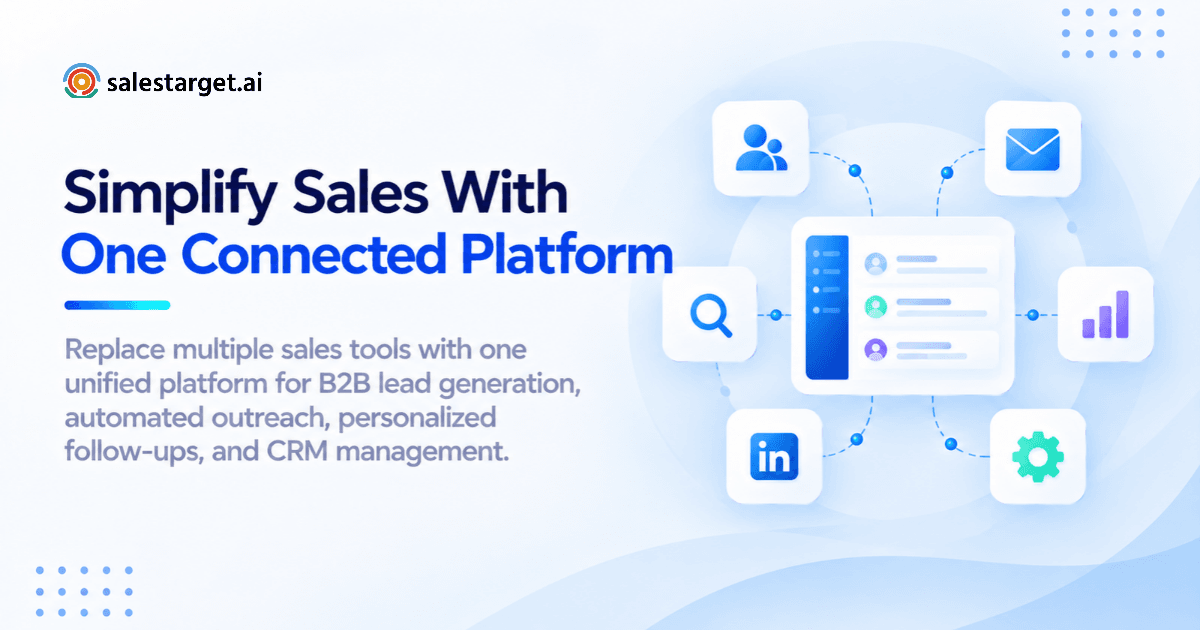
A platform that replaces this stack starts with a lead database and carries the same contact record through enrichment, outreach, follow-up, and deal management, with no export or import between steps.
Connecting Prospect Data With Automated Sales Activities
The gap between finding a lead and contacting that lead is where most outbound programs bleed volume. In a fragmented stack, a rep identifies a contact in one tool, verifies it in a second, pastes it into a sequencer, and manually logs the activity in a CRM. By the time the lead replies, the context is split across three different systems.
Unified platforms attach every outreach action to the same contact record that holds the company data, intent signals, and enrichment history. A reply in week two of a sequence lands in the same record as the original prospecting note. No re-entry. No version conflicts.
Managing the Complete Lead-to-Deal Process From One Workspace
The clearest test of whether a platform is truly unified: can a rep move a contact from first discovery to closed-won without leaving the platform? That includes prospecting, enrichment, email and LinkedIn outreach, call logging, follow-up task creation, and pipeline tracking. If any step requires a separate login, the platform is connecting tools, not replacing them.
Best Sales Engagement Platforms for Replacing Multiple Sales Tools
SalesTarget.ai: Unified B2B Prospecting, Outreach, and CRM
SalesTarget.ai is built specifically for outbound B2B teams that want to stop managing a tool stack. The platform covers lead discovery through Lead Explorer, coordinated email and LinkedIn outreach, built-in email verification, a lightweight CRM, and an AI Copilot, all in one workspace. Enrichment happens at the point of discovery, not after a CSV export. Verified contacts move directly into sequences. It's a direct alternative to Apollo for teams that want native deliverability management and LinkedIn automation without third-party bolt-ons.
Apollo.io: Lead Intelligence and Sales Engagement Automation
Apollo has a large B2B contact database and covers basic email sequencing. Where teams hit friction: deliverability tools require outside integrations, LinkedIn automation is limited compared to dedicated tools, and the CRM is thin for teams not already running Salesforce or HubSpot. It works well as a data and sequencing layer but rarely replaces a full stack on its own.
Reply.io: Multichannel Outreach and Sales Sequences
Reply.io handles multichannel sequencing well, including email, LinkedIn, calls, and SMS. The gap is lead data: there is no native B2B database, so teams still need a separate prospecting tool feeding contacts into it. For teams trying to reduce the number of tools they manage, Reply.io adds back the dependency it was supposed to remove.
HubSpot Sales Hub: CRM and Sales Engagement Management
HubSpot Sales Hub is the right call for teams running a mix of inbound and outbound that need mature CRM reporting. For pure outbound teams, it tends to be over-built on the CRM side and under-built on prospecting. Email sequences are functional but lack the depth of dedicated outreach tools, and LinkedIn automation requires third-party apps.
Close: CRM With Built-In Email and Calling Tools
Close is aimed at SMB teams doing high-volume outreach. The built-in dialer is a real differentiator, and the email integration is clean. The weak point is lead sourcing: Close assumes you already have contacts. Teams still need a separate lead database, which means the core consolidation problem stays unsolved.
Comparing Platform Features, Integrations, and Pricing
The question that actually matters isn't which platform has the longest feature list. It's which platform covers your real workflow without requiring you to add tools back in. "Integrates with ZoomInfo" is not the same as having a native lead database. "Syncs with your CRM" is not the same as having a built-in CRM. For a detailed side-by-side breakdown, see our top sales engagement platforms comparison.
Key Features of an All-in-One Sales Engagement Platform
B2B Lead Database and Contact Enrichment
A platform that makes you source leads elsewhere hasn't replaced anything meaningful. The database needs to be large enough to be useful and fresh enough to be accurate. Enrichment needs to happen at discovery: verified professional email, direct phone, and mobile in the same click that surfaces the contact. If enrichment is a separate step, a separate cost, or a separate tool, you are still managing a dependency.
Automated Email and LinkedIn Outreach
Email-only platforms are a partial answer. B2B buyers don't concentrate in one channel, and a rep limited to cold email is leaving a large segment of the reachable market untouched. Look for platforms where email and LinkedIn run in coordinated sequences, where context carries across both channels, and where the unified inbox pulls replies from both into one view.
Email Verification and Deliverability Management
Sending to unverified lists is how sales domains get blacklisted. The platforms that handle this correctly verify contacts before the email goes out, not after the bounce comes back. This means MX and SMTP-level checks, disposable email detection, and sender reputation monitoring. If your platform doesn't do this natively, you are paying a separate verification service and trusting someone to run it before every campaign.
Built-In CRM and Sales Pipeline Tracking
A CRM built for outbound teams is different from a CRM built for enterprise account management. Outbound teams need automatic lead capture from sequences, call logging from a built-in dialer, follow-up task creation on reply, and a pipeline view that reflects live campaign activity. A CRM requiring manual updates at every stage doesn't get used consistently, which means the pipeline data is always out of date.
AI-Assisted Prospecting and Outreach Personalization
The useful AI applications in sales tools are specific: searching a large contact database in plain English instead of stacking filters manually, generating sequence steps from an audience description instead of writing from scratch, and flagging deals that are going cold so a rep can act before a contact disengages. The AI has to do something a rep couldn't do faster on their own, or it stays a marketing claim.
Sales Analytics and Campaign Performance Reporting
The reporting most outbound teams actually need isn't complicated: which sequences are producing replies, which reps are hitting activity targets, and which pipeline deals are at risk. The problem is that when this data lives across five tools, none of the reports are complete. Analytics only give you the full picture when activity data, contact data, and pipeline data share the same system.
How Unified Sales Engagement Software Improves Outbound Sales Performance
Faster Prospect Discovery and Lead Qualification
When intent signals, company filters, and contact enrichment are in the same prospecting view, a rep can find and qualify a lead in one session instead of cross-referencing three sources. Real-time buying signals like funding rounds, hiring spikes, and technology installs narrow the list before outreach begins, so campaigns reach contacts who are actively in a buying motion, not just contacts who fit a static ICP filter.
Consistent Follow-Ups Across Multiple Outreach Channels
The main reason follow-ups don't happen isn't that reps forget. It's that the task is buried in a tool the rep isn't checking at the right moment. When follow-up tasks are created automatically on reply and surface in the same workspace where the rep is running outreach, completion rates go up significantly. SalesTarget.ai's CRM reports 91% follow-up completion for teams using the built-in task automation.
Reduced Manual Work for SDR and BDR Teams
Copying contact data between tools, updating CRM records after calls, exporting lists to run verification, and switching between dashboards to check sequence performance: these tasks eat productive selling hours. Unified platforms cut this category of work by keeping the data model consistent across every function. SalesTarget.ai teams report saving around 6 hours per rep per week by removing these manual transfer steps.
Better Sales Pipeline Visibility and Team Coordination
A sales leader forecasting from a fragmented stack is reading three reports built on different contact records, different stage definitions, and different activity logs. When the pipeline, outreach data, and contact history live in the same system, the forecast reflects what is actually happening in the market, not whatever was last updated manually.
Choosing the Right Sales Engagement Platform for Your Business
Matching Platform Capabilities With Sales Team Requirements
A five-person outbound team and a 50-person SDR function have different needs, but both share the same requirement: the platform has to cover the actual workflow without sending reps to outside tools for critical steps. Start by listing the five tasks your team performs every day. If the platform doesn't cover at least four of them natively, it's not replacing your stack. It's adding to it.
Comparing Native Features Against Third-Party Integrations
"Integrates with X" is not the same as "does X." An integration means you're still paying for X, maintaining X, and managing the sync between X and the new platform. When evaluating platforms, count the features the platform does natively. Separately count what it only does through integrations. That ratio tells you how consolidated the platform actually is.
Evaluating Sales Engagement Software Pricing and Total Costs
The listed price rarely reflects the total cost. Factor in the tools the platform doesn't replace, the integrations you'll need to maintain, and the ops time spent managing data syncs. A platform that costs more per seat but eliminates three subscriptions and a Zapier workflow often runs cheaper in total. For teams evaluating at the SDR or enterprise level, this sales engagement platform guide for enterprise SDR teams covers cost and scalability in detail.
Reviewing Scalability, Data Quality, and Automation Limits
The two most common failure points when scaling on a unified platform are data quality decay and automation throttling. Check how recently the contact database was verified, not just how large it is. Stale data at scale means a high percentage of enriched contacts have already changed roles or bounced. On automation, understand the daily sending limits, LinkedIn action caps, and how the platform warms new inboxes before hitting full send volume.
Why Choose SalesTarget.ai
B2B Lead Discovery and Contact Enrichment With Lead Explorer
Lead Explorer searches 840M+ verified professional profiles and 146M+ business entities. Filters cover industry, role, seniority, company size, revenue, location, tech stack, and real-time intent signals from Bombora, plus business events like funding rounds, hiring spikes, and leadership changes on a 30 to 90 day lookback. One-click enrichment delivers verified professional email, personal email, direct phone, and mobile at the point of discovery. No separate enrichment step. No CSV handoff to a different tool.
Email and LinkedIn Outreach From a Single Platform
Email Outreach and LinkedIn Outreach run in coordinated multichannel sequences from the same interface. Email sequences are auto-built from a plain-English audience description, with AI spintax generating human-varied copy across sends. LinkedIn automation handles connection requests, DMs, follow-ups, and engagement actions, with conditional branching based on whether a contact replied, connected, or went quiet. Both channels share the same contact record, so a LinkedIn reply is visible when you're managing the email thread.
Built-In Email Verification and Deliverability Tools
Email Validator verifies contacts using MX and SMTP checks, disposable email detection, and risk scoring before campaigns go out. 90% of emails are validated before the first send. Unlimited inboxes with automatic AI warm-up and intelligent inbox rotation protect sender reputation at scale. SPF, DKIM, and DMARC checks run before launch, not after the first batch of bounces.
Centralized Lead and Deal Management With Sales CRM
The Sales CRM captures leads automatically from campaigns (no imports), logs every email and call to the lead timeline, and creates follow-up tasks without manual input. A built-in dialer handles click-to-call with auto-logging. The shared pipeline dashboard shows open deals, pending tasks, email stats, and meeting activity in one view. Setup takes less than a day. SalesTarget.ai CRM users report 3.2X faster deal cycles compared to teams managing deal tracking in a separate system.
If your team is managing outreach and deals across more than two tools, start a free trial and run your first campaign inside a single workspace today.
AI Copilot for Prospecting, Outreach, and Sales Tasks
The AI Copilot is a conversational interface built into the platform. Ask it to find leads matching a specific ICP from 840M+ profiles, generate a multi-step email sequence, check which campaigns are converting, or surface overdue tasks from the CRM. It personalizes by role, industry, and company size, flags at-risk deals, and recommends the next action. It operates on your actual workspace data, not generic prompts.
Reducing Sales Tool Switching With a Connected Workflow
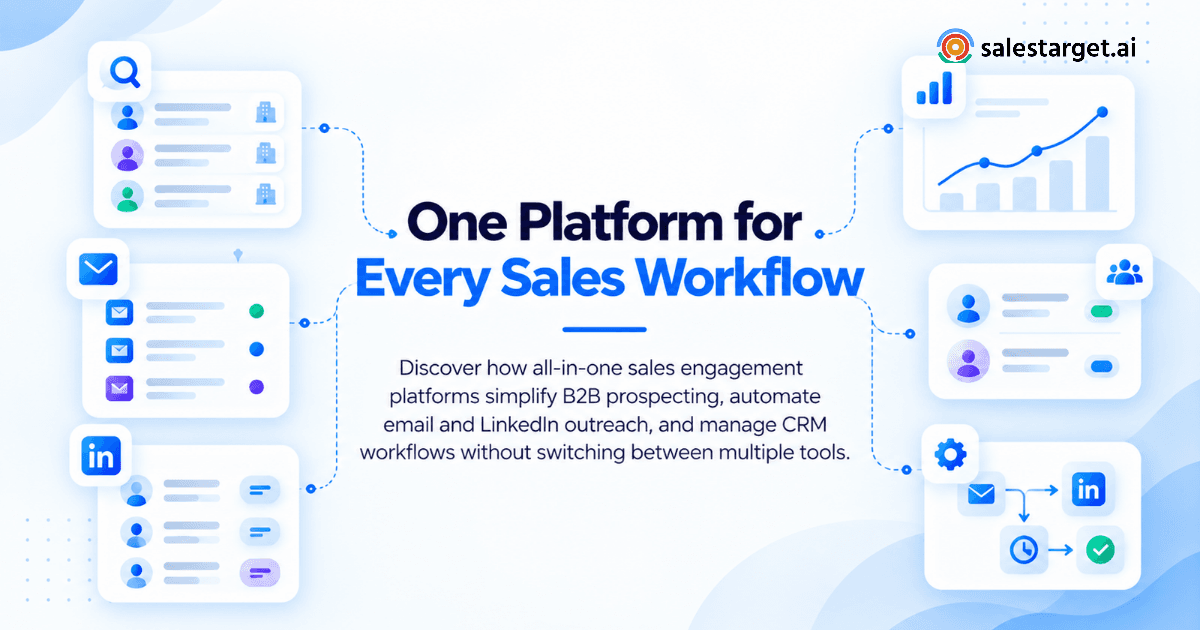
The practical test for any unified platform is whether a rep starts their day in one tab and closes it in one tab. On SalesTarget.ai, the workflow is linear: find leads in Lead Explorer, push to a sequence, manage replies in Unibox, log calls from the built-in dialer, track deals in the CRM. No CSV transfer. No manual field updates. No tool-switching to complete a single task.
Common Mistakes When Consolidating Sales Engagement Tools
Choosing Software Based on Feature Counts Alone
A platform with 40 features covering 80% of your workflow is less useful than a platform with 20 features covering 100% of it. The mistake is evaluating platforms by what they can theoretically do, not by what your team will use on day one. Run a real prospect list through the platform's prospecting, enrichment, and outreach flow before committing. If that sequence requires manual steps or outside tools, the feature list is misleading.
Overlooking Hidden Integration and Usage Costs
A platform that appears affordable often requires paid integrations to cover the gaps in its native feature set. Before signing, map every tool in your current stack to a function in the new platform and confirm whether that function is included in the base plan or gated behind a higher tier. Teams that skip this step often find they've added a subscription, not replaced several.
Ignoring Lead Data Quality and Campaign Deliverability
Teams switching platforms often focus on outreach and CRM features and skip auditing the lead database. Contact data that hasn't been reverified recently produces high bounce rates, which damages domain reputation before the new platform has a chance to show results. Check verification recency and look for real-time enrichment rather than static database pulls scraped months earlier.
Moving Sales Workflows Without a Clear Migration Plan
Switching platforms mid-quarter without a migration plan is how active deals get lost. Map your existing sequences, contact segments, and pipeline stages before migrating anything. Move prospect data and CRM records first. Test the new sequence workflow on a small segment before porting the full outreach calendar. A two-week parallel run catches gaps before they affect live pipeline.
Moving From Multiple Sales Tools to a Unified Sales Engagement Platform
Reviewing Existing Tools and Identifying Overlapping Features
Start by listing every tool in your current stack and what it does. Most B2B sales teams find three to five tools with overlapping functions: multiple tools verifying emails, multiple tools tracking activities, multiple tools reporting on pipeline. Overlapping tools are where consolidation generates the most immediate savings, in both subscription cost and the ops time spent keeping data current across them.
Migrating Prospect Data, Outreach Sequences, and CRM Records
Export your active contact lists, current sequences with steps and timing, and open CRM records before switching. Map your pipeline stages to the new platform's stage definitions before importing deals. For outreach sequences, recreate them in the new platform and test on a small batch before migrating live campaigns.
Testing Campaign Workflows Before a Full Platform Switch
Pick one outbound segment and run it entirely through the new platform before migrating anything else. This gives you a real-world baseline: deliverability rates, reply rates, and sequence performance on actual prospects. It also surfaces workflow gaps before they affect the full outreach calendar.
Tracking Software Savings and Outbound Performance After Migration
Set a 90-day review after migration. Track the number of tools eliminated, total cost delta, reply rate changes, pipeline velocity, and follow-up completion rates. These four metrics tell you whether consolidation is working or whether you've swapped one fragmented stack for a new set of limitations.
Conclusion: Simplify B2B Prospecting, Outreach, and CRM With SalesTarget.ai
The problem isn't that any single sales tool is bad at its job. The problem is that five tools working in isolation create more overhead than the reps they're supposed to support. Data drifts between syncs. Follow-ups fall through gaps between platforms. The CRM that should show pipeline health reflects whatever someone last remembered to update.
SalesTarget.ai closes that gap. One platform covers B2B lead discovery with 840M+ verified profiles, contact enrichment, coordinated email and LinkedIn outreach, deliverability protection, and CRM pipeline tracking in a single connected workflow. Reps spend time on prospects. Leaders get pipeline data that reflects what's actually in market.
If your team is running more than two tools to cover what should be one workflow, that's the signal to consolidate. SalesTarget.ai is where that process starts.