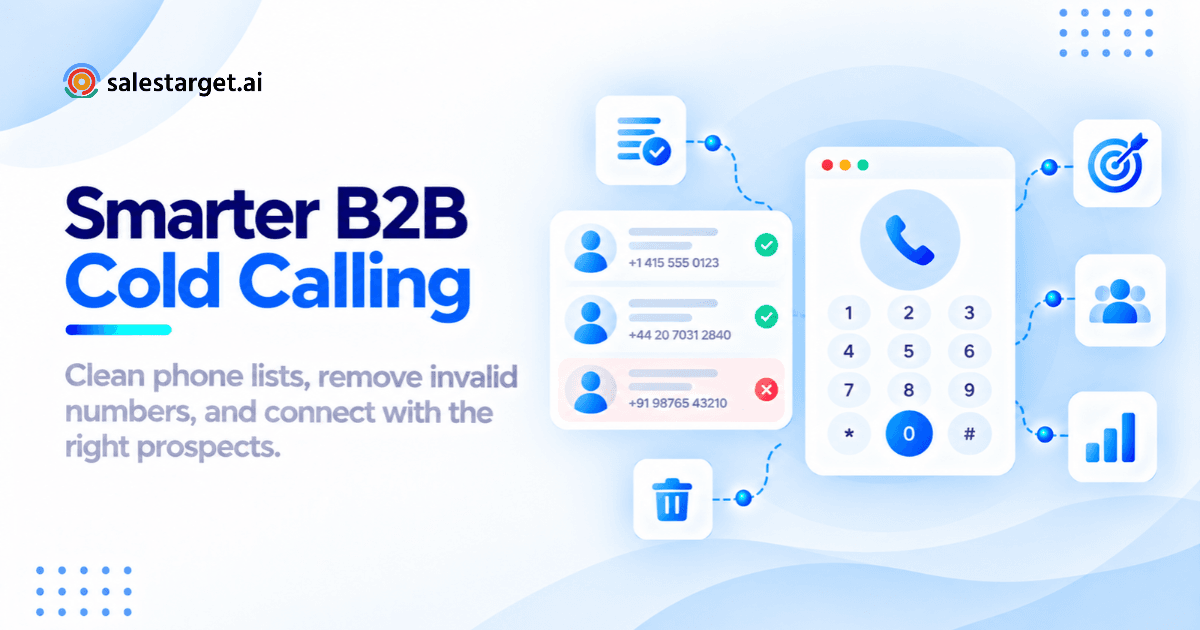
Your SDRs are dialing through a list of 500 contacts today. By lunch, 80 of those numbers will be disconnected, 45 will ring through to someone who left the company two quarters ago, and another 30 are duplicates they already called this morning. That is not a productivity problem. That is a list quality problem, and it is costing your team hours, pipeline, and morale.
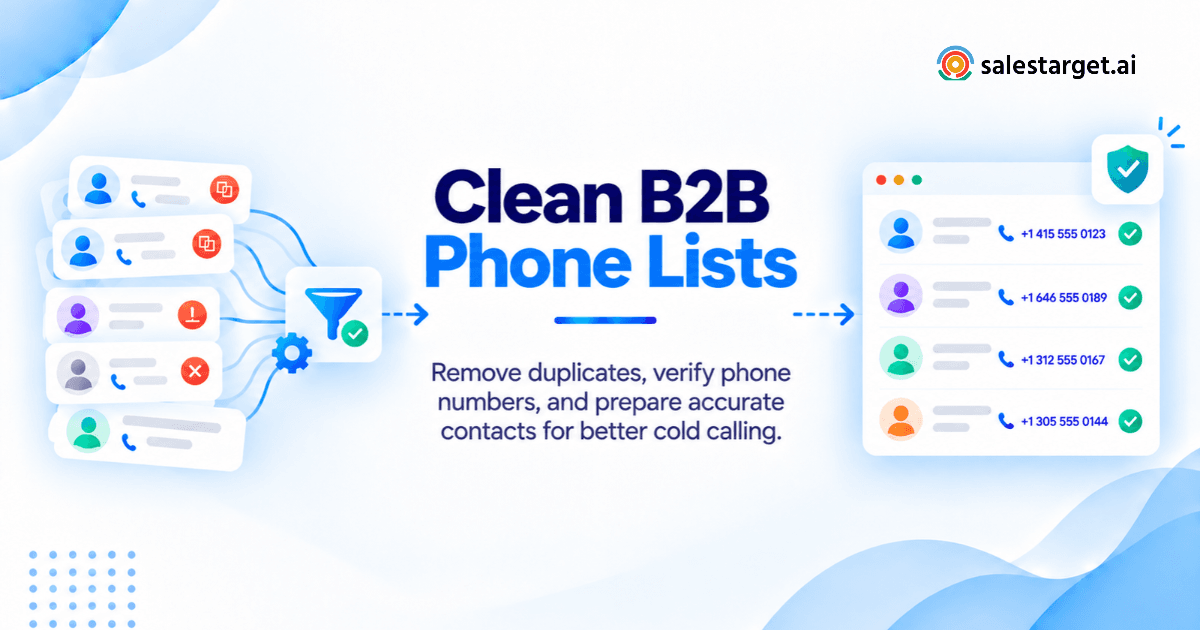
Cleaning a B2B phone number list means removing invalid, duplicate, and outdated numbers, verifying that each remaining number still belongs to the right decision-maker, and formatting every record so your dialer or CRM can process it without errors. Done right, eight steps take you from a raw contact export to a call-ready list: back up, standardize formats, deduplicate, validate numbers, classify line types, match contacts to current roles, screen against Do Not Call lists, and push clean records back into your CRM.
This guide walks through every step, with practical examples and the specific SalesTarget.ai workflows that make most of it automatic.
The Real Cost of Calling From an Unclean B2B Phone List
A dirty phone list does not just waste dials. It warps every metric your sales org uses to evaluate outbound performance, from connect rate to cost per meeting.
Disconnected numbers, wrong contacts, and lost calling hours
Industry data shows that roughly 18% of B2B phone numbers change or disconnect each year. On a 1,000-contact list that has not been cleaned in six months, that translates to around 90 dead numbers your reps will dial, wait through carrier messages, and manually disposition before moving on. At an average of 90 seconds per wasted attempt (ring time plus notes), that is over two hours of lost calling time per rep, per list.
The wrong-contact problem is worse because it is invisible to basic validation. A number can ring, a human can answer, and the rep still loses the call because the person on the other end left the company months ago. No validator catches that. Only a contact-level match (name to company to role) does.
Why duplicate records affect SDR productivity and connect rates
Duplicates do not just inflate your list count. They cause reps to call the same prospect twice in the same session, which tanks the buyer's perception of your team and skews your connect rate downward. If 6% of your records are duplicates (a typical figure for lists merged from multiple sources), your reported connect rate is artificially lower by the same margin, because those redundant dials almost never produce a new conversation.
The difference between a large prospect list and a call-ready contact list
A list of 5,000 phone numbers is not a calling list. A calling list is a subset where every record has been validated, matched to a current employee at the right company, formatted for your dialer, and cleared against suppression rules. Most teams operate on lists that are 40% to 60% call-ready at best. The gap between "contacts in the CRM" and "contacts worth dialing" is where cleaning lives.
The Five Checks Behind a Call-Ready B2B Phone Number
Before a phone number earns a spot on your calling sheet, it needs to pass five checks. Skip any one, and you are leaking efficiency somewhere in the dial session.
Phone number format and country code accuracy
A number stored as (555) 123-4567 cannot be dialed by most auto-dialers or VoIP systems without conversion. The international standard is E.164: a + sign, the country code, and the subscriber number with no spaces or punctuation. Example: +14155551234. Inconsistent formatting is the most common reason bulk uploads fail or calls route to the wrong country.
Phone line type and number validation status
Knowing whether a number is a mobile, landline, VoIP line, or company switchboard changes how you approach the call. Direct mobile numbers connect faster and reach the individual. Switchboards require navigating a gatekeeper. VoIP numbers may indicate a remote worker or a virtual office. Line-type classification should happen before your first dial, not after three failed attempts.
Contact identity and current company match
The number is valid. But does it still belong to your prospect? People change jobs. Numbers get reassigned. A phone number that was a VP of Sales's direct line in January could belong to a marketing coordinator by October. Matching the number back to a verified name, title, and company is where most phone number lookup for B2B sales processes fall short.
Contact data freshness and last verification date
A number verified 12 months ago is not a verified number. It is a number that was verified once. B2B contact data decays at roughly 2% to 2.5% per month. Your cleaning process needs a timestamp for every verification, and a rule for how old a verification can be before the record gets re-checked.
Do Not Call screening and contact suppression rules
Regulatory compliance is non-negotiable. Numbers on the National Do Not Call Registry, state-level DNC lists, or your internal opt-out list must be suppressed before dialing. The penalty for violations can reach $50,000+ per call in the US. Beyond legal risk, calling a suppressed number burns trust with prospects who explicitly asked not to be contacted.
How to Clean a B2B Phone Number List in 8 Steps
Here is the full workflow, from raw export to a list your SDRs can trust.
Step 1. Audit your existing B2B contact list and back up the data
Before you change a single record, export your full list as a CSV and store the backup somewhere your team will not accidentally overwrite it. Count total records, records with phone numbers, records missing phone numbers, and records missing names or company fields. This baseline tells you how much cleaning the list actually needs and gives you a before-and-after comparison when you are done.
Step 2. Standardize phone numbers using country codes and E.164 formatting
Strip every number down to digits, then rebuild it in E.164 format. Remove parentheses, dashes, spaces, dots, and extensions. Prepend the correct country code based on the contact's listed country. Flag any number that does not have enough digits for its country code (US numbers need 10 digits after the +1; UK numbers need 10 or 11 after +44). In Excel, use a combination of SUBSTITUTE, LEFT, and CONCATENATE. In Google Sheets, REGEXREPLACE handles the cleanup in a single formula.
Step 3. Identify and remove duplicate phone numbers and contact records
Sort by phone number and flag exact matches. Then look for near-duplicates: the same number stored with and without a country code, or with different formatting. Deduplicate at the contact level too. Two records for "Sarah Chen, VP Marketing, Acme Corp" with different phone numbers should be merged, not treated as separate leads. Keep the record with the most recent verification date.
Step 4. Flag invalid, disconnected, and potentially reassigned phone numbers
Run the full list through a phone number validation service that checks whether each number is currently in service. Validation should return a status for each record: valid, invalid, disconnected, or unknown. Numbers flagged as unknown need manual review or a secondary check. SalesTarget.ai's Lead Explorer pulls from 50+ data sources and verifies contact data at the point of enrichment, so numbers are checked against current carrier records, not cached data from months ago.
Step 5. Classify mobile numbers, direct dials, VoIP, and company switchboards
Tag each valid number with its line type. Direct dials and mobile numbers go into your primary calling list. Switchboard numbers get a separate treatment (your reps need a gatekeeper script and the contact's name ready). VoIP numbers are worth keeping but may need a different approach, since some VoIP lines filter unknown callers aggressively.
Step 6. Match phone numbers to decision-makers and enrich missing contact data
This is the step most teams skip, and it is the most valuable. A clean number attached to the wrong person is a wasted dial. Cross-reference each phone number against the contact's current employer, title, and department. Where data is missing, enrich the record. SalesTarget.ai's built-in enrichment across 840M+ professional profiles lets you fill in gaps (name, title, company, verified email, mobile) in the same click you use to find the lead. No CSV exports, no third-party tools, no manual matching.
Step 7. Apply Do Not Call screening, opt-outs, and calling restrictions
Cross-check your cleaned list against the federal DNC registry, any applicable state or country-specific DNC databases, and your internal suppression list (previous opt-outs, legal holds, competitors, existing customers you do not want cold called). Remove or flag every match. Add a DNC_Status column to your CSV so the suppression reason is documented and auditable.
Step 8. Update CRM records and export a clean B2B cold calling list
Push your cleaned, validated, enriched, and suppressed records back into your CRM. Archive removed records (do not delete them; you need the audit trail). Export the call-ready subset as a separate list with columns for: full name, title, company, phone number (E.164), line type, verification date, and DNC status. SalesTarget.ai's built-in CRM auto-logs every call and email to the contact timeline, so cleaned data stays current as reps work through the list.
From 250 Raw Contacts to a Call-Ready List: A Practical Cleaning Example
Theory is useful. Watching it work on real numbers is better. Here is what cleaning looks like on a mid-sized list.
Identifying missing country codes, duplicate records, and unverified numbers
Starting list: 250 B2B contacts exported from a CRM after a trade show and a purchased list merge. Initial audit finds 38 numbers missing country codes, 16 exact-duplicate phone numbers, 9 near-duplicates (same number, different formatting), and 71 records with no verification date on file.
Cleaning results: corrected, flagged, and suppressed contact records
After running all eight steps: 38 country codes corrected using the contact's listed country. 22 duplicates merged (keeping the most recent record). 19 numbers flagged as disconnected or invalid by validation. 8 numbers matched to people who no longer work at the listed company. 5 numbers suppressed by DNC screening.
Sorting contacts into ready to call, needs verification, and do not call
The 250 raw contacts split into three buckets: 196 Ready to Call (valid, verified, matched, not suppressed). 31 Needs Verification (unknown validation status, unconfirmed contact match, or verification older than 90 days). 23 Do Not Call (invalid, disconnected, DNC-listed, or confirmed wrong person).
That is a 78% call-ready rate, which is strong for a merged list. Most unaudited lists sit closer to 50%.
Before-and-after CSV format for B2B sales teams
Before cleaning:
| Name | Phone | Company |
|---|---|---|
| Sarah Chen | (415) 555-1234 | Acme Corp |
| S. Chen | 415.555.1234 | Acme |
| James Okafor | 07911 123456 | TechFlow Ltd |
After cleaning:
| Full Name | Phone (E.164) | Line Type | Company | Title | Verified | DNC Status |
|---|---|---|---|---|---|---|
| Sarah Chen | +14155551234 | Mobile | Acme Corp | VP Marketing | 2026-10-20 | Clear |
| James Okafor | +447911123456 | Mobile | TechFlow Ltd | Head of Sales | 2026-10-20 | Clear |
One clean record per contact. Standard format. Every field a dialer needs, in one row.
Cleaning B2B Phone Numbers in Excel, Google Sheets, and Bulk Validation Tools
Cleaning small B2B contact lists using Excel or Google Sheets
For lists under 500 contacts, spreadsheet formulas handle formatting and deduplication well. Use REGEXREPLACE in Google Sheets to strip non-numeric characters. Use COUNTIF on the phone column to spot duplicates. Conditional formatting can highlight records missing country codes or with numbers shorter than expected. The limitation: spreadsheets cannot validate whether a number is actually in service or identify line types. That requires an external check.
Using bulk phone number verification for large prospect databases
Lists over 500 records need a programmatic approach. Bulk verification APIs check each number against carrier databases and return validity, line type, and carrier name. Processing 10,000 numbers typically takes minutes, not hours. The gap with most standalone validators is that they check the number but not the person. A number can come back as "valid mobile" while the subscriber is someone who has nothing to do with your prospect.
Comparing phone number validation, enrichment, and CRM cleanup tools
Standalone validators (NumVerify, Abstract API) check format and carrier status. Enrichment platforms (SalesTarget.ai, Clearbit) go further by matching the number to a named individual at a specific company. CRM cleanup tools (Insycle, DemandTools) handle deduplication and field standardization inside your CRM. The most efficient workflow combines all three. SalesTarget.ai collapses validation and enrichment into one step within Lead Explorer, so you are not stitching together three separate tools and reconciling mismatched data between them.
Required CSV fields for a clean cold calling contact list
At minimum, your export should include: full_name, title, company, phone_e164, line_type, email, verification_date, dnc_status, and time_zone. The time zone field is easy to overlook and painful to skip. Calling a West Coast prospect at 7:00 AM their time because your CRM defaulted to Eastern is a fast way to burn a lead.
Phone Number Errors That Basic Validation Tools Can Miss
Validation is necessary but not sufficient. Here are five failure modes that trip up teams who think a "valid" status means a number is call-ready.
Active phone numbers belonging to former employees
A direct dial verified as active can still belong to someone who left the company. The line stays live because IT has not deactivated it, or because the number was reassigned to a new hire. Validation tools see an active line. They do not see that your target contact no longer sits at that desk. This is why AI phone number lookup tools that cross-reference identity data outperform simple carrier checks.
Shared company switchboards assigned to multiple prospects
When three contacts in your list share the same phone number, that is usually a main switchboard. Your dialer will treat it as three separate dials. Your reps will call the same receptionist three times and burn through patience on both sides. Deduplication by phone number catches this, but only if you run it after enrichment, not before.
Incorrect country codes and international phone number formats
A UK mobile number stored with a US +1 prefix will validate as a valid US number in some tools, because the digit count happens to work. The call will fail or route to a stranger. Always validate the country code against the contact's listed country, not just against digit-length rules.
Mobile numbers reassigned to different subscribers
In the US, mobile numbers can be reassigned to a new subscriber after as little as 90 days of inactivity. Your validated, "active mobile" number might ring through to a college student in a different state. Reassignment detection requires specialized databases that track number-to-subscriber changes, something most free or low-cost validators skip entirely.
Valid phone numbers that still require contact verification
The bottom line: a phone number can pass every technical validation check and still produce a wrong-person call. The only real fix is pairing number validation with identity verification. Does this number still belong to this specific person, at this specific company, in this specific role? SalesTarget.ai checks all three at the point of enrichment, pulling from 50+ live data sources rather than relying on a static database snapshot.
Measuring B2B Phone Number Accuracy After List Cleaning
Cleaning is not a one-time project. Track these four metrics after every cleaning cycle to measure list quality and spot decay before your next campaign.
Phone number validation rate and duplicate record rate
Validation rate = (valid numbers / total numbers) × 100. Target: 90%+ after cleaning. Duplicate record rate = (duplicate records found / total records) × 100. If this exceeds 5% on any list, your data sources or import process need attention.
Right-person contact match rate
Right-person rate = (calls reaching the intended contact / total connects) × 100. This is the metric most teams do not track, and it is the one that matters most. A 70% right-person rate means 30% of your live conversations start with "wrong number" or "she does not work here anymore." Track it for one week and you will know exactly how much cleaning your list still needs.
Wrong-number rate and cold calling connect rate
Wrong-number rate = (wrong-person calls + disconnects) / total dials. Industry benchmarks put the average B2B cold calling connect rate between 4% and 9% of dials. If your connect rate sits below 4%, the bottleneck is almost always list quality, not rep skill. Cleaning a list properly can push connect rates into the 8% to 13% range by eliminating dead dials.
Cost per usable contact and wasted dial attempts
Calculate what each usable contact actually costs: (list acquisition cost + cleaning cost + rep time on bad dials) / usable contacts remaining. If you started with 1,000 records at $0.50 each and only 600 survive cleaning, your true cost per contact is not $0.50. It is $0.83 before you count the rep hours lost on the 400 bad records.
Why Choose SalesTarget.ai
SalesTarget.ai is built to eliminate the gap between "contacts in your system" and "contacts worth calling." Here is how each module supports a clean, call-ready pipeline.
Find relevant business contacts with Lead Explorer
Lead Explorer searches across 840M+ verified professional profiles and 146M+ business entities. Filter by role, seniority, industry, company size, tech stack, and 4,000+ intent signals. Every contact comes with enrichment built in: verified email, phone, mobile, and current company data, checked at the moment you pull the record, not months earlier.
Complete missing prospect information through B2B contact enrichment
Missing a phone number? Missing a title? Enrichment fills in the blanks from 50+ data sources in a single click. No CSV exports to a third-party enrichment tool. No waiting for batch processing. The data flows directly into your sequence or CRM.
Support prospect research and list building with AI Copilot
AI Copilot lets you describe your ideal prospect in plain English ("find me heads of sales at SaaS companies in the US with 50 to 200 employees who are hiring SDRs") and returns a qualified list with contact data attached. It is the fastest way to build a net-new calling list that starts clean.
Connect prospect data with email and LinkedIn outreach
Clean phone data is one channel. SalesTarget.ai combines phone, email outreach, and LinkedIn outreach in coordinated sequences. A prospect who does not pick up the phone gets an email the same day and a LinkedIn connection request the next. Context carries across channels.
Manage contact records and sales activities with a built-in CRM
The built-in CRM auto-logs calls, emails, and LinkedIn touches to each contact's timeline. When a rep marks a number as wrong or a contact as no longer at the company, that record updates immediately. No manual CRM hygiene sessions. No stale data sitting in fields for months.
Building a Repeatable B2B Phone Number Cleaning Process
Cleaning a list once is a project. Keeping it clean is a process. Here is how to make it stick.
Pre-campaign phone number verification and data quality checks
Run the full eight-step cleaning process before every outbound calling campaign. Not quarterly. Not monthly. Before every campaign. A list cleaned 30 days ago has already lost 2% to 2.5% of its accuracy. For high-volume teams running weekly campaigns, automate the validation and DNC screening steps so they run on schedule without manual intervention.
Updating CRM records after wrong numbers, job changes, and failed calls
Build a feedback loop between your dialers and your CRM. Every wrong number, every "she does not work here," every disconnected tone should trigger a record update. Most CRMs support disposition codes that reps can set during or after a call. SalesTarget.ai logs these automatically and flags records for re-enrichment when a call outcome signals bad data.
Setting contact refresh rules for future outbound campaigns
Set a maximum age for verified phone data. A practical rule: any phone number not re-verified within 90 days gets moved to a "needs verification" queue before the next campaign. For fast-moving industries (tech, startups, agencies), tighten that window to 60 days. For stable industries (manufacturing, government), 120 days may be acceptable.
Final B2B phone number cleaning checklist before cold calling
Before your team starts dialing, confirm every item:
- All numbers in E.164 format with correct country codes
- Duplicates removed or merged
- Every number validated within the last 90 days
- Line types classified (mobile, direct dial, switchboard, VoIP)
- Each number matched to a verified contact name, title, and company
- DNC registry and internal suppression list checked
- Time zones assigned for calling-window compliance
- Clean list uploaded to CRM or dialer with all required fields
- Backup of original list stored separately
If any box is unchecked, your list is not ready. Your reps' time is too valuable to spend on data that has not been scrubbed.
Turn Clean B2B Contact Lists Into Better Sales Conversations With SalesTarget.ai
Bad phone data does not just waste dials. It trains your reps to expect failure, lowers connect rates that leadership uses to judge performance, and bleeds budget into calls that never had a chance of producing a conversation.
Cleaning fixes the data. SalesTarget.ai prevents the problem from recurring. When contacts are verified at the point of enrichment, matched to real people at real companies using 50+ live data sources, and fed directly into coordinated outreach sequences with a CRM that auto-updates on every call outcome, your list stays clean by default.
Stop scrubbing spreadsheets. Start building pipeline with data that works on the first dial. Get started with SalesTarget.ai