Your team bought a content library, a coaching app, a sequencer, and a CRM. Reps still open six tabs to send one email, and the playbook nobody reads sits in a shared drive. Salesforce's State of Sales research found reps spend about 70% of their time on non-selling tasks, and a stack of disconnected tools makes that number worse, not better.
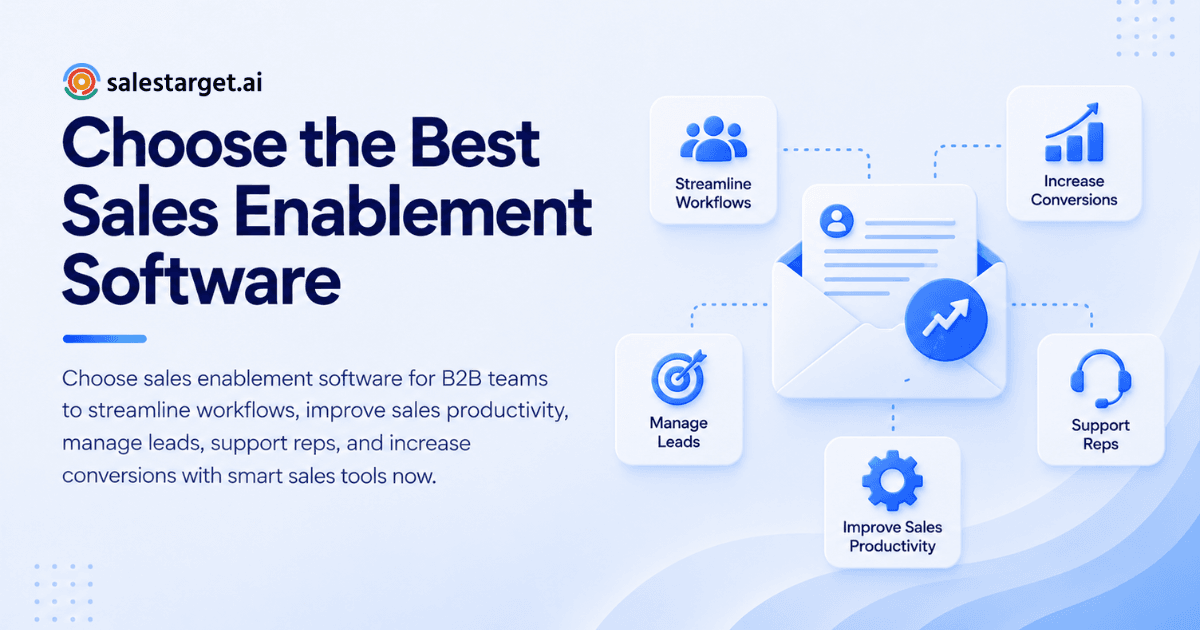
What is the best sales enablement software for a B2B team? It is the one that puts the right buyers, the right message, and the right next step in front of a rep in one place. To choose it, name the sales problem first, map where reps lose time, shortlist tools that cover those gaps, and test each against a real workflow before you commit.
Common Sales Enablement Challenges in B2B Sales Teams
What goes wrong with sales enablement? Reps cannot find what they need, new hires ramp slowly, and tools do not talk to each other.
Forrester research, originally from SiriusDecisions, estimated that 60% to 70% of B2B marketing content goes unused by sales. The content exists. Reps just cannot find it at the moment they need it.
Prospect data is a quieter problem. A team can train reps perfectly and still lose, since coaching on a list of stale contacts improves nothing. Add messaging that varies by rep, and managers end up inspecting activity instead of coaching outcomes. Our sales enablement software guide covers the category in more detail.
Sales Enablement Software: Core Functions and Applications
What does sales enablement software do? It helps reps find prospects, use approved content, learn faster, and move deals forward from one workspace.
Key Components of a Sales Enablement Platform
Most platforms combine content management, training and coaching, prospect data, outreach tools, CRM sync, and analytics. The mix varies. Some lean on content and learning, others on prospecting and execution. Decide which side your team is weaker on before you compare vendors.
Sales Enablement Software vs. CRM and Sales Engagement Tools
A CRM stores records and tracks deals. A sales engagement tool sends sequences. Enablement software covers the rest: what reps should say, who they should contact, and how they get better. Strong setups connect all three, so a reply in your inbox becomes a task in your CRM without anyone copying data.
Role of Sales Enablement Across the B2B Sales Cycle
Early in the cycle, enablement means data and targeting. Mid-cycle, it means messaging and follow-up. Late in the cycle, it means deal content and coaching on objections. A tool that only helps at one stage leaves gaps at the other two.
Business Benefits of Sales Enablement Software
Why do B2B teams invest in sales enablement? Reps sell more, leads convert better, and deals move without stalling.
Improved Sales Rep Productivity
Productivity comes from removing steps. When search, enrichment, outreach, and logging happen in one workflow, reps spend time on conversations. Gartner research found sellers who partner effectively with AI tools are 3.7 times more likely to meet quota than those who do not.
Better Lead Quality and Pipeline Conversion
Enablement raises conversion when reps start with the right accounts. Intent signals, verified contacts, and role-level filters mean fewer wasted touches. Pipeline improves because the top of the funnel improves, not because reps work harder.
Consistent Sales Messaging and Faster Deal Progression
When every rep starts from approved messaging, buyers hear one story. Deals move faster since fewer replies stall on "can you clarify what you do?" Managers also spot weak spots sooner, since variations are small.
Steps to Choose the Right Sales Enablement Software
How do you choose sales enablement software? Define goals, audit your workflow, check fit, compare options, and test on real work.
Define Sales Goals and Team Requirements
Write down one outcome: shorter ramp time, more qualified meetings, or higher win rates. Add team size, number of outbound channels, and who will own the tool. A vague goal produces a vague purchase.
Assess Existing Sales Processes and Workflow Gaps
Shadow a rep for an hour. Count tabs, copy-paste steps, and manual logging. The tasks that repeat daily are where software pays back first. Our look at how sales enablement software helps sales teams shows how to map those gaps.
Evaluate Software Compatibility With Your Sales Strategy
An outbound-led team needs prospect data and multichannel sequencing. A team selling to existing accounts needs content and account insights. Match the tool to the motion you run today, not the one in a vendor demo.
Compare Pricing, Scalability, and Integration Options
Compare the pricing model, not only the headline number: per-seat, platform-based, or usage-based. Ask what changes when you add reps, inboxes, or contacts. Confirm integrations with your calendar, Slack, and existing CRM before you shortlist.
Test Platforms Against Real Sales Workflows
Run a two-week trial with one rep and one segment. Measure time from search to first send, bounce rate, and replies handled. A tool that wins the demo and loses the trial is common. Start free with SalesTarget.ai and run that test on a live segment.
Key Features of the Best Sales Enablement Software
Which features matter most? Those that cut rep admin time and improve the quality of every touch.
Sales Content Management and Collateral Organization
Look for search that works, version control, and usage tracking so you can see which assets reps actually send. Honest note: SalesTarget.ai is built around prospecting and outreach, not a content library. If collateral is your main bottleneck, pair it with a dedicated tool.
Sales Training, Coaching, and Onboarding
New-hire ramp depends on practice and feedback, not slide decks. Look for call review, role-play, and onboarding paths. A good onboarding plan also gives new reps a live segment on day one. See our sales onboarding checklist.
B2B Lead Data Enrichment and Contact Verification
Check whether enrichment and verification happen at the moment you find the lead, or in a separate batch step later. The gap between the two is where data decays. Verified contacts at search time protect both reply rates and sender reputation.
Email and LinkedIn Outreach Automation
Reps should run both channels from one sequence, with warm-up, inbox rotation, and LinkedIn safety limits built in. Separate tools for each channel split context and double the setup.
CRM Integration and Sales Activity Tracking
Activity should log itself. Look for campaign leads that land in the CRM without imports, calls and emails written to the lead timeline, and tasks created when a lead replies.
AI-Powered Sales Assistance and Workflow Automation
AI should handle searching, drafting, and sorting, and leave strategy to people. Check that the assistant sits on your own data, so it can answer questions about your pipeline instead of giving generic advice.
Performance Analytics and Reporting
Reports should connect activity to outcomes: replies, meetings, deals, and revenue by campaign. A dashboard that only counts emails sent rewards volume.
Sales Enablement Software Comparison and Selection Criteria
How do you compare sales enablement platforms? Score each one on the same five criteria, using your own workflow as the test.
Feature Coverage and Ease of Use
List the five tasks your reps do most. Count how many clicks each takes in each tool. Coverage means little if the interface slows adoption.
Integration With Existing Sales Tools
Native integrations beat middleware. Check Google Calendar, Slack, Zapier, HubSpot, Salesforce, and Zoho support if those are part of your stack.
Data Accuracy and Email Deliverability
Ask where contact data comes from and when it is verified. Ask what protects your domains: warm-up, authentication checks, and pre-send validation. Many enablement tools skip this layer entirely.
Pricing Models and Total Cost of Ownership
Add up every tool the platform replaces: data, sequencing, validation, and CRM. A single platform often costs less to run than four subscriptions plus the admin time to keep them in sync.
Scalability for Growing Sales Teams
Check how setup scales: adding a rep, a mailbox, or a new segment should take minutes, not a project plan.
Why Choose SalesTarget.ai
Why pick SalesTarget.ai for enablement? It is an all-in-one AI sales intelligence and outbound platform: find a lead, enrich and verify it, run email and LinkedIn outreach, and close in a built-in CRM, all on one bill.
Lead Explorer for B2B Prospecting and Data Enrichment
Lead Explorer searches 840M+ verified professional profiles and 146M+ business entities, with 4,000+ intent signals. Search in plain English or stack filters. One-click enrichment unlocks verified email, phone, and mobile, with no CSV step.
Email and LinkedIn Outreach in One Workflow
Email Outreach builds sequences from a plain-English audience description and runs unlimited inboxes with AI warm-up. LinkedIn Outreach handles connection requests, DMs, and conditional follow-ups with built-in safety limits. Both channels run in one coordinated flow.
Email Validator for Better Deliverability
Email Validator runs MX and SMTP checks, flags disposable addresses, and scores risk before you send. It includes a real-time API, bulk cleaning, and connections to 60+ platforms. In Email Outreach, 90% of emails are validated before sending.
Built-In CRM for Sales Activity Management
The SalesTarget.ai CRM receives campaign leads automatically, logs every email and call, and creates follow-up tasks on replies. Reported outcomes include 3.2X faster deal cycles, 91% follow-up completion, and about 6 hours saved per rep per week.
AI Copilot for Sales Prospecting and Daily Tasks
AI Copilot is a conversational teammate included in the platform. Ask it to find leads, write a personalized sequence, check which campaigns drive revenue, or flag at-risk deals. Its Memory feature can pull your website content for on-brand replies, and your workspace data stays private.
One Platform for Connected Sales Workflows
The difference is the handoff. Enrichment happens when you find the lead, verification happens at enrichment, and the lead moves into a sequence and then the CRM without exports. Apollo gives data and engagement but needs add-ons for deliverability and a CRM. Instantly, Smartlead, and Lemlist focus on cold email without a native B2B database or CRM.
Common Sales Enablement Software Selection Mistakes
What mistakes do buyers make? They buy on features, ignore data, stack tools, skip training, and track the wrong numbers.
Prioritizing Features Over Actual Sales Needs
A long feature list hides the question that matters: will this remove a step my reps do every day? If you cannot name the step, do not pay for the feature.
Overlooking Data Quality and Deliverability
Content and coaching fail when emails bounce. Check verification and warm-up before you check dashboards.
Relying on Disconnected Sales Tools
Every extra tool adds a login, a sync, and a place for data to go stale. Count the manual handoffs in your current stack. That number is your hidden cost.
Ignoring Team Adoption and Training
Tools nobody opens deliver nothing. Name an owner, run a short rollout on one segment, and collect rep feedback in week one.
Focusing on Activity Metrics Instead of Revenue Outcomes
Emails sent and calls made are inputs. Track qualified meetings, opportunities, and closed revenue by campaign.
Sales Enablement Performance Metrics and ROI
How do you measure sales enablement ROI? Track time saved, meetings booked, conversion rates, cycle length, and revenue against software spend.
Sales Rep Productivity and Time Saved
Measure hours spent on research, data entry, and logging before and after. Compare to the benchmark of 70% non-selling time from Salesforce.
Outreach Engagement and Qualified Meetings
Track reply rate, positive reply rate, and meetings booked per sequence. Positive replies tell you more than total replies.
Lead-to-Opportunity Conversion Rates
Watch the share of leads that become opportunities by source. A rise here points to better targeting. A fall points to weak qualification or stale data.
Sales Cycle Length and Deal Conversion
Compare days from first touch to close for deals before and after rollout. Faster cycles show up in pipeline reviews before they show up in revenue.
Software Costs and Revenue Contribution
Divide revenue from enabled deals by total software spend, including the tools you retired. Count rep hours saved as a second return.
Conclusion: Building a More Efficient B2B Sales Process With the Right Software
The right sales enablement software removes steps between a rep and a conversation. It supplies verified buyers, protects deliverability, runs outreach on every channel, and logs the work without manual entry. The pain at the start of this guide, six tabs and a playbook nobody reads, comes from tools that were never built to work together.
SalesTarget.ai fixes that at the source. You find and enrich leads in one click, validate them before sending, run email and LinkedIn in one flow, and close in a CRM that fills itself. If your reps still stitch tools together, start free with SalesTarget.ai and test it on one live segment.