TL;DR
- Most prospect lists fail because they're built on one or two filters — usually industry and headcount — instead of a full targeting stack.
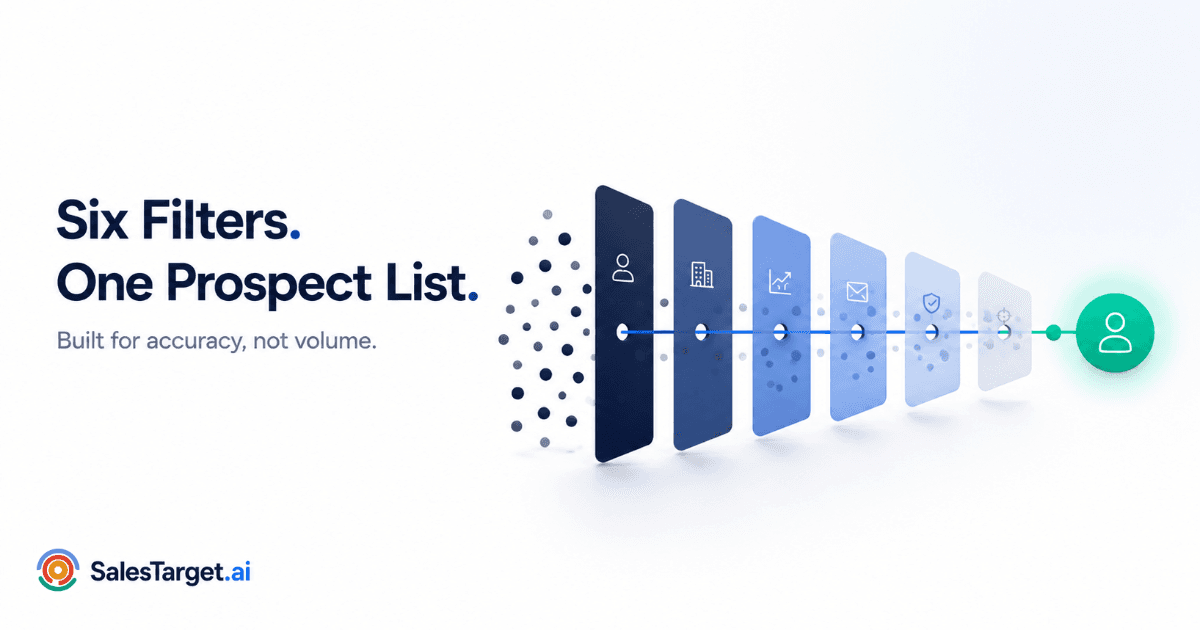
- The fix is a 6-filter framework: ICP → firmographic → technographic → signal → verified contact → enrichment check.
- Skipping verification and enrichment is the single biggest reason SDRs waste hours chasing dead or incomplete contacts.
- You can run all six filters inside Smart Prospect Search in under 30 minutes.
Your SDR team spent six hours building a list of 400 "perfect-fit" accounts. Three weeks later, the campaign booked four meetings. The list wasn't the problem — the filtering was. One layer of targeting, usually industry plus headcount, isn't a prospect list. It's a guess with a spreadsheet attached.
Why Most B2B Prospect Lists Fail Before Outreach Starts
Open most SDR lists and you'll find the same pattern: a company search tool pulled in a few hundred accounts matching an industry and a revenue range, someone exported it to a CSV, and the campaign launched the same afternoon. No technographic check. No buying signal. No verification pass. The list looks full. It isn't ready.
Research from Gartner on B2B buying journeys points to a structural problem behind this: buying committees are larger and more cross-functional than they used to be, which means a list built on firmographics alone is targeting the right company but rarely the right combination of people, timing, and context inside it. A sales lead search that stops at "right industry, right size" is solving maybe a third of the targeting problem.
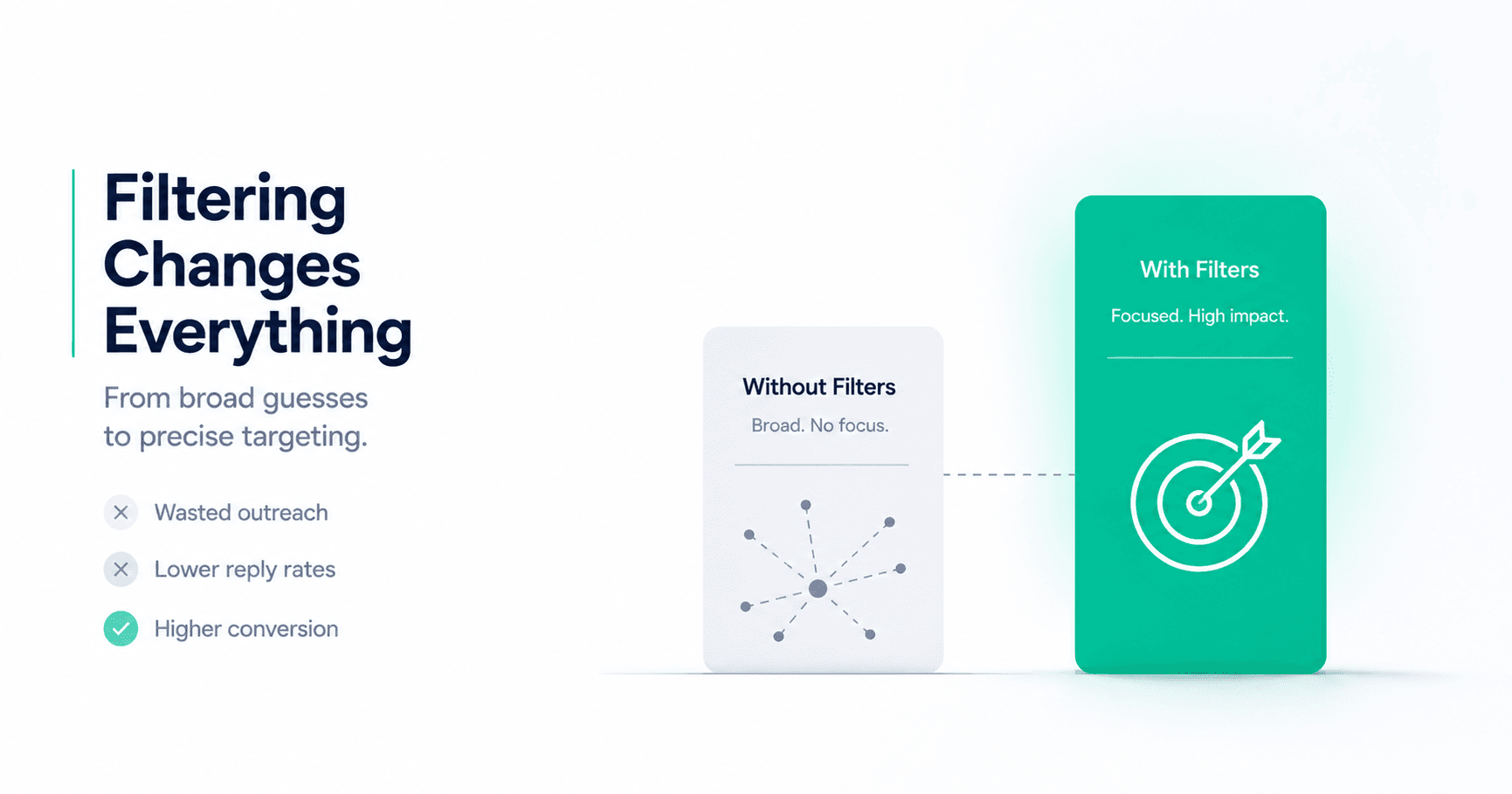
The teams getting meetings from cold lists aren't running better copy. They're running a deeper filter stack before a single email goes out. That's the entire difference between a B2B prospect finder that produces names and one that produces pipeline.
A Weak List vs. a 6-Filter List
Same starting universe of accounts. Same SDR. Same outreach tool. Here's what changes when you add the missing layers.
| Dimension | Industry + Size Only | Full 6-Filter List |
|---|---|---|
| Targeting accuracy | Broad — fits the category, not the moment | Narrow — fits the ICP, the stack, and the timing |
| Email deliverability | Unverified — bounces discovered mid-send | Pre-verified — bounces caught before launch |
| SDR time per qualified meeting | High — manual research fills the gaps | Low — context is already attached to each lead |
| Personalization depth | Generic — name and company only | Specific — tech stack and trigger event referenced |
The 6-Filter Framework for Building a Prospect List That Converts
Each filter removes a specific category of waste. Skip one and that waste shows up later — as a bounce, a cold reply, or an SDR re-doing research that should've been automatic.
Step 1: Define Your ICP
Start narrower than feels comfortable. A specific ICP — defined by industry, company stage, team structure, and buying behavior, not just "mid-market SaaS" — is what every other filter in this list builds on. Build it in ICP Builder before you touch a single targeting filter.
Step 2: Apply Firmographic Filters
Industry, headcount, revenue band, location, growth stage. This is where most teams stop — and it's the layer that gets you a long list of plausible accounts, not a short list of ready ones. Use Advanced Targeting Filters to stack these conditions instead of eyeballing a CSV.
Step 3: Add Technographic Filters
What's already in the tech stack tells you what's missing — and whether your product is even a fit. A company running three disconnected point tools is a very different prospect than one already running a consolidated platform. Layer tech-stack conditions on top of your firmographic filters, and if you want the deeper mechanics of stack-based targeting, the step-by-step guide to searching by industry, job title, and tech stack covers it in more depth.
Step 4: Layer Signal Filters
Firmographic and technographic filters tell you who's a fit. Signal filters tell you who's a fit right now — hiring sprees, funding rounds, leadership changes, expansion announcements. A fit account with no signal is a future prospect. A fit account with a live signal is this week's pipeline. Real-Time Signal Discovery handles this layer automatically instead of requiring manual news monitoring.
Step 5: Verify Contact Data
A perfectly filtered list with a bad email address converts to nothing. Every contact needs format, domain, MX record, and mailbox-level verification before it touches a sequence — not after the first bounce report comes in. This is what Verified Contact Data exists to catch.
Step 6: Run an Enrichment Check
Before you call the list done, check for gaps: missing job titles, missing direct dials, missing LinkedIn URLs, missing firmographic fields. An incomplete record forces your SDR to stop and research mid-sequence — which is exactly the manual work this whole framework is meant to remove. Run the list through Lead Enrichment as the final pass.
How to Run All 6 Filters Inside SalesTarget.ai in Under 30 Minutes
| Step | What you do | Time |
|---|---|---|
| 1. ICP | Build or select a saved ICP profile | ~5 min |
| 2–3. Firmographic + technographic | Stack filters inside Smart Prospect Search | ~10 min |
| 4. Signal | Add live signal conditions to the same search | ~5 min |
| 5–6. Verify + enrich | Runs automatically as the list is pulled | ~5–10 min |
The reason this takes minutes instead of a full afternoon isn't speed for its own sake — it's that verification and enrichment happen inline, not as a separate cleanup step after the list is "done." There's no second pass.
Mistakes That Quietly Kill Prospect List Quality
Stopping at firmographic filters
Mistake
Industry and headcount tell you a company could be a fit. They never tell you it's a fit right now. Without technographic and signal layers, you're sending to a list that's correct on paper and cold in reality.
Treating verification as a post-bounce fix
Mistake
By the time a bounce report tells you the list had bad addresses, your sender reputation already took the hit. Verification belongs before launch, not after.
Pulling the list once and reusing it for months
Mistake
Signal data has a shelf life measured in weeks, not quarters. A list that was hot when it was pulled goes cold fast — re-run the signal layer before every new wave of outreach, not just the first one.
Build your next prospect list with all six filters built in.
ICP, firmographic, technographic, signal, verification, and enrichment — in one search, not six tools.
✓ 50 credits ✓ 7-day trial ✓ No credit card required
Frequently Asked Questions

See It In Action: Book Your Free Demo
Get a personalized walkthrough and see how it works for your team.
Book My Demo →