Your list has 500 contacts. Forty of them still work at that company. Half the emails bounce. Your best rep spends her morning cross-checking LinkedIn profiles instead of dialing anyone. This is what most B2B teams call "prospecting," and it eats hours that should go toward closing deals.
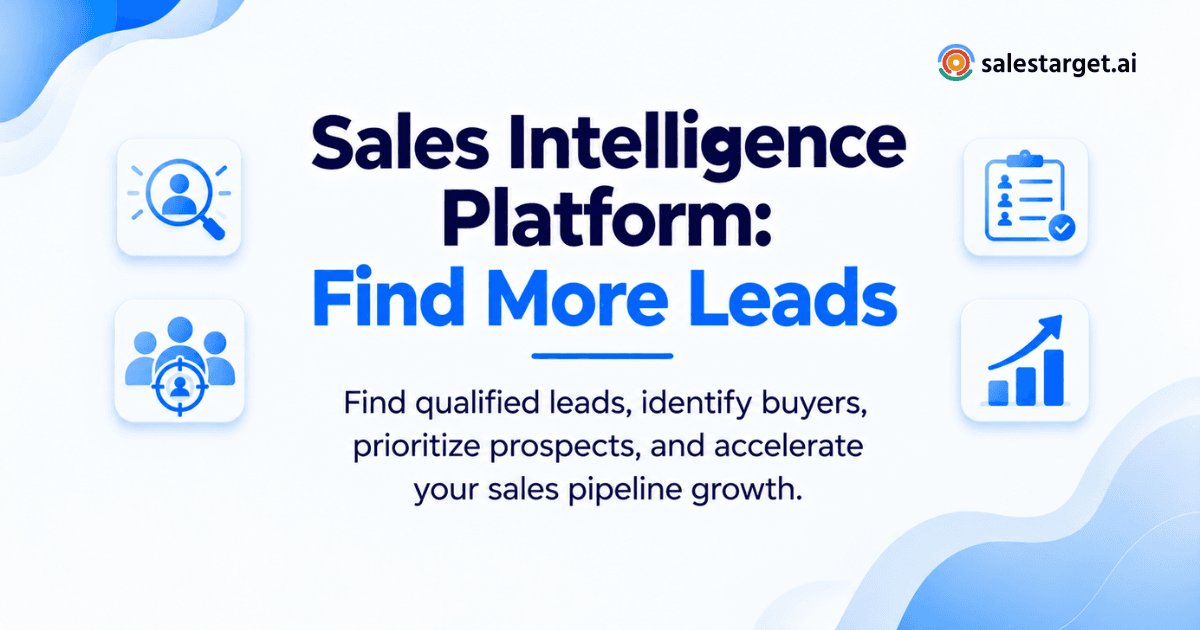
A sales intelligence platform fixes this by pulling verified contact data, buying signals, and outreach tools into one workspace. It shows sales teams which companies are actively shopping for a solution right now, hands over the right decision-maker's verified email and phone number, and pushes that lead straight into a sequence. No spreadsheets. No guesswork. Just a list of people worth calling, built in minutes instead of days.
What a Sales Intelligence Platform Does for B2B Sales Teams
A sales intelligence platform pulls together company data, contact data, and buyer intent signals so reps can find, rank, and reach the accounts most likely to buy. Instead of hunting across ten browser tabs, a rep opens one search, filters by role and industry, and gets a verified contact ready for outreach.
The stronger platforms go past a static database. SalesTarget.ai pairs a pool of 840M+ professional profiles with real-time signal tracking, so a rep sees not just who fits the target profile, but who is showing buying signals this month.
The Role of Sales Intelligence in B2B Lead Generation
Building prospect lists around the ideal customer profile
Sales intelligence software lets a team set filters (industry, headcount, revenue, tech stack, seniority) and pull a matching account list in one pass. This replaces the old habit of building lists one LinkedIn search at a time.
Identifying qualified prospects from large databases
Big databases only help when the filtering is precise. A platform with layered filters (Business plus People criteria) separates a genuine fit from a name that happens to share a job title.
Prioritizing accounts with stronger buying signals
Not every match is ready to buy today. Signal tracking (funding rounds, hiring spikes, leadership changes, tech adoption) tells a rep which accounts to call first.
Turning lead intelligence into sales opportunities
Data on its own does not close deals. The value shows up when a verified contact, a relevant signal, and a first outreach message land in front of a rep at the same moment, inside the same tool.
How Sales Teams Use Sales Intelligence for Prospecting
Define the ideal customer profile
Reps and RevOps map the traits of past closed-won accounts (industry, size, region, tech stack) and turn that into a repeatable search template. A platform with an ICP Builder saves this template so a team runs it every week instead of rebuilding it by hand.
Find accounts that match your target market
Once the ICP is set, the platform runs it against a live database and returns a ranked account list. SalesTarget.ai's Lead Explorer lets a rep type a plain-English search ("VP of Sales at Series B SaaS companies in the US") instead of stacking a dozen filters by hand.
Identify the right decision-makers
A company match means nothing without the right person inside it. Role and seniority filters surface the buyer or influencer, not just any employee with a matching title.
Enrich and verify prospect information
Raw names are not enough. Enrichment adds a verified professional email, personal email, phone, and mobile number, checked at the moment the record is pulled, not months earlier when the data was first scraped.
Prioritize leads for outbound sales
With intent data layered in, a rep can sort a list by signal strength and work the warmest accounts first instead of dialing top to bottom in alphabetical order.
Connect qualified leads with sales outreach
The final step moves a lead from "found" to "contacted." Leads pushed straight into an email and LinkedIn sequence skip the CSV export and manual upload that slows most teams down.
Key Sales Intelligence Features That Help Find More Leads
B2B prospect databases and sales lead data
A wide, current database is the foundation. Depth matters as much as size: a database with 840M+ profiles and 146M+ business entities gives a rep enough volume to find a fit in almost any market or region.
Advanced search and ICP targeting
Search that combines Business filters (industry, revenue, tech stack) with People filters (role, department, seniority) narrows a broad market into a workable, high-fit list in one pass.
Contact data enrichment and verification
Enrichment turns a name into a reachable contact. Verification at the point of enrichment (not at the point the data was scraped) keeps bounce rates down and protects sender reputation.
Intent signals and buyer activity
Bombora Intent Topics and business-event tracking (funding, hiring, leadership moves, awards) on a 30 to 90 day lookback flag accounts that are actively researching a category, not just accounts that technically match a filter.
AI prospecting and lead discovery
Plain-language search lets a rep describe a target buyer in a sentence instead of learning a filter syntax. This cuts the time between "who should I call" and "here's my list."
CRM and sales outreach connections
A lead is only useful once it reaches a rep's workflow. Leads that flow straight into a built-in CRM and sequence tool skip the manual handoff that causes leads to sit untouched for days.
Sales Intelligence Platform vs. Traditional Lead Generation Methods
Manual prospect research vs. automated lead discovery
Manual research means one rep, one browser tab, one profile at a time. Automated discovery runs the same search logic across millions of profiles in seconds, freeing the rep to work the results instead of building them.
Static contact lists vs. enriched sales data
A purchased list goes stale the day it lands. Enriched data pulled and verified at search time reflects a person's current role, company, and contact details, not a snapshot from a past export.
Generic prospecting vs. ICP-based targeting
Blasting a broad audience wastes send volume on people who were never going to buy. A Gartner survey found that 73% of B2B buyers actively avoid vendors that send irrelevant outreach, which makes ICP-based targeting a reply-rate issue, not just an efficiency one.
Separate sales tools vs. connected prospecting workflows
Running data, email, LinkedIn, verification, and a CRM as five separate tools creates five places for a lead to get lost. A connected workflow keeps the same lead record moving from discovery to close without a single manual export.
Why Choose SalesTarget.ai for B2B Sales Intelligence
Teams comparing options before they commit to one tool can see the full breakdown in this best sales intelligence platform for B2B sales teams guide. Here is what sets SalesTarget.ai apart.
Find and enrich B2B leads with Lead Explorer
Lead Explorer searches 840M+ verified professional profiles and 146M+ business entities, with enrichment built into the same click as the search. A rep gets a verified email, phone, and mobile number without switching tools.
Connect prospecting with email and LinkedIn outreach
Once a lead is found, it moves straight into a coordinated email and LinkedIn sequence, with context carrying across both channels instead of resetting with each new tool.
Verify contact data before starting outreach
Email addresses get checked with MX and SMTP validation and disposable-email detection before a single message sends, which keeps bounce rates down and domains off blacklists.
Manage prospects and opportunities in the built-in CRM
Campaign leads land in the CRM automatically, with every call and email logged to the lead's timeline and follow-up tasks created without a rep having to remember to set them.
Use AI Copilot for faster sales prospecting
AI Copilot is a free conversational assistant inside the platform. A rep can ask it to find leads, draft a full sequence, or pull a CRM report in plain language, freeing time for the parts of the job that need a human.
Common Sales Intelligence Mistakes That Reduce Lead Quality
Building large lists without clear ICP targeting
A list of 10,000 names sounds impressive and converts worse than a list of 500 that actually match the ICP. Size without fit just means more time wasted per meeting booked.
Using outdated or unverified contact data
HubSpot's own research found that 96% of prospects research a vendor on their own before ever speaking with a rep, so a bounced email or a wrong number costs more than a failed send. It costs a shot at the deal.
Ignoring buyer intent and account signals
Reaching out to an account with zero recent activity is a cold guess. Reaching out right after a funding round or a leadership change is a warm, timely message.
Measuring lead volume instead of qualified opportunities
Tracking "leads generated" instead of "meetings booked from qualified leads" rewards the wrong behavior and hides a data-quality problem behind a big number.
Creating gaps between prospecting, outreach, and CRM
Every handoff between separate tools is a place where a lead sits untouched. A rep who has to manually move a contact from a spreadsheet into an email tool and then into a CRM will lose leads at each step.
Turning Sales Intelligence Into a Repeatable Lead Generation Process
Start with high-fit accounts
Set the ICP filters once (industry, size, region, tech stack) and save the search so the team runs the same high-fit criteria every cycle instead of starting from scratch.
Find relevant decision-makers
Layer role and seniority filters on top of the account list to reach the person who actually owns the buying decision, not a generic company inbox.
Enrich and verify prospect data
Pull verified email, phone, and mobile data at the moment a lead is added to the list, so outreach starts with current, working contact details.
Prioritize prospects using intent signals
Rank the enriched list by signal strength (funding, hiring, tech adoption, topic research) and work the warmest accounts first.
Launch targeted sales outreach
Push the prioritized list straight into an email and LinkedIn sequence built around the ICP's actual pain points, not a generic template.
Track qualified leads through the sales pipeline
Route replies into a shared CRM pipeline, with deal stages, tasks, and call notes logged automatically so nothing depends on a rep's memory. According to Salesforce's State of Sales research, reps spend only about 30% of their week actually selling; a process built around these five steps returns a meaningful share of that time to actual conversations.
Conclusion: Use Sales Intelligence to Build a Better Lead Pipeline
Bad data, cold guesses, and disconnected tools are the real reason most prospecting hours go to waste, not a lack of effort from reps. A sales intelligence platform closes that gap by combining a verified database, live buying signals, and outreach in one place, so a rep spends the morning talking to prospects instead of chasing them.
SalesTarget.ai brings Lead Explorer, verified enrichment, multichannel outreach, a built-in CRM, and a free AI Copilot into a single workspace built for outbound teams, not enterprise bloat. If the list your team is working from today is more guesswork than data, start a free trial and see what a verified, signal-ranked pipeline looks like.