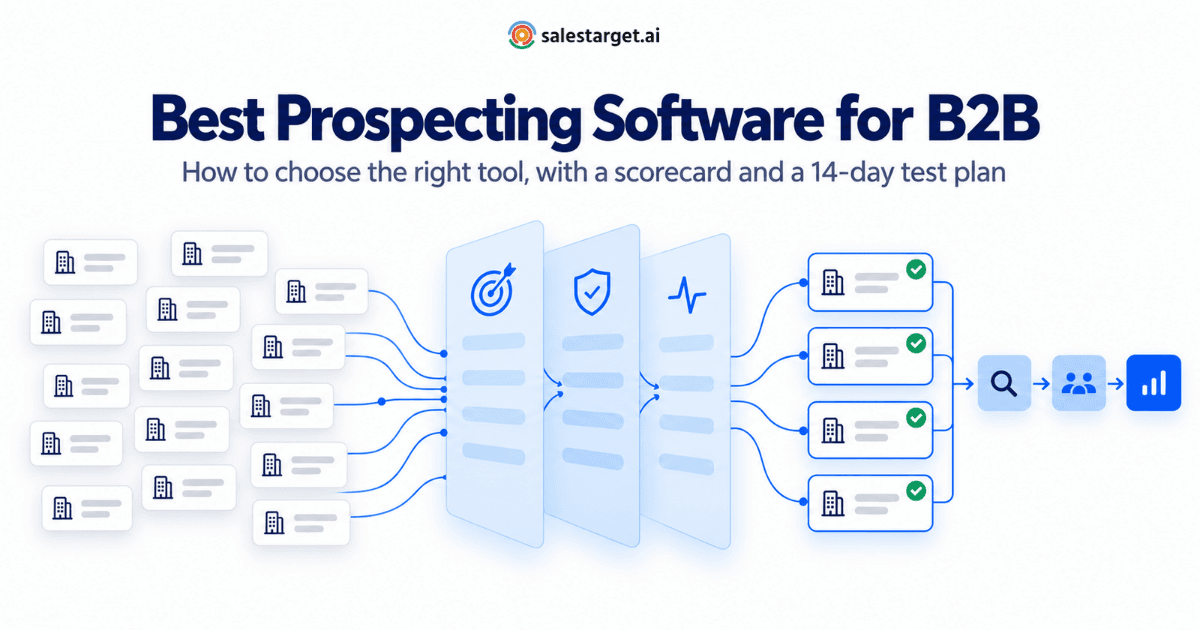
The best prospecting software for B2B is the one that reliably finds accounts matching your ideal customer profile, confirms contact details close to the moment you use them, shows which accounts have a reason to buy now, and passes qualified prospects to your outreach and CRM without manual cleanup. No single product wins on all of that for every team. The dependable way to choose is to work out which type of tool fixes your bottleneck, score your shortlist against the same criteria, and test it on your own market before you commit.
This guide gives you that process: a map of the five types of prospecting software, nine evaluation criteria, a weighted scorecard you can copy, and a 14-day pilot plan.
What does B2B prospecting software actually do?
B2B prospecting software helps sales and marketing teams find companies and people that fit their target market, decide which are worth contacting, confirm how to reach them, and move them into outreach. Most products cover some combination of five jobs:
- Discover: search companies and contacts by industry, size, location, technology and role.
- Qualify: narrow results to your ICP and rank them by fit or timing.
- Verify: confirm that email addresses and phone numbers still work.
- Enrich: add the company and contact context reps need to personalize.
- Hand off: move records into a sequencer, a CRM or an export without breaking the data.
The stakes are mostly about time. Salesforce’s State of Sales research found that reps spend just 28% of their week actually selling. Buyers are just as short on attention: Gartner research finds that B2B buyers spend only 17% of a purchase journey meeting potential suppliers, and when they compare several, any one sales rep may get 5–6% of their time. Good prospecting software protects both sides of that equation - fewer rep hours lost to research and data cleanup, and better-aimed conversations when you do reach a buyer.
If your process is still taking shape, map out a repeatable active prospecting workflow first, then choose software that fits it rather than the other way round.
The five types of B2B prospecting software
“Prospecting software” covers products that do quite different jobs. Most fall into one of five types, and knowing which one you need cuts a long vendor list down quickly.
| Type | What it does | Best for | Watch out for |
|---|---|---|---|
| Contact and company databases | Searchable records of businesses and professionals, with filters and contact details | Teams whose main need is building targeted lists quickly | Records that were accurate when collected but haven’t been rechecked; headline size that hides thin coverage in your niche |
| Sales intelligence and signal platforms | Add company context and timing signals such as funding, hiring, leadership changes and topic research | Teams with a clear ICP that need to decide who to contact first | Signals that are already old when you act on them; treating interest as qualification |
| Enrichment and data-orchestration tools | Fill gaps in records you already hold, often by combining several data sources | Ops-led teams with a CRM full of incomplete records | Setup and upkeep effort; someone has to own the workflows |
| Network-based prospecting tools | Find and research people through professional networks and shared connections | Relationship-led selling and deep account research | Often no verified email or phone; usually paired with another data source |
| All-in-one prospecting platforms | Combine search, enrichment, verification, signals and handoff to outreach or CRM in one workflow | Lean teams and SDR teams losing time moving data between tools | Breadth can hide a weak component - test each part, not just the whole |
Plenty of teams combine two types, such as a database plus a signal layer. That can work well, but every extra tool adds a handoff, so integration quality matters more the more tools you run.
Nine criteria for evaluating prospecting software
Use these criteria for every tool on your shortlist. Each one includes a quick way to test it during a trial, so you’re scoring evidence rather than demo claims.
1. Data accuracy in your market
Database size is the easiest number for a vendor to quote and the least useful on its own. A huge index means little if coverage is thin in your industry, region or seniority band. What matters is how many records match your ICP and how many of those are correct.
How to test it: pick 50 people you know are current, such as recent customers and contacts on open opportunities. Search for each one and record whether the tool found them, whether title and company are right, and whether the email is valid.
2. When and how contacts are verified
A “verified” label means little without a date attached. People change jobs constantly, so the real question is when verification happens: when the data was first collected, on a refresh schedule, or at the moment you unlock the record. Ask which email checks run - syntax, domain and MX record, mailbox-level SMTP, catch-all detection - and how phone numbers are confirmed. Our four-layer email validation check explains what each layer catches.
List quality also affects whether your email reaches the inbox at all. Mailbox providers expect senders to keep complaints low; Google’s sender guidelines, for example, ask senders to keep user-reported spam rates below 0.1% and never let them reach 0.3%. Accurate, well-targeted lists make that much easier to sustain.
How to test it: ask for the verification date on a sample of records, then run a batch of unlocked emails through your own validator and compare the results.
3. Company intelligence depth
Strong prospecting starts at the account, not the contact. Look for firmographic data such as industry, headcount, revenue, headquarters and founding year, plus technographic data that shows which tools a company already runs. These fields let you rule accounts in or out before anyone looks at a single contact.
How to test it: take ten target accounts you know well and check whether the size, location and tech stack shown match reality.
4. ICP filtering and segmentation
Test whether the tool can express your real ICP, not a simplified version of it. Can you combine industry, size, revenue, geography, seniority, department and technology in a single search? Can you save that search as a segment and rerun it as new accounts qualify? Can you keep separate segments for different products or regions? If your ICP still needs work, start by defining it from your best closed-won customers.
How to test it: write your ICP as one sentence, then count how many of its conditions you can apply at once.
5. Enrichment coverage and speed
Enrichment should add the fields your reps actually use — verified contact details, company context and signals — at the point they need them. Check fill rates for the fields that matter to you (direct dials in your region, for example) and whether enrichment happens during discovery or as a separate batch job that leaves records half-finished.
How to test it: enrich 100 records and count how many come back with every field your outreach sequence needs.
6. Buying signals you can act on
Signals help you decide who to contact first, not whether someone belongs on your list. Evaluate three things: where the signal comes from (topic research, funding, hiring, leadership changes and other company events), how recent it is, and whether you can combine it with ICP filters in the same search. An account showing interest but sitting outside your ICP is still a weak prospect. For more on timing, see how to stack and time buying signals.
How to test it: ask how old the oldest signal in your results can be, and whether you control the lookback window.
7. Workflow integration
The handoff is where much of the hidden cost in prospecting sits. Check native sync with your CRM (field mapping, duplicate handling, updates in both directions), how records reach your sequencing tool, and whether exports keep verification status attached. Every manual CSV step is another chance for data to go stale or duplicates to multiply.
How to test it: push 25 records into your CRM and look for duplicates, empty fields and lost verification status.
8. Usability and adoption
If reps avoid the tool, its data quality doesn’t matter. Watch a rep — not an admin — turn a real request such as “VPs of Finance at logistics companies in Germany” into a usable, verified list. Plain-language search and saved filters can shorten that path, but only real requests show whether they do.
How to test it: time how long each rep takes to build a 50-contact list without help.
9. Scalability, governance and compliance
As a team grows, it needs permissions, shared segments, suppression lists for customers, open opportunities and do-not-contact records, visibility into usage, and bulk or API access. Ask each vendor how it sources data and how it supports privacy obligations such as GDPR and CCPA in the regions you sell into, and bring legal or security into the evaluation rather than after signing.
How to test it: ask for written answers on data sourcing, opt-out handling and suppression, and have your legal team review them.
A weighted scorecard you can copy
Score each finalist from 1 to 5 on every criterion, multiply by the weight, and add up the results. Start with these default weights, then adjust them for your team.
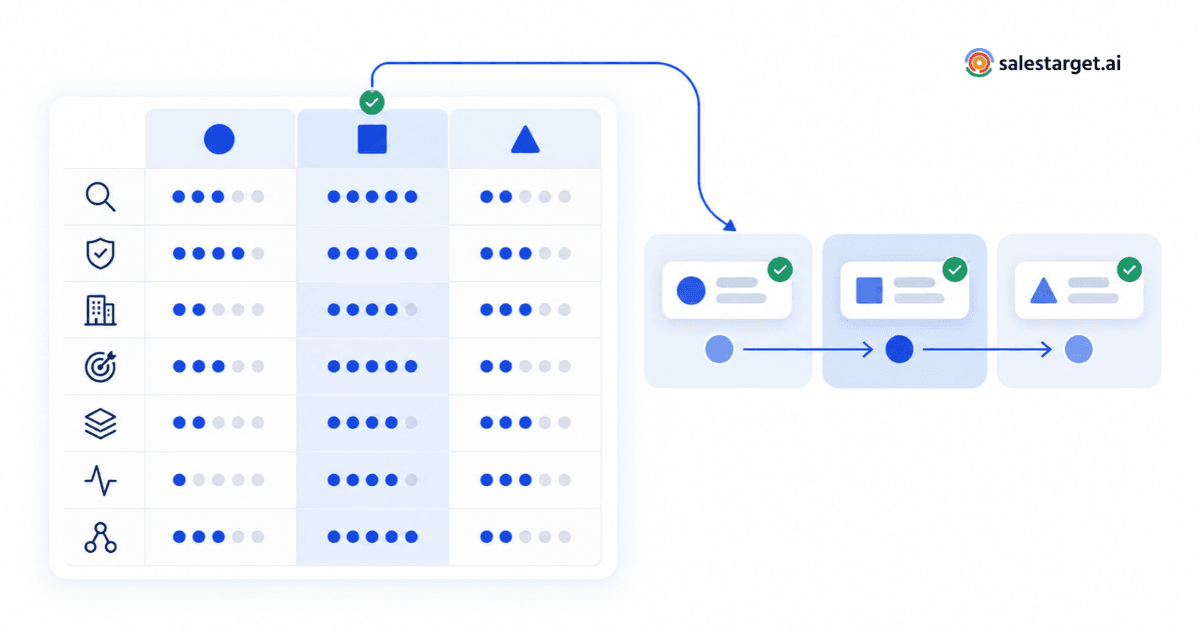
| Criterion | Default weight | What a 5 looks like |
|---|---|---|
| 1. Data accuracy in your market | 20% | Most of your 50-person sample found, with current titles and valid emails |
| 2. Verification timing and method | 15% | Checked when you unlock the record; mailbox-level checks; catch-alls flagged |
| 3. Company intelligence depth | 10% | Size, location and tech stack match what you know about your test accounts |
| 4. ICP filtering and segmentation | 15% | Your full ICP in one saved search, with separate segments where needed |
| 5. Enrichment coverage and speed | 10% | Every field your sequence needs, filled during discovery |
| 6. Buying signals | 10% | Sourced, recent signals you can combine with ICP filters |
| 7. Workflow integration | 10% | Clean CRM sync and handoff to outreach with no CSV steps |
| 8. Usability and adoption | 5% | Reps build a verified list unaided in minutes |
| 9. Scalability and compliance | 5% | Clear permissions, suppression and data-sourcing answers |
| Total | 100% |
Adjusting the weights for your team
| Team | Usually weight higher | Usually weight lower |
|---|---|---|
| Founder-led sales or first sales hire | Usability, workflow integration | Governance, API access |
| SDR / BDR team | Data accuracy, verification, usability | Deep company intelligence |
| RevOps-led organization | Integration, governance and compliance | Ease of first use |
| Demand generation and ABM teams | Company intelligence, buying signals | Raw contact volume |
Keep the total at 100% so scores stay comparable across vendors.
Run a 14-day pilot before you commit
A short, structured pilot settles more than any number of demos. Give every vendor the same brief and measure the same things.
- Days 1–2 — Write the brief. Define two segments, your core ICP and one stretch segment, as specific filters. Every vendor gets the same document.
- Days 2–4 — Run the known-contact test. Search for your 50-person sample in each tool. Record match rate, title accuracy and email validity.
- Days 4–7 — Build live lists. Have reps build 200 net-new prospects per segment in each tool. Check a random 30 by hand for ICP fit, and note build time and the share with a verified email.
- Days 7–12 — Send a small, identical sequence. Use a limited batch from each tool with the same copy and sending setup. Track bounces, replies and positive replies, and keep volume low to protect your domain.
- Days 12–14 — Test the handoff and score. Push records into your CRM, check duplicates and field mapping, gather rep feedback and complete the scorecard.
Small batches won’t give statistically precise reply rates, so treat the send results as a sanity check and give more weight to the accuracy and verification measurements.
Questions to ask every vendor
- When was this record last verified, and what triggers re-verification?
- Which email checks run, and how are catch-all domains labeled?
- What share of records in our segment have a verified email? What share have a direct phone number?
- Where do your buying signals come from, and how old can a signal be when we see it?
- How does data reach our CRM, and how are duplicates handled?
- How do you source your data, and how do you support our privacy obligations?
- What happens to our saved segments and exported data if we stop using the product?
Mistakes that lead teams to the wrong tool
- Buying on headline database size. Coverage of your segment matters more than the total.
- Testing on the vendor’s demo data. Demos use searches the product handles well. Your own sample shows how it handles yours.
- Treating intent as qualification. Signals tell you when to reach out, not whether an account fits.
- Ignoring the handoff. A tool that saves an hour of research but adds an hour of CSV cleanup hasn’t saved anything.
- Leaving reps out of the pilot. Adoption problems show up in the first week of real use, not in a procurement review.
- Verifying once and never again. Lists decay while they sit; a monthly prospect list audit keeps saved segments usable.
Where SalesTarget.ai Lead Explorer fits
If your scorecard points toward an all-in-one prospecting platform, Lead Explorer is built for that job: discovering, qualifying, verifying and enriching B2B prospects in one workflow. Here is how its published capabilities line up with the criteria above.
| Criterion | What Lead Explorer provides |
|---|---|
| Company intelligence | Search across 96M+ business entities and 840M+ professional profiles. Company data includes size, revenue, headquarters, industry codes, founding year and tech stack by department. |
| ICP filtering | AI search in plain English, or Business and People filters for industry, role, company size, revenue, location, tech stack and intent topics. The ICP Builder saves filter profiles as reusable segments. |
| Verification | Professional email, personal email, phone and mobile are verified at the point of enrichment, with a deliverability signal on emails. Has Email and Phone Number filters show availability before you unlock a record. |
| Enrichment | One-click enrichment adds contact details, firmographics, tech stack and intent data in the same step as discovery. |
| Buying signals | Intent Topics (Bombora) and business-event filters such as funding, hiring, leadership changes and partnerships, with a 30–90 day lookback that works alongside ICP filters. See Real-Time Signal Discovery. |
| Workflow integration | Export to your outreach tool, push to the built-in CRM or to HubSpot, Salesforce, Pipedrive or Zoho, or launch a sequence inside SalesTarget.ai. |
Put it through the same pilot as any other option: your own sample, your own segments, your own scorecard.
Put your shortlist to the test
Choose the type of tool that matches your bottleneck, score every finalist with the same weights, and let two weeks of testing on your own market make the decision. If an all-in-one approach fits, see how Lead Explorer handles discovery, verification, enrichment and buying signals in a single workflow.